
Infography logo

Infography

Infography is a tool designed to transform traditional, text-based blog content into visually appealing, easy-to-understand infographics. Its purpose is to facilitate the simplification of complex inf

Got a blog post that needs to become shareable content while you're commuting? Infography turns any blog URL into an infographic in two seconds flat. Drop in a link or text prompt. Watch it generate visual content…

Infography screenshot

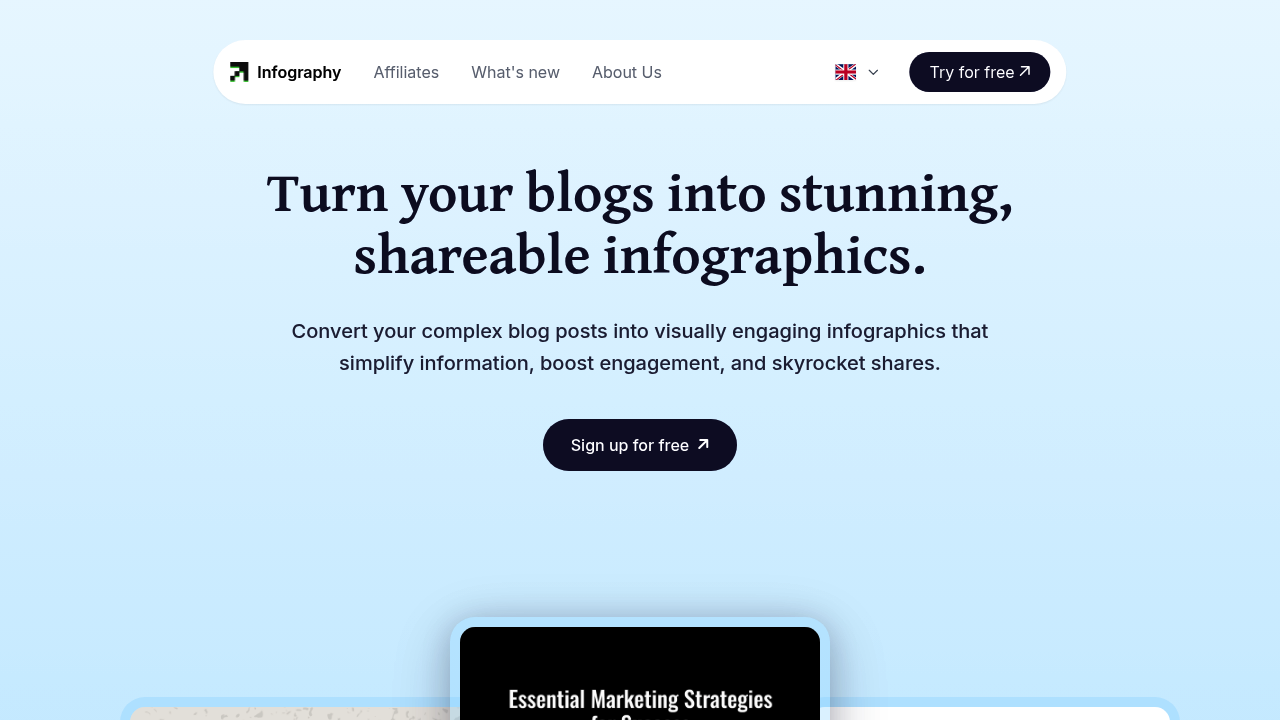
Got a blog post that needs to become shareable content while you're commuting? Infography turns any blog URL into an infographic in two seconds flat. Drop in a link or text prompt. Watch it generate visual content faster than you can finish reading this sentence.

The workflow couldn't be simpler. Paste your blog post URL. Hit generate. Customize with your brand colors and fonts. Add your logo if you want. Download and share across Pinterest. Facebook. Twitter. Takes about two minutes versus the traditional 9-12 hours.

A social media manager juggling five client accounts would find this useful.

Instead of briefing designers and waiting days for revisions, you can create infographics during your lunch break and have content ready for afternoon posts.

Infography charges fifty cents per design compared to the typical $350+ for custom work. There's a free signup to test it out. Infography claims millions of infographics generated across 100+ countries — though the interface feels basic compared to full-featured design tools.

API integration lets you embed infographic generation directly into content management systems. Marketing teams can automate visual content creation without leaving their existing workflows. Content creators get SEO benefits through embedded keywords in the visual designs.

Won't replace professional designers for complex projects. But it'll handle the bulk of your visual content needs without the wait times or budget drain.


Infography alternatives

See all →

Frequently asked

7 questions
How does Infography's API integration work with existing content management systems?
You can embed Infography's generation capabilities straight into your CMS through their API. Marketing teams get to create infographics automatically -- no more jumping between different platforms. The API grabs content from your system and spits out finished visual designs that you can publish right away.
What file formats can I download from Infography after creating an infographic?
The tool creates downloadable infographics that're optimized for social media sharing. We're talking Pinterest, Facebook, and Twitter here. The exact file formats aren't specified, but they're built to meet each platform's requirements. You can customize everything with your brand colors, fonts, and logo before downloading.
Does Infography work with any blog platform or just specific ones?
You can paste any blog post URL into Infography -- doesn't matter what platform it's on. The tool extracts content from that URL and turns it into visual format. Don't have a URL? You can also input text prompts directly.
How many infographics can I create with Infography's free signup?
Infography offers free signup to test things out, but they don't specify exactly how many free designs you get. After that, each design costs fifty cents. This pricing's pretty accessible if you want to test multiple designs without dropping serious cash upfront.
What are the main limitations when using Infography compared to hiring professional designers?
The interface feels pretty basic compared to full-featured design tools. You won't get the same customization level as professional work -- that's for sure. It's best for standard visual content needs rather than complex, highly customized projects. The tool basically trades advanced design capabilities for speed and cost savings.
Can Infography handle SEO optimization in the infographics it creates?
Yep, Infography embeds keywords into the visual designs for SEO benefits. Your infographics can help with search engine visibility while serving as shareable social content. The tool automatically grabs relevant keywords from your source content and works them into the design.
How long does the customization process take after Infography generates the initial design?
The entire workflow takes about two minutes from URL input to final download. This includes initial generation plus time to add your brand colors, fonts, and logo. The customization options are streamlined to keep things quick -- you won't find extensive design controls here.

Traffic

Estimated monthly website visits · last 9 months

21.5K visits/mo
Monthly visits
21.5K
↓ 1.8% MoM
Global rank
#1,272,440
IN #145,882
Category rank
#12
AI Infographic Generator
52.6K 44.8K 37K 29.3K 21.5K Nov 2025: 52.6K visits Nov 2025 Dec 2025: 42.9K visits Dec 2025 Jan 2026: 38.7K visits Jan 2026 Feb 2026: 33.5K visits Feb 2026 Mar 2026: 41.3K visits Mar 2026 Apr 2026: 29.2K visits Apr 2026 May 2026: 31.6K visits May 2026 Jun 2026: 21.9K visits Jun 2026 Jul 2026: 21.5K visits Jul 2026

Reviews (0)

Write review

No reviews yet. Be the first to share your experience.