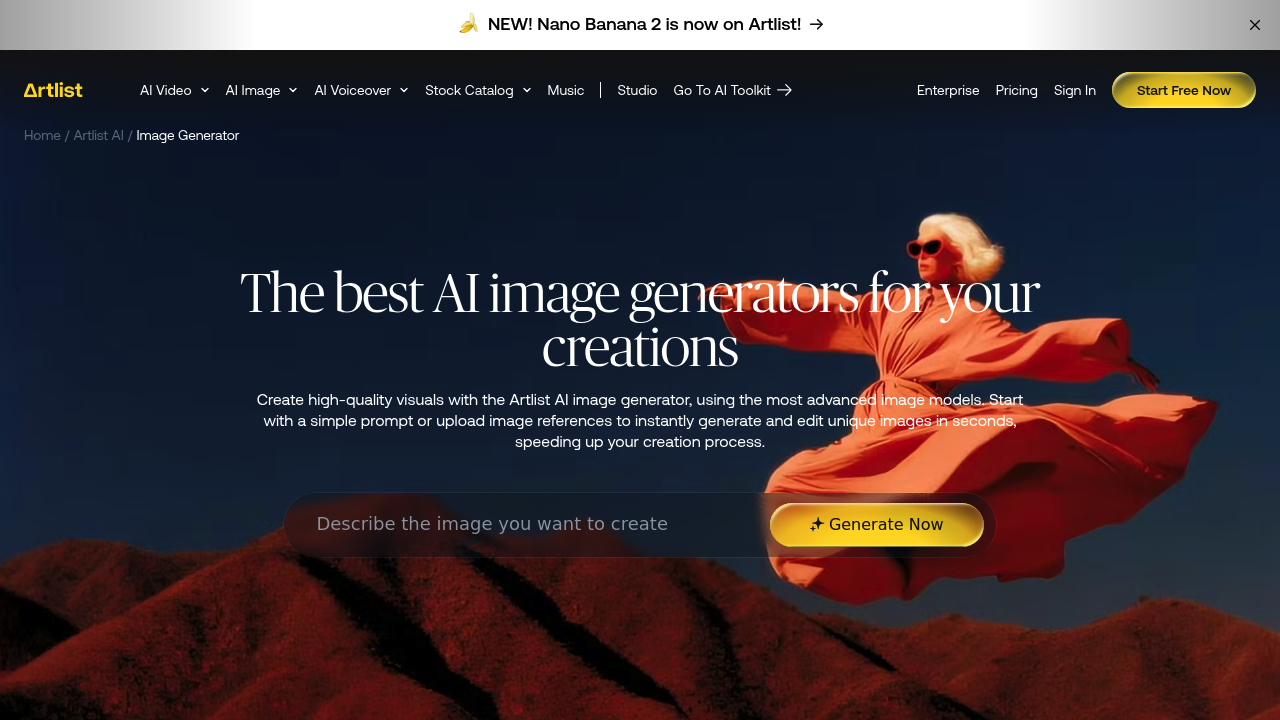
Artlist's AI image generator turns written prompts into high-quality visuals in seconds. It sits inside the Artlist AI platform and gives access to more than 29 image models in one place, including Recraft 4.1 Vector for clean vector work, Qwen Image 3.0 for text-heavy graphics, Luma Uni-1, Krea 2, Seedream, Flux.2 and Ideogram V3. You choose a model, write a prompt, upload references to control style, and generate in any aspect ratio. Artlist says each output is commercially licensed.
It is built for creators who would otherwise juggle several subscriptions: filmmakers and concept artists drafting cinematic frames, marketers making social and campaign assets, designers who need logos or flat illustrations, and agencies producing client work that must be safe to publish. Video teams benefit because the same account also covers AI video, voice, music, avatars and dubbing, so images can feed straight into a larger production. Beginners can follow the three-step flow of picking a model, writing a prompt and refining results.
Scenarios include building a storyboard for a short film, producing production-ready images for a video edit, creating multilingual posters or infographics with legible text, and exporting a vector logo as an SVG. Teams can run the generator in the AI Toolkit, inside more than 70 creative apps, through Artlist Flows, or from other AI assistants by way of Artlist MCP. Reference images help keep a character or visual style consistent between shots, and the model list lets you test one idea across several engines to see which handles photorealism, typography or illustration best.