
Remove.bg logo

Remove.bg

Background removal that handles the hard cases

145 views
Visit remove.bg
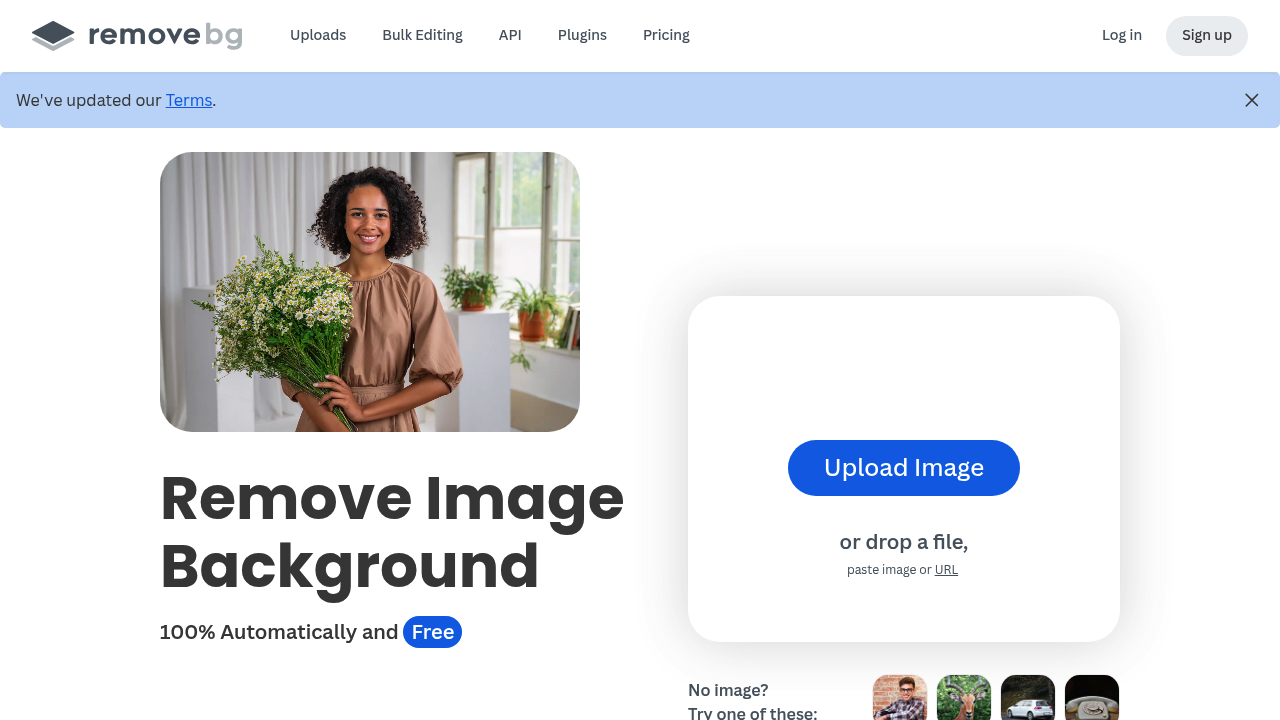
Remove.bg screenshot

Processing 500 product photos per minute matters when you're running an online store. Remove.bg handles bulk editing automatically. Manual background cutting takes forever by comparison.

Learning takes minutes. Upload an image. Background vanishes. No complex masking tools to master.

E-commerce photographers with hundreds of product shots get a painfully simple workflow. Upload your batch of sneaker photos — Remove.bg strips backgrounds, you add clean white backdrops for Amazon listings. The Magic Brush tool fixes edges the AI missed. You won't need it often.

The AI background generator creates custom backdrops without prompts. Describe what you want and it appears. This beats removing backgrounds in one app, then hunting stock photos in another.

Remove.bg connects with Figma and Photoshop if you're already working there. Mobile editing works through their Android app for quick fixes. Transparent PNG output handles most cases. The white background option targets e-commerce specifically.

Some users call it "a thousand times better" than alternatives. Sounds like hyperbole until you've tried batch processing elsewhere. Free accounts exist but paid plans offer 50% off yearly subscriptions.


Frequently asked

7 questions
How accurate is Remove.bg compared to manual background removal?
Remove.bg's AI nails most backgrounds right away -- especially when there's clear separation between subject and background. Miss some details? The Magic Brush tool's there for manual edge fixes. You'll save tons of time compared to doing everything manually, even with occasional touch-ups.
Can Remove.bg handle batch processing for large product catalogs?
Yep, it cranks through up to 500 images per minute automatically. Upload whole folders of product photos and let it do its thing while you tackle other work. Perfect for e-commerce stores dealing with hundreds (or thousands) of items.
Does Remove.bg work with design software I'm already using?
It plugs right into Figma and Photoshop. No need to jump between apps to remove backgrounds -- stays in your workflow. There's an Android app too for quick mobile edits when you're on the move.
What's the difference between transparent PNG and white background outputs?
Transparent PNG = cutout with no background that works everywhere. White background targets e-commerce platforms (like Amazon) that want clean white backdrops. Just pick based on where you're using the image.
How does the AI background generator work in Remove.bg?
You describe your backdrop in plain text and it creates custom backgrounds automatically. No hunting for stock photos after background removal. Way faster than using separate apps for removal and background creation.
What are the limitations of Remove.bg's free account?
Free accounts cap how many images you can process. Paid plans ditch these limits -- plus you get 50% off yearly subscriptions. They don't spell out exact limits, but heavy users will need to upgrade.
How well does Remove.bg handle complex images like hair or fur?
The AI has a tougher time with fine details like individual hair strands or fuzzy textures. Works great on clean product shots though. Magic Brush tool helps with tricky areas, but complex subjects need more manual work than simple objects.

Reviews (0)

No reviews yet. Be the first to share your experience.

Similar tools

See all →