
Canva Background Remover logo
AI Background Remover FREEMIUM from €9/mo

Canva Background Remover

Canva's Background Remover removes the background from any image in seconds.

Upload a photo, press the BG Remover button, and Canva detects the foreground, whether it is a person, an animal or an object. Cutouts can be refined by erasing or restoring parts of the background, and results download…

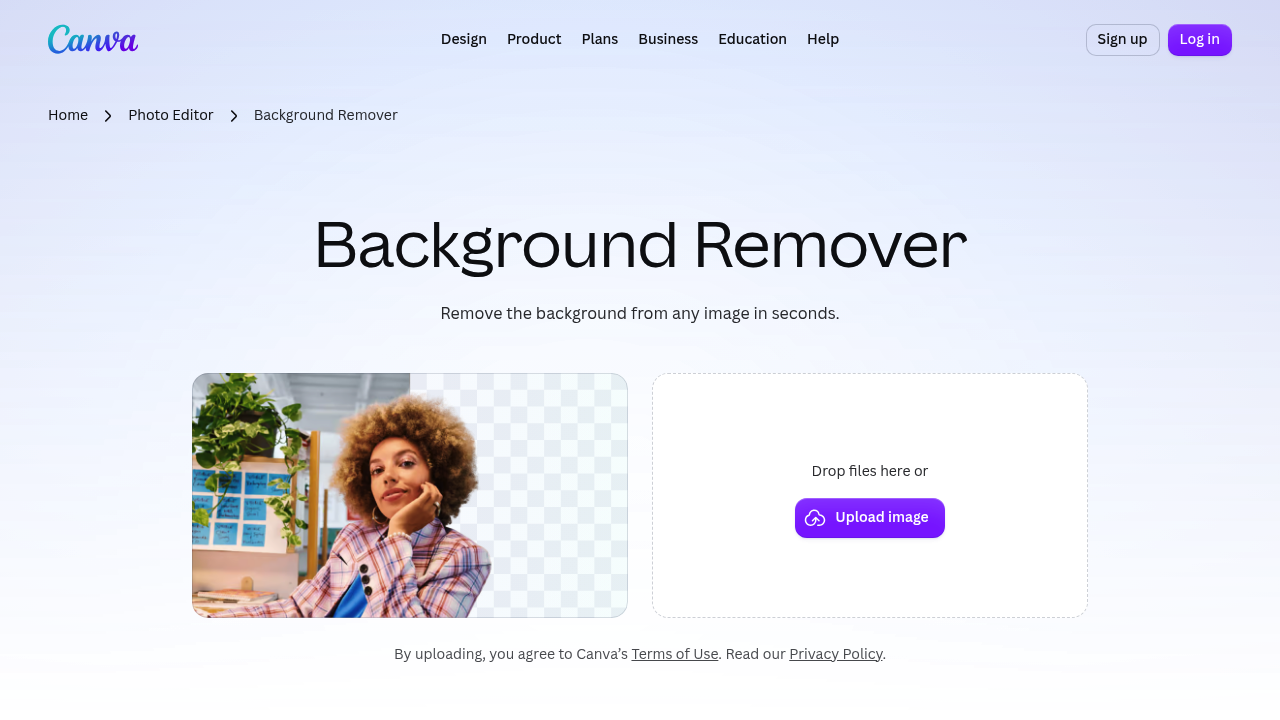
Canva Background Remover screenshot

Canva's Background Remover removes the background from any image in seconds. Upload a photo, press the BG Remover button, and Canva detects the foreground, whether it is a person, an animal or an object. Cutouts can be refined by erasing or restoring parts of the background, and results download as a high-resolution PNG with a transparent background. Uploads can be JPG, PNG, HEIC or HEIF, and Canva Pro adds unlimited usage and the Video Background Remover. Because it sits inside the full Canva editor, the same image can go straight into a design, poster or slide without exporting first.

Students preparing presentations, job seekers making a clean headshot for a CV, small business owners photographing products, e-commerce sellers and designers all use it. No design experience is needed, because the process is drag, drop and click. Teams already working in Canva can keep the cutout inside the same design and continue with text, crops, filters and other graphic elements. People who need volume or video should look at Canva Pro.

Sellers create catalog-ready product shots and collages for online stores, and presenters drop a person onto a custom slide background. Creators make transparent logos and stickers for brand assets, and teachers prepare class materials with clean images. After removing a backdrop, a user can pick a new one from the stock library, such as patterns, lines and shapes, then add filters and enhancements. The final design can be shared online or used in presentations and other digital material.

Canva Background Remover alternatives

See all →

Frequently asked

6 questions
How does Canva's Background Remover work?
Upload an image, select it and tap the BG Remover button. Canva detects the foreground and removes the background automatically.
Who is it useful for?
Students, small businesses, sellers and designers use it for headshots, product shots and presentations. No design experience is required.
Can I make a transparent background?
Removing the background and downloading as a PNG gives a transparent image. The download is a high-resolution PNG.
Does it cost anything?
It can be used with a Canva account, while Canva Pro offers unlimited usage and extra tools such as Video Background Remover. Exact Pro pricing is on Canva's plans page.
Can I fix mistakes in a cutout?
Erase or restore tools let you adjust the edges of the result. Selecting BG Remover again opens the manual refinement option.
Which file types are supported?
JPG, PNG, HEIC and HEIF files can be uploaded, and stock photos from Canva's library also work. It runs in the app or a web browser.

Reviews (0)

Write review

No reviews yet. Be the first to share your experience.