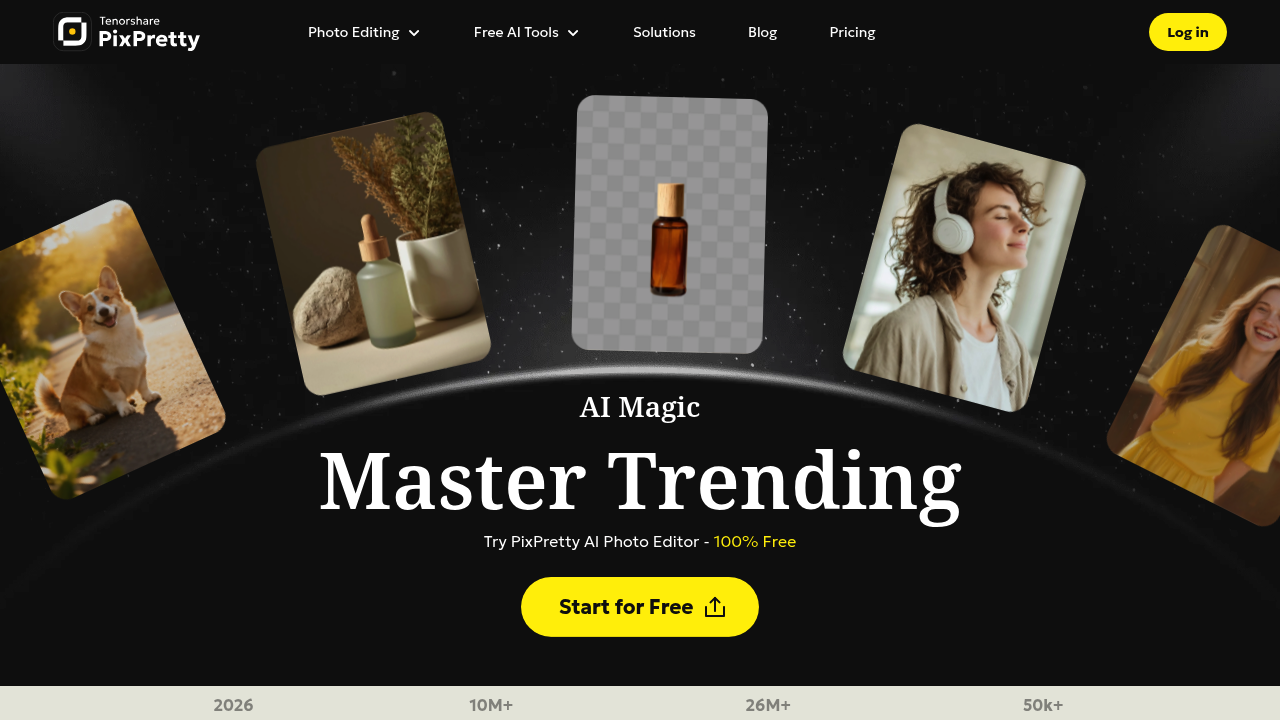
PixPretty strips backgrounds from photos in 3 seconds and claims 26 million images processed. That's Tenorshare's entry into AI photo editing, trained on millions of real-world images to handle complex cutouts. This service packs 22 different tools into one interface, from basic background removal to weird stuff like AI Ghostface Generator.
Background removal works fast. Upload an image, get a clean cutout. This software handles hair and fuzzy edges better than basic removers, though it'll still struggle with super complex scenes where foreground and background colors blend. Batch processing lets you dump multiple photos and process them all at once — useful if you're prepping product shots for an online store.
Beyond backgrounds, you get object removal, image extending, clothes changing, and portrait retouching. The AI Image Extender fills in edges when you need different dimensions. Object remover cleans up unwanted elements. Format conversion covers PNG, JPG, WEBP, and HEIC. The Image Describer generates captions, and there's an AI detector that supposedly identifies AI-generated images.
The 40+ AI prompts for themed photos sound interesting but the facts don't explain what themes or how well they work. That's a gap. Same with the AI Clothes Changer — cool concept, zero details on accuracy or how many outfit options exist.
10 million users trusted sounds big. So does 50k five-star ratings. But "trusted" doesn't mean "satisfied daily users" and ratings without context (which platform? what timeframe?) don't tell you much. The 10x faster resizing claim lacks a baseline — faster than what exactly?
E-commerce sellers will find value here. Product photography eats time and background removal is repetitive work. Content creators needing quick edits without Photoshop skills can knock out social posts fast. Portrait retouching appeals to anyone posting headshots or dating profile pics.
What's missing: no info on resolution limits, file size caps, or output quality settings. Can't tell if batch processing has quantity limits. No mention of API access for developers or integrations with other services. The facts say it's 100% free but don't clarify if all 22 tools are free or just some basic ones.
This service tries to be everything for photo editing. That's ambitious. Whether it does each thing well enough to replace specialized tools remains the question. Background removal seems solid based on processing volume. Everything else needs hands-on testing to verify claims.