
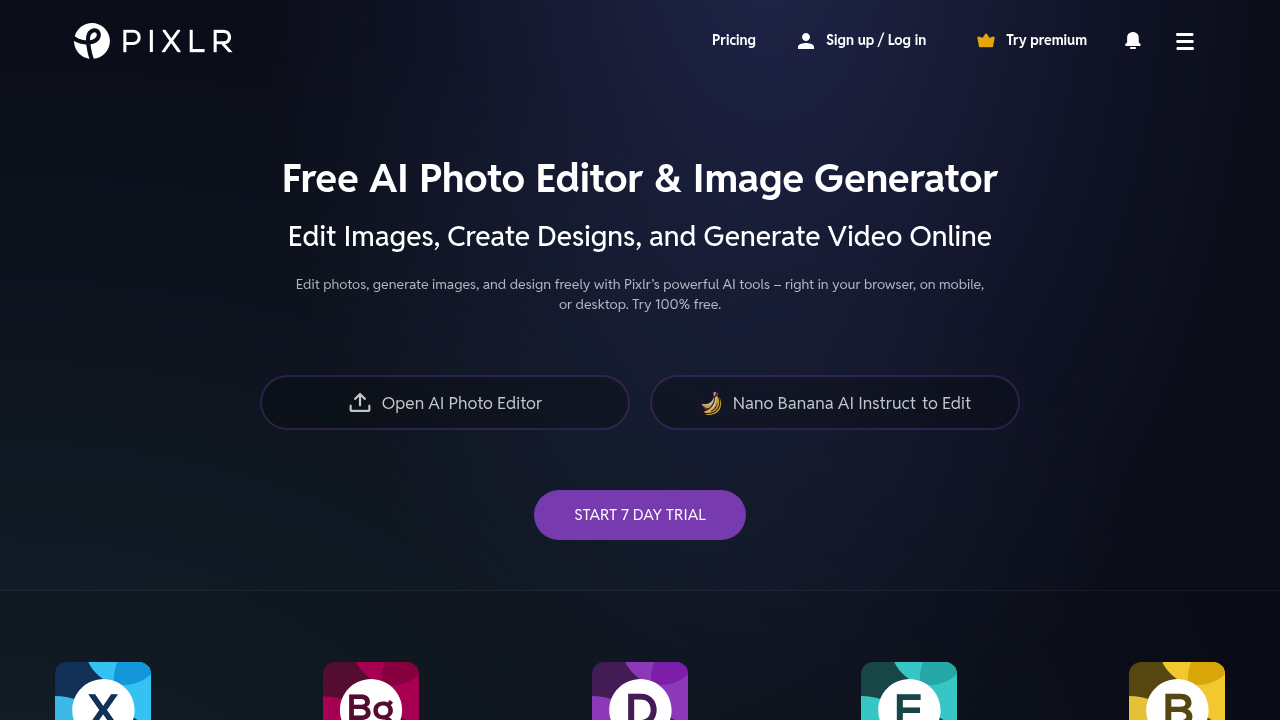
Pixlr runs on web browsers, mobile phones, and desktops. No software installation needed. Third-party integrations aren't part of their current lineup.
This browser-based photo editor has 15 years under its belt. Traditional editing meets AI tools now. Background removal works with one click. Text-to-image generation turns prompts into artwork. The AI Generative Transform feature separates objects from photos — then lets you move them around like puzzle pieces.
E-commerce photographers get real value from the Product Shot Creator when studio-quality images matter but studio setups don't exist. Shooting jewelry for an online store? Pixlr strips away busy backgrounds and adds professional lighting effects in minutes.
The free version doesn't limit core functionality. Premium features come with a 7-day trial, though exact pricing stays hidden upfront. You'll find noise reduction tools. Image upscaling. Face swapping. Batch editing tackles multiple photos at once.
Pixlr calls itself a Photoshop alternative that lives entirely online. The AI Generative Fill tool makes complex edits possible without advanced skills. HDR effects and bokeh blur compete with desktop software features. Some tools like the dispersion effect feel gimmicky rather than practical. Still, having 20+ AI-powered features accessible through any browser makes Pixlr solid for quick photo fixes and creative projects.