
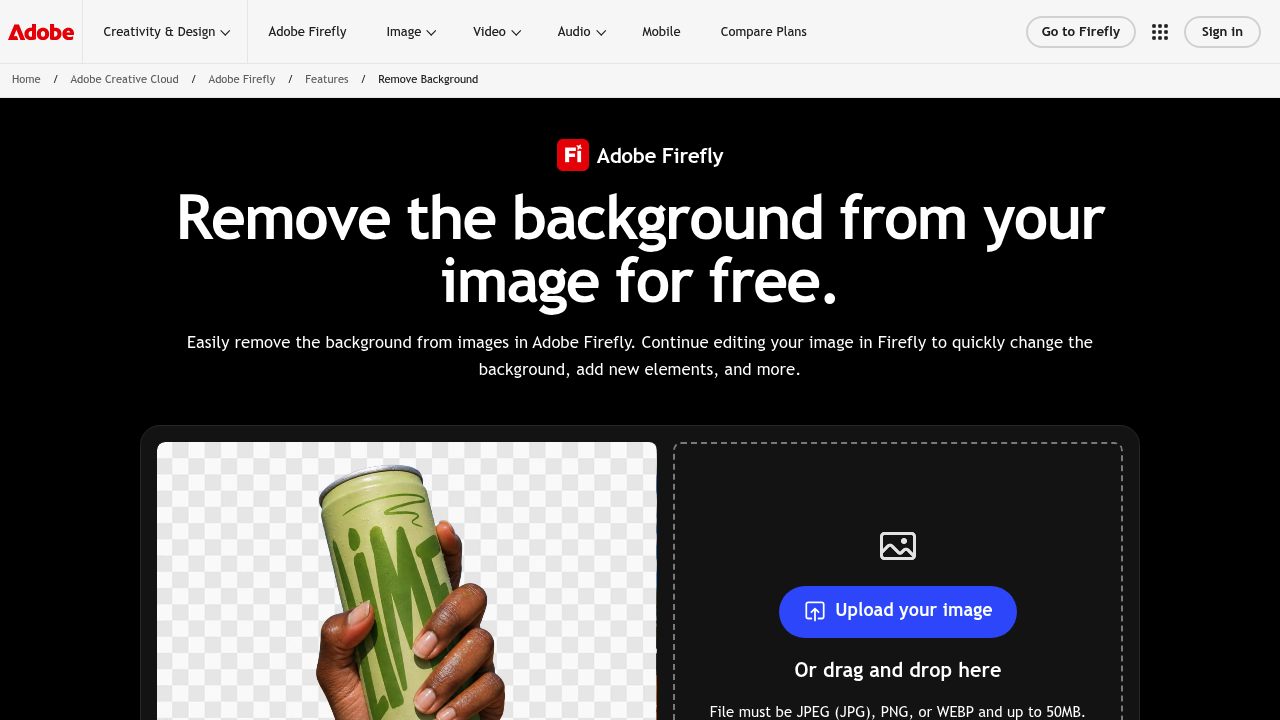
Adobe Express Background Remover is a free online tool, delivered through Adobe Firefly, that removes the background from an image and leaves a transparent cutout. You upload a JPEG, PNG or WEBP file of up to 50MB, choose Remove Background and download the result as a PNG with a clear background. Because the cutout continues inside Adobe Firefly, you can keep working on the same image instead of exporting it to another app.
Adobe Express Background Remover works for social media creators, small business owners, marketers, designers and hobbyists who need a clean subject without manual masking. People preparing product pictures, profile photos or posts for several channels can reuse a single cutout in new contexts. Beginners benefit from the four-step flow of opening Firefly, uploading a photo, selecting Remove Background and downloading, and professionals can treat it as a fast first pass before refining the image in a larger project.
Once the background is gone, a creator can drop the subject onto a colored backdrop or type a prompt describing a new background and let Firefly generate it. Others upscale the image, apply filters or build GIFs and animation for dynamic designs. Firefly Boards let you brainstorm visual directions and layer several cutouts into a collage so the subject pops. The output suits both printed and digital formats, and publishing straight to social channels is possible when the edit is finished. Only one file can be uploaded at a time, and only JPEG, PNG and WEBP formats are accepted.