Writing code means constantly jumping between your editor and browser tabs stuffed with documentation. You're Googling syntax. Debugging errors that make zero sense. Refactoring sprawling codebases where half the functions are mysteries.
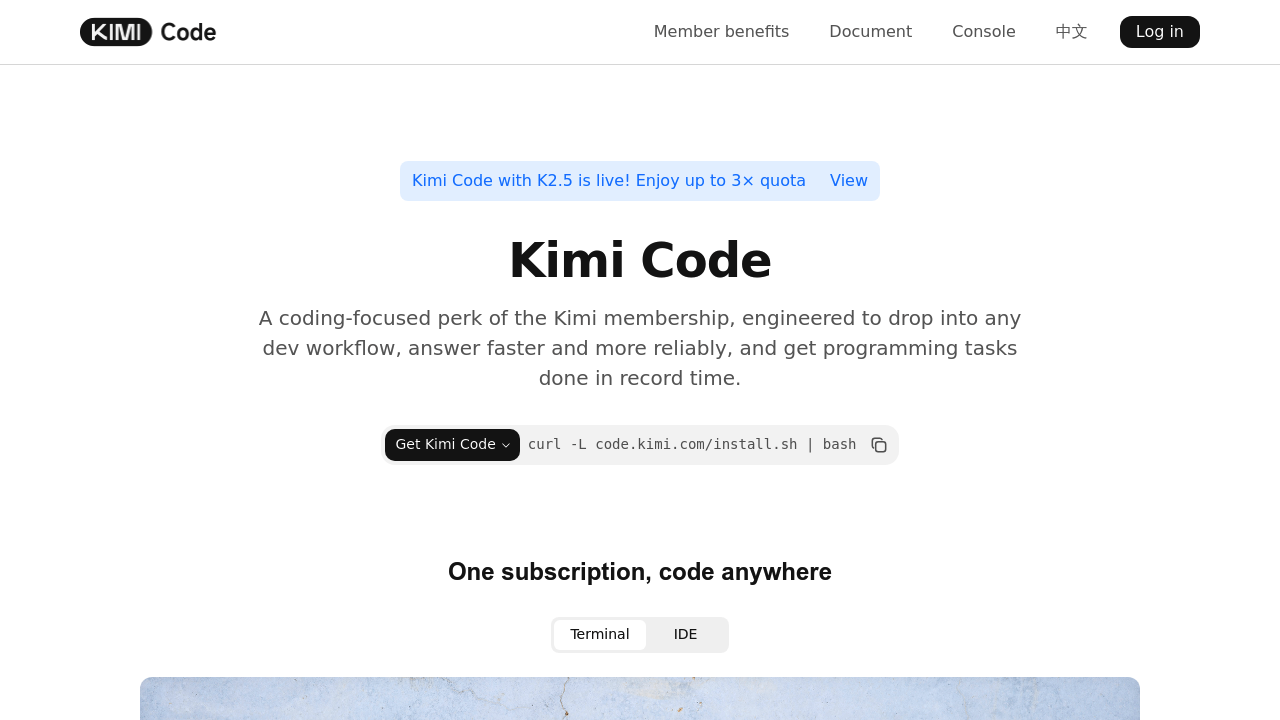
Kimi Code handles this workflow differently. It's a command-line tool living in your terminal and IDE. Ask it to write functions. Debug problems. Explain what's happening in unfamiliar code. Kimi Code runs on Moonshot AI's kimi-k2.5 model—integrating directly where you already work.
The codebase analysis feature matters when you've inherited a massive project. Kimi Code searches through files and explains architecture without you hunting through dozens of directories. It'll fetch web content when you need current documentation. It can spawn subagents to handle parallel tasks. For junior developers joining teams with complex legacy systems? That's legitimately useful.
You get shell command execution built in. File operations too. Multi-language support means you're not locked into one ecosystem. The CLI installs with a single curl command.
Pricing starts at $15/month for the Moderato plan (annual billing). Plans scale up to $159/month for Vivace—depending on how much quota and concurrency you need. Usage refreshes weekly but caps exist.
The subscription requirement won't thrill everyone. You're paying for a Kimi membership to access this (not just buying standalone software). Still—if you spend hours every week wrestling with documentation and unfamiliar code—Kimi Code might reclaim enough time to justify the cost.