
OpenCode logo

OpenCode

OpenCode is an open-source AI coding agent that helps developers write code in the terminal, an IDE or a desktop app.

It connects to 75+ LLM providers through Models.dev, including local models, and includes free models, so no extra AI subscription is required to start. It loads the right language servers automatically, runs multiple…

OpenCode screenshot

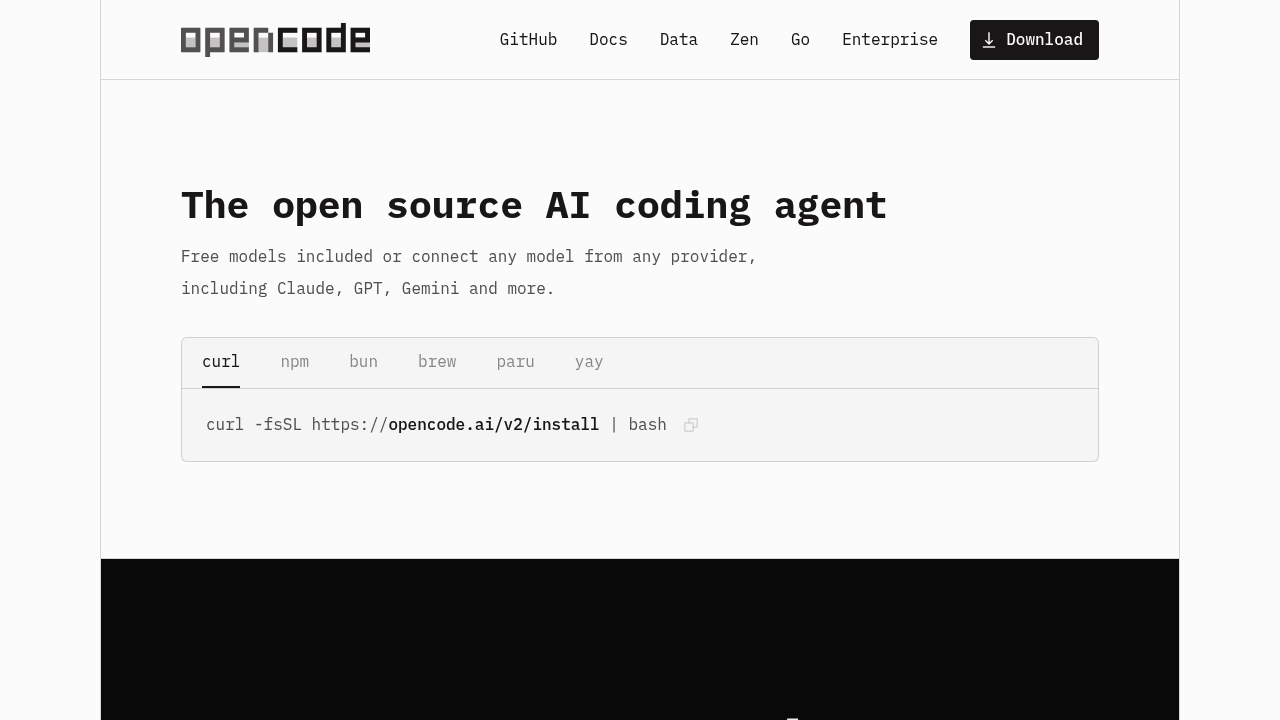
OpenCode is an open-source AI coding agent that helps developers write code in the terminal, an IDE or a desktop app. It connects to 75+ LLM providers through Models.dev, including local models, and includes free models, so no extra AI subscription is required to start. It loads the right language servers automatically, runs multiple agent sessions in parallel on one project, and produces share links for any session. Installation is a one-line command through curl, npm, bun, brew, paru or yay, and it does not store your code or context data.

OpenCode is for software developers who prefer working in a terminal but also want desktop and editor options, and for teams in privacy-sensitive environments that cannot send code to a service that stores it. It appeals to engineers who want to choose or swap models, or reuse subscriptions they already pay for by logging in with a provider account. The project reports over 208,000 GitHub stars, 950 contributors, over 13,000 commits and 16M developers using it monthly, which points to a large community.

Developers use OpenCode to scaffold features, debug failing code, refactor modules and answer questions about an unfamiliar codebase, with language server support improving accuracy in the editor. Parallel sessions let one agent investigate a bug while another writes tests, and share links make it simple to hand a session to a colleague for review or debugging. Teams that want consistent quality can use Zen, a handpicked set of models that OpenCode tested and benchmarked for coding agents, or connect local models when code must stay on their own machines.


OpenCode alternatives

See all →

Frequently asked

6 questions
What can OpenCode do for developers?
It writes, edits and debugs code through an AI agent in the terminal, desktop app or IDE. It loads the right language servers automatically and can run several agent sessions in parallel.
Who is OpenCode for?
Developers who want an open-source coding agent with a free start and the freedom to pick models are the main users. Privacy-sensitive teams also benefit because it does not store code or context data.
How can OpenCode help with team debugging?
Share links let you send a session to someone else for reference or debugging. Multiple sessions can run in parallel on the same project.
Is OpenCode free to use?
Open-source licensing and bundled free models mean you can start without an extra AI subscription. You can also connect your existing subscriptions or any model from supported providers.
What are the limits of free models in OpenCode?
Free models are limited to what OpenCode includes, and premium providers or the Zen model set carry their own terms.
How do I install OpenCode?
Run the curl install command or use npm, bun, brew, paru or yay. It is available as a terminal interface, a desktop app and an IDE extension.

Reviews (0)

Write review

No reviews yet. Be the first to share your experience.