
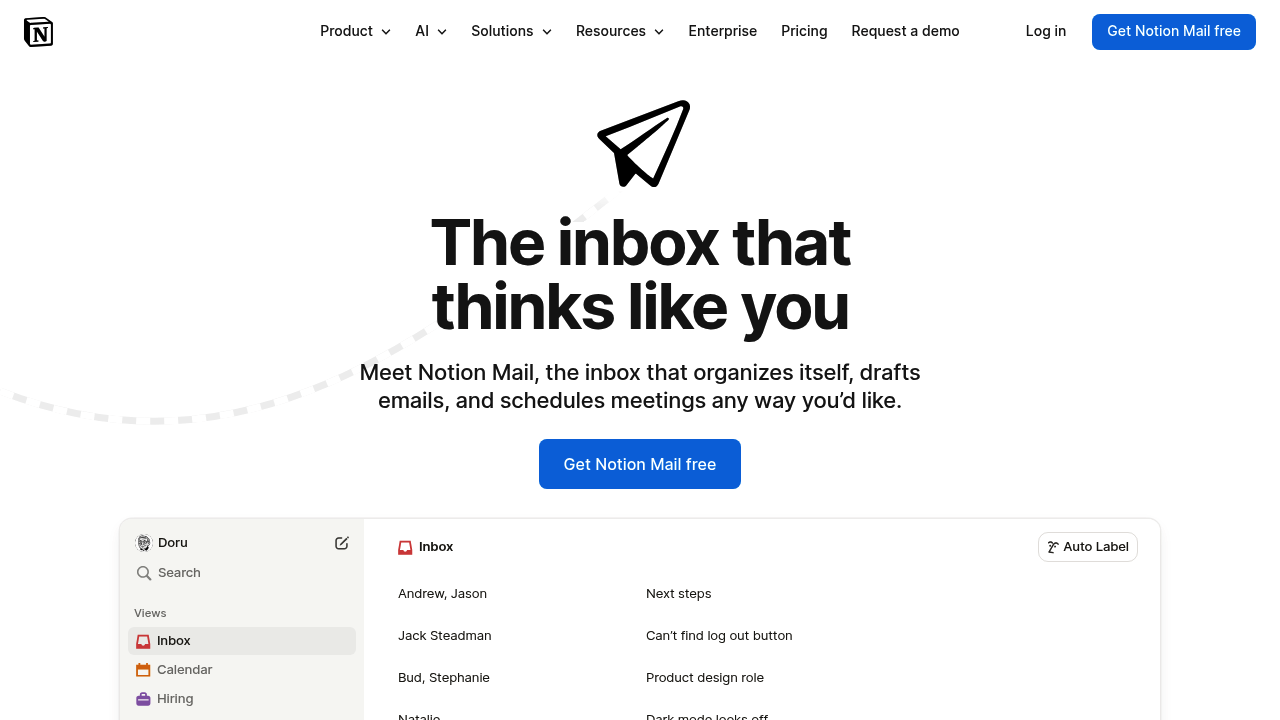
A sales director gets 200 emails daily. Half are cold pitches. A quarter need immediate attention. The rest sit unread until they're urgent problems. She spends 90 minutes each morning just sorting, labeling, and deciding what matters. Notion Mail auto-labels everything based on rules she sets once. Cold emails filter into a separate view. Customer inquiries get priority tags. Internal updates land in their own queue. She opens her inbox and sees three filtered views instead of chaos.
This system works like Notion's database system applied to email. Every message becomes a database entry with filterable properties. A recruiting coordinator organizes candidate emails by role, interview stage, and urgency without manually dragging anything. A support manager groups tickets by severity and customer tier automatically. The AI reads incoming messages and applies labels based on patterns it learns from previous sorting decisions.
Email drafting cuts down response time. The AI suggests replies based on context from the thread. A customer success manager answers routine questions with AI-generated drafts that match her tone. She tweaks and sends instead of writing from scratch. Meeting scheduling happens through the interface too. Calendar integration means double-booking doesn't happen.
The system syncs with Gmail only right now. If you're on Outlook or another provider, you're stuck. The free plan works for individuals but hits limits fast when teams join. File uploads get restricted. Collaborative features disappear unless you're the only user. Two people working together immediately need the $10 monthly Plus plan.
Custom views shine for power users who want granular control. A product manager creates separate views for bug reports, feature requests, and internal updates. Each view filters by sender domain, keywords in subject lines, and previous interaction history. The interface feels less like traditional email and more like managing a project board. People who prefer simple chronological inboxes won't love this approach.
The AI labeling accuracy depends on consistency in your email patterns. Someone with highly variable message types might spend more time correcting auto-labels than they save. A freelancer juggling five different client types with completely different communication styles reported the AI mixing categories frequently during the first month.
Integrations expand with paid tiers. Plus gets basic connections. Business provides premium integrations and includes AI Meeting Notes in beta. Enterprise adds security tools like DLP and SIEM for companies with compliance requirements. The Business plan at $20 monthly also includes SAML SSO and granular database permissions teams actually need.
Notion Mail works best for people already comfortable with Notion's database thinking. If you've built filtered views and custom properties in Notion projects, email management feels natural. First-time users face a learning curve. Traditional email clients don't prepare you for treating messages like database entries.
Skip this if you need multi-provider support beyond Gmail. Skip it if you want dead-simple email without configuration. Skip it if your team's under five people and nobody wants to learn a new email system. The free tier works for solo users testing the waters, but meaningful team use costs money immediately. People expecting a plug-and-play Gmail wrapper will hit friction fast.