
#7 in AI Assistant Raycast logo
AI Assistant FREEMIUM from $10/mo

Raycast

AI commands faster than switching apps

Pricing details aren't available. Raycast runs on a freemium model with both free and paid tiers. This macOS launcher replaces your default Spotlight with something far more capable. Raycast brings AI chat directly into…

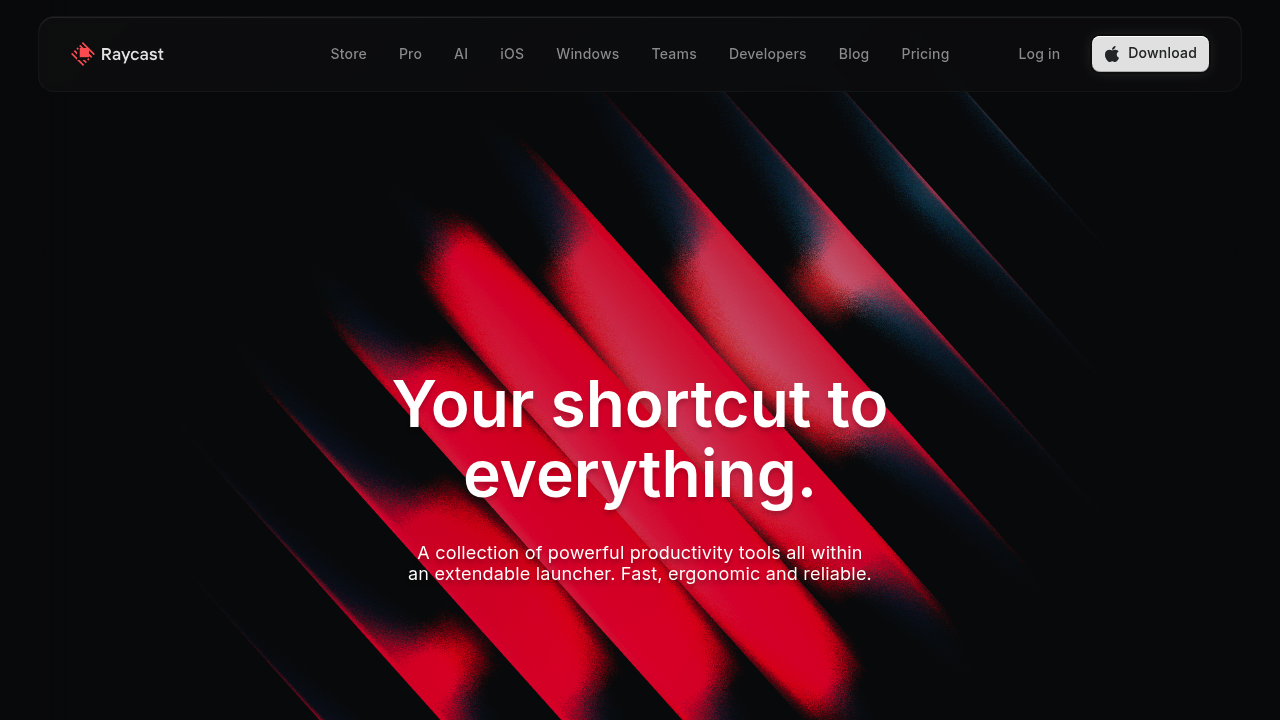
Raycast screenshot

Pricing details aren't available. Raycast runs on a freemium model with both free and paid tiers.

This macOS launcher replaces your default Spotlight with something far more capable. Raycast brings AI chat directly into your operating system — ask questions and get answers without switching apps. You can summon it anywhere with a hotkey and start typing.

Thousands of extensions unlock the real power. Connect Linear for project management. Spotify for music control. Arc browser for quick searches. A product manager juggling multiple projects could type a few letters to check Linear tickets, translate text with Google Translate, and schedule Zoom calls without touching the mouse.

Snippets save your sanity. They handle frequently typed text. Quicklinks launch anything instantly.

Beyond the basics, Raycast handles flight tracking, file conversion, window management, and day planning. AI integration combines web search with chat to answer questions right in your workflow. You'll find extensions for 1Password, JIRA, Slack, Notion, and Obsidian among many others.

It crashes 0.2% of the time. Solid engineering. Windows users can try the beta version, though the full experience requires macOS 13 or later. Raycast targets professionals who live in keyboard shortcuts and want everything accessible without clicking through menus. If you're constantly switching between apps to get things done, this launcher consolidates most actions into one interface.

Raycast alternatives

See all →

Frequently asked

7 questions
How many extensions does Raycast actually have available?
Raycast's got thousands of extensions in their store. You'll find popular ones like Linear, Spotify, Arc browser, 1Password, JIRA, Slack, Notion, and Obsidian. The ecosystem covers pretty much everything -- productivity apps, dev tools, entertainment services, you name it.
Can I use Raycast on Windows or is it Mac-only?
It's primarily built for macOS and needs macOS 13 or later for the full experience. There's a Windows beta, but it's pretty limited compared to the Mac version. Since it was designed to replace macOS Spotlight, Mac users get all the features.
What's the difference between Raycast's free and paid plans?
Raycast uses a freemium model but doesn't publicly list specific pricing. The free tier gives you core launcher functionality and tons of extensions. Paid tier probably unlocks advanced AI features and extra integrations -- though you'd need to check their site for current pricing.
How reliable is Raycast compared to the default macOS Spotlight?
Raycast crashes only 0.2% of the time -- that's solid engineering. It's designed to completely replace Spotlight with way more powerful features (AI chat, extensions, snippets). Most users find it significantly more capable than default macOS search once they've got their extensions set up.
Do I need to learn keyboard shortcuts to use Raycast effectively?
Raycast's built for keyboard-first users who prefer shortcuts over clicking. You summon it with a hotkey and type to navigate everything. If you're someone who constantly switches between apps and loves keyboard navigation, you'll love it. Mouse-heavy users might find the learning curve steeper though.
Can Raycast's AI chat work offline or does it need internet?
Raycast's AI combines web search with chat functionality, so it needs internet to work properly. The AI answers questions directly in your workflow without app switching. Basic launcher stuff like opening applications and files works offline -- but the AI chat requires connectivity.
What makes Raycast different from other Mac launchers like Alfred?
Raycast has built-in AI chat integration and a modern extension ecosystem with thousands of options. It handles advanced tasks out of the box -- flight tracking, file conversion, window management. The interface is more visual than traditional text-based launchers, and it's specifically designed for professionals juggling multiple projects and tools.

Traffic

Estimated monthly website visits · last 10 months

828.9K visits/mo
Monthly visits
828.9K
↑ 3.0% MoM
Global rank
#68,425
US #61,709
Category rank
#7
AI Assistant
1.1M 984.4K 908.3K 832.1K 756K Nov 2025: 791.4K visits Nov 2025 Dec 2025: 900.1K visits Dec 2025 Jan 2026: 1M visits Jan 2026 Feb 2026: 756K visits Feb 2026 Mar 2026: 837.6K visits Mar 2026 Apr 2026: 847.1K visits Apr 2026 May 2026: 1.1M visits May 2026 Jun 2026: 773.4K visits Jun 2026 Jul 2026: 804.8K visits Jul 2026 Aug 2026: 828.9K visits Aug 2026

Reviews (0)

Write review

No reviews yet. Be the first to share your experience.