
Toki AI logo
AI Assistant FREEMIUM from $6/mo

Toki AI

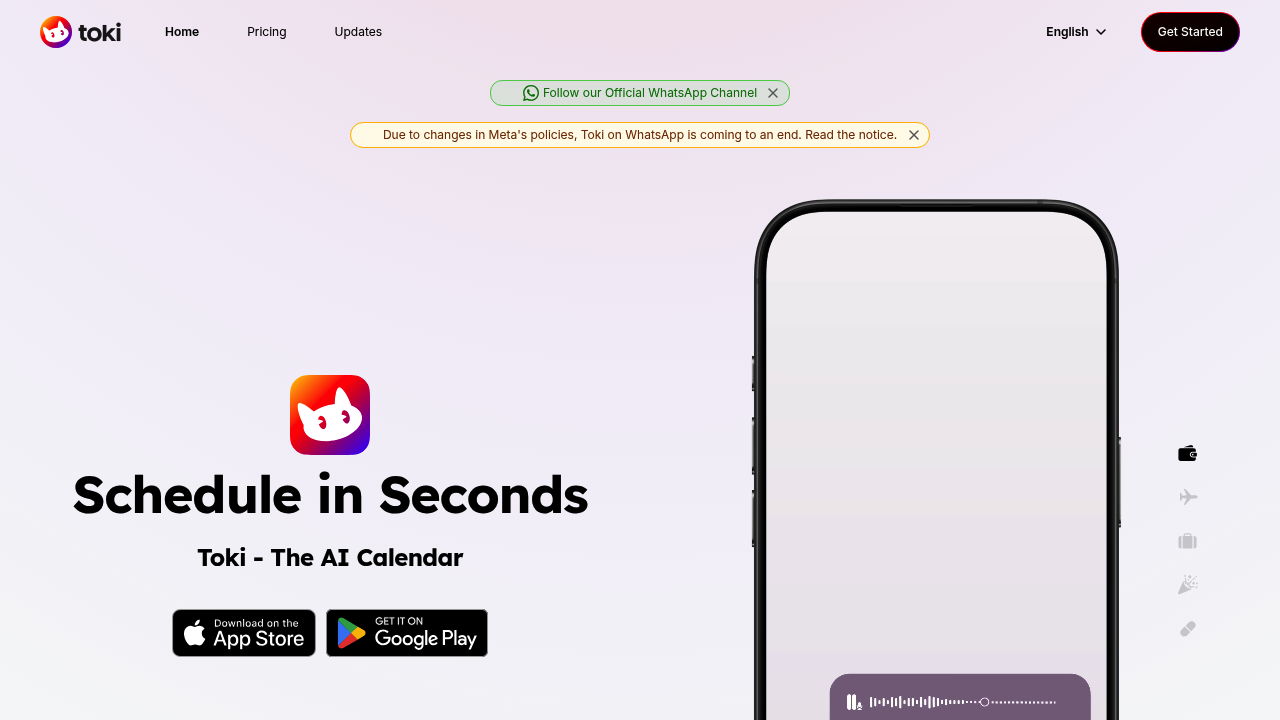
Toki AI handles calendar management through conversational interfaces, letting users schedule events by typing messages, speaking commands, or snapping photos of event posters and screenshots

The system processes natural language inputs to create calendar entries without requiring users to open traditional calendar apps or fill out structured forms. Over 4 million users worldwide rely on this approach to…

Toki AI screenshot

Toki AI handles calendar management through conversational interfaces, letting users schedule events by typing messages, speaking commands, or snapping photos of event posters and screenshots. The system processes natural language inputs to create calendar entries without requiring users to open traditional calendar apps or fill out structured forms. Over 4 million users worldwide rely on this approach to manage their schedules.

The core scheduling mechanism accepts multiple input types. Users can text "lunch with Sarah tomorrow at noon" and Toki creates the event. Voice commands work the same way. The image recognition feature reads dates and times from posters, flyers, or screenshots, then converts that visual information into calendar entries. This eliminates manual data entry when scheduling from physical materials or digital announcements.

Toki connects to Google Calendar and Apple Calendar accounts, syncing changes immediately across platforms. Users can link multiple calendars and view them in one consolidated interface. The system detects scheduling conflicts when new events overlap with existing commitments. It also adds automatic time padding between consecutive events, building buffer time into packed schedules without manual adjustment.

The reminder system goes beyond standard notifications. Users can ask follow-up questions about reminders they receive. They can change or delete reminders through the same conversational interface used for creation. For critical events, Toki makes actual phone calls to users, ensuring they don't miss important commitments even if they ignore app notifications. This phone call feature distinguishes it from typical calendar apps that rely solely on push notifications.

The free plan provides 14 events per week with unlimited notifications through the Toki app. Users can connect two Google or Apple calendars at this tier. This plan remains free permanently. The Plus plan costs $5.99 monthly with a current 40% flash sale and increases the weekly event limit to 50 while supporting 15 connected calendars. The Super plan runs $10.99 monthly, also at 40% off, and handles 280 events per week with 25 connected calendars. Both paid plans include unlimited notifications.

Platform limitations affect different usage patterns. Toki previously operated on WhatsApp but Meta policy changes forced discontinuation of that integration. Users accessing Toki through Line or Telegram face reduced event limits compared to the native app. The free tier on these messaging platforms drops to 7 events weekly instead of 14, Plus handles 25 instead of 50, and Super manages 140 instead of 280. Line and Telegram free users also get only 15 notifications instead of unlimited.

This application targets entrepreneurs juggling multiple projects, busy professionals managing complex schedules, and single parents coordinating family activities. People with ADHD find value in the conversational interface and phone call reminders. Anyone who prefers text-based productivity over traditional calendar interfaces fits the target profile.

Current integrations include Google Calendar, Apple Calendar, Line, and Telegram. The WhatsApp connection no longer functions. The system earned a 4.9 rating from over 10,000 reviewers. Users describe it as delivering functionality Google Assistant promises but doesn't execute well, particularly for calendar management through natural conversation.

Toki AI alternatives

See all →

Frequently asked

6 questions
Can Toki AI read event information from photos and screenshots?
Toki processes images of event posters, flyers, and screenshots to extract dates, times, and event details, then converts that information into calendar entries automatically. Users snap a photo of any event announcement and Toki reads the visual information without requiring manual typing. This works alongside text and voice inputs as part of the same conversational interface. The image recognition eliminates data entry when scheduling from physical materials or digital announcements shared through messaging apps.
Does Toki AI actually call you on the phone for reminders?
Toki makes real phone calls to users for important events, ensuring critical commitments don't get missed even when app notifications go ignored. This phone alert system works as an escalation beyond standard push notifications. Users can still receive unlimited regular notifications through the Toki app on all plans. The phone call feature addresses situations where people habitually dismiss notification badges but would answer an incoming call, particularly valuable for users with ADHD or anyone managing high-stakes schedules.
Why is Toki AI ending WhatsApp support?
Meta policy changes forced Toki to discontinue its WhatsApp integration entirely, removing a platform many users relied on for calendar management. The service still operates through Line, Telegram, and its native mobile app. Users who previously managed calendars through WhatsApp conversations now need to switch to one of the remaining platforms. This limitation affects anyone who built their workflow around WhatsApp as their primary Toki interface, though the core functionality remains available through other channels.
How much does Toki AI cost compared to the free version?
The free plan provides 14 events per week with two connected calendars and unlimited notifications, remaining free permanently without trial limitations. Plus costs $5.99 monthly with a current 40% flash sale, increasing capacity to 50 events weekly and 15 connected calendars. Super runs $10.99 monthly, also at 40% off, handling 280 events per week with 25 connected calendars. Event limits drop significantly when using Line or Telegram instead of the native app, with free tier users getting only 7 weekly events on those messaging platforms versus 14 in the app.
What calendars does Toki AI sync with?
Toki connects to Google Calendar and Apple Calendar accounts, syncing changes immediately across all platforms whenever users create, modify, or delete events. The free plan supports two connected calendars, Plus handles 15, and Super manages 25 simultaneous calendar connections. Users can view and manage multiple calendars in one consolidated interface through Toki's conversational system. The immediate sync ensures changes made through Toki appear instantly in native Google and Apple calendar apps without delay or manual refresh.
Who should use Toki AI instead of regular calendar apps?
Entrepreneurs managing multiple projects, busy professionals with complex schedules, and single parents coordinating family activities form the core user base. People with ADHD benefit particularly from the conversational interface and phone call reminders that cut through notification fatigue. Anyone who prefers creating events through natural language text or voice rather than filling out calendar forms finds value in this approach. Users who describe Google Assistant as promising calendar functionality it doesn't deliver well often switch to Toki for more reliable conversational scheduling.

Traffic

Estimated monthly website visits · last 9 months

8.9K visits/mo
Monthly visits
8.9K
↓ 32.3% MoM
Global rank
#1,927,030
BR #334,163
Category rank
#26
AI Assistant
151.2K 115.6K 80K 44.4K 8.9K Dec 2025: 151.2K visits Dec 2025 Jan 2026: 131K visits Jan 2026 Feb 2026: 130.7K visits Feb 2026 Mar 2026: 108.6K visits Mar 2026 Apr 2026: 104.6K visits Apr 2026 May 2026: 67.5K visits May 2026 Jun 2026: 25.9K visits Jun 2026 Jul 2026: 13.1K visits Jul 2026 Aug 2026: 8.9K visits Aug 2026

Reviews (0)

Write review

No reviews yet. Be the first to share your experience.