Ohai logo
AI Assistant FREEMIUM from $10/mo

Ohai

Ohai is an AI household manager named O that you reach by text message or voice.

It keeps calendars, to-do lists and family logistics in one place, and it turns messy inputs such as school emails, screenshots and sports schedules into calendar entries and tasks. Its Smart Calendar scans messages for…

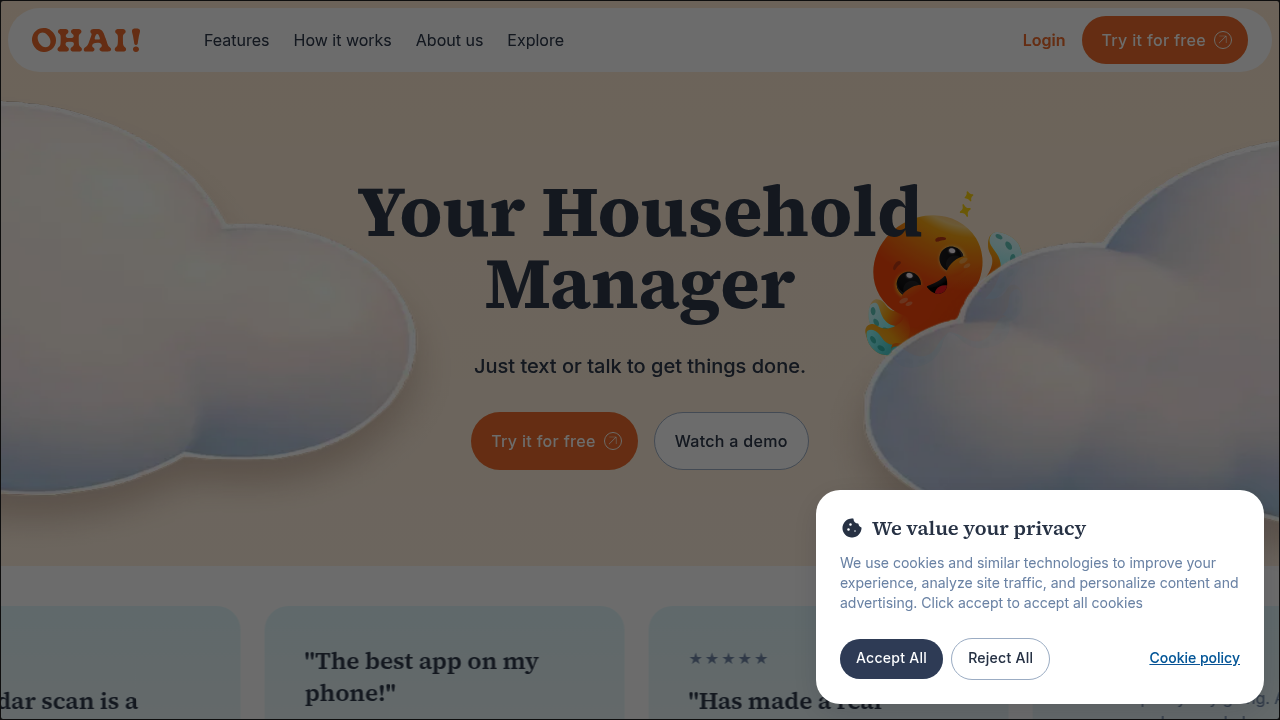
Ohai screenshot

Ohai is an AI household manager named O that you reach by text message or voice. It keeps calendars, to-do lists and family logistics in one place, and it turns messy inputs such as school emails, screenshots and sports schedules into calendar entries and tasks. Its Smart Calendar scans messages for dates and adds them automatically, and it syncs with the digital calendars a family already uses.

Ohai is made for parents and the person in a household who carries the mental load of organizing everyone's schedule. Reviewers describe busy working parents, mothers of several children and parents with ADHD who find ordinary planners hard to maintain. Families that coordinate school, sports and activities benefit most, since the assistant can take requests from a quick text without opening a planning app, and it keeps task delegation and scheduling visible to everyone involved.

Typical requests include forwarding a school email so the dates land on the calendar, texting a screenshot of a recipe so every ingredient is added to the shopping list, and asking for help with meal planning. Others use O as a virtual assistant to schedule medication reminders and refills, book appointments or remember theme days at a child's school. The calendar scan reads messages for dates and creates the events, which removes the manual copying that eats up time each week. Human support sits behind the AI, and an iOS app is available for people who prefer an app to plain text messages.


Ohai alternatives

See all →

Frequently asked

6 questions
What does Ohai do?
It acts as a household manager you reach by text or voice. It manages calendars, to-do lists, emails and family tasks, including turning messages into calendar events.
Who is Ohai for?
Parents and families who juggle work, children and activities are the main audience. Reviewers quoted include parents with ADHD who say it works where planners do not.
How can I use Ohai for school emails?
Send or forward school emails and sports schedules, and the assistant picks out the dates and puts them on your calendar. The Smart Calendar scan reads messages for dates and enters them automatically.
Can Ohai help with meal planning?
Meal planning is one of the tasks it handles. You can screenshot a recipe, send it over and have every ingredient added to your list.
Is there a person behind Ohai?
Artificial intelligence and humans power O, and the FAQ lists human support behind the AI. This means a real team backs the assistant when automated help falls short.
How do I start using Ohai?
You can try Ohai for free, then text or talk to O to begin. An iOS app is available, and the assistant syncs with your existing digital calendar.

Reviews (0)

Write review

No reviews yet. Be the first to share your experience.