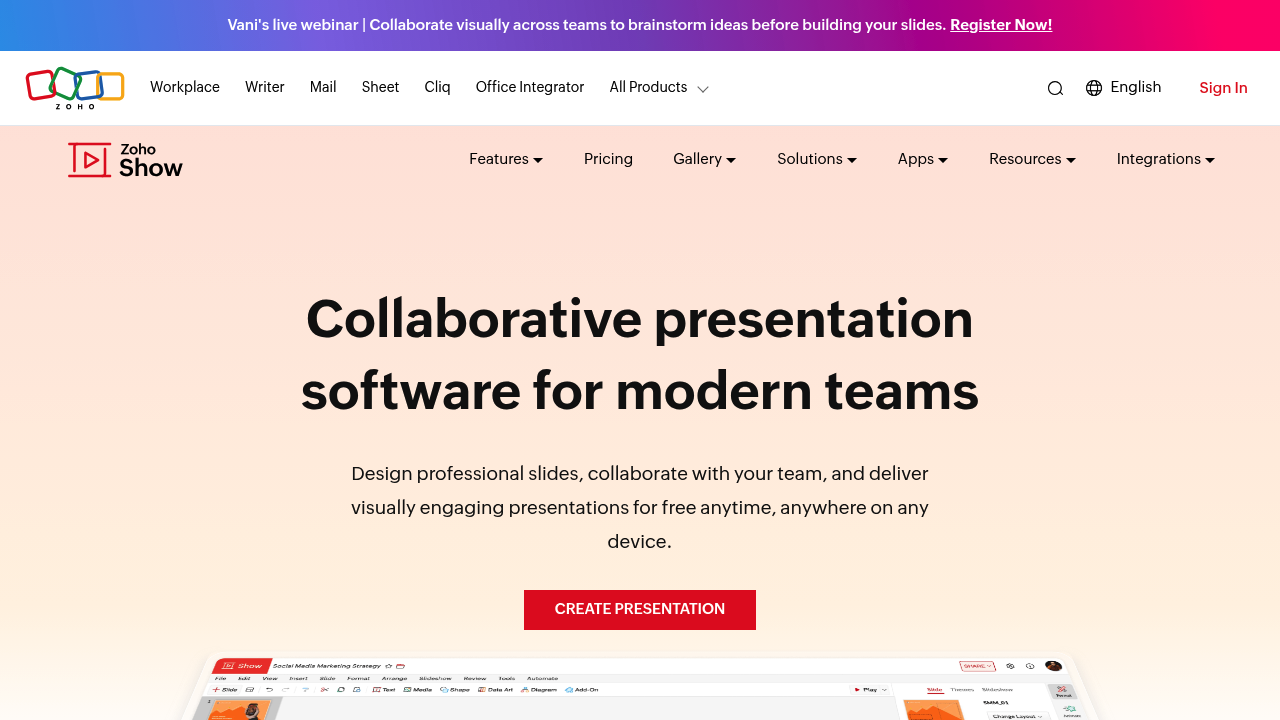
Zoho's presentation tool throws Zia AI at the blank-slide problem. You type an idea, and it generates a full deck in seconds. The AI also rewrites slide text and suggests design improvements. Whether this speeds up real work or just creates more slides to edit depends on how clear your initial prompt is.
The interface strips away clutter. Toolbars change based on what you're doing. Working on text? Text options appear. Selecting an image? Image tools show up. This contextual approach keeps the workspace clean, though it means hunting for features if you don't know where the software expects you to be.
Real-time collaboration works like you'd expect. Multiple people edit simultaneously. Tag teammates with @ mentions to pull them into specific slides. Comments attach to elements rather than floating in a sidebar. The collaborative features match what Google Slides offers, not surpassing them but meeting baseline expectations.
Templates number over 100, covering pitch decks, sales presentations, and business proposals. The quality varies. Some look polished and professional. Others feel generic. You can build custom shapes, add infographics, and embed audio or video directly into slides. Animations and transitions exist but don't push boundaries.
PowerPoint compatibility handles imports from PPTX, PPT, ODP, PPSX, and PPS files. Exports work in reverse: PPTX, PPSX, HTML, ODP, and PDF. Formatting sometimes shifts during conversion, particularly with complex animations or custom fonts. Test files before assuming perfect compatibility.
The remote presentation setup excels with broadcast to smart TVs without cables. Control slides from your phone or watch. This actually solves a real problem — no more fumbling with adapters or remote clickers during client meetings. The Livecast feature lets remote audiences watch in real time, though video quality depends on connection strength.
What's missing: advanced animation controls, sophisticated data visualization beyond basic charts, and deep integration with non-Zoho tools. The add-on system exists but the ecosystem remains thin compared to PowerPoint or Google Slides.
It's completely free. No ads. No feature gates. No premium tier upsells. This pricing model makes Zoho Show worth testing for teams already using Zoho's other products or anyone wanting to avoid subscription fees. For standalone presentation software, it delivers core functionality without charging, though PowerPoint users might miss advanced features they've grown accustomed to.
The AI generation works best for initial drafts, not final presentations. The smart TV broadcasting actually delivers value. The free price removes barriers to trying it.