
Microsoft PowerPoint logo
AI Presentation Generator FREEMIUM from $100/mo

Microsoft PowerPoint

Microsoft PowerPoint is the presentation application from Microsoft 365 for building slide decks with AI-driven design suggestions and real-time collaboration.

Its built-in assistant can rewrite, reorganize and add slides from a plain description, and Speaker Coach reviews pacing and pitch while you rehearse. A free version runs in the web browser with basic templates, fonts,…

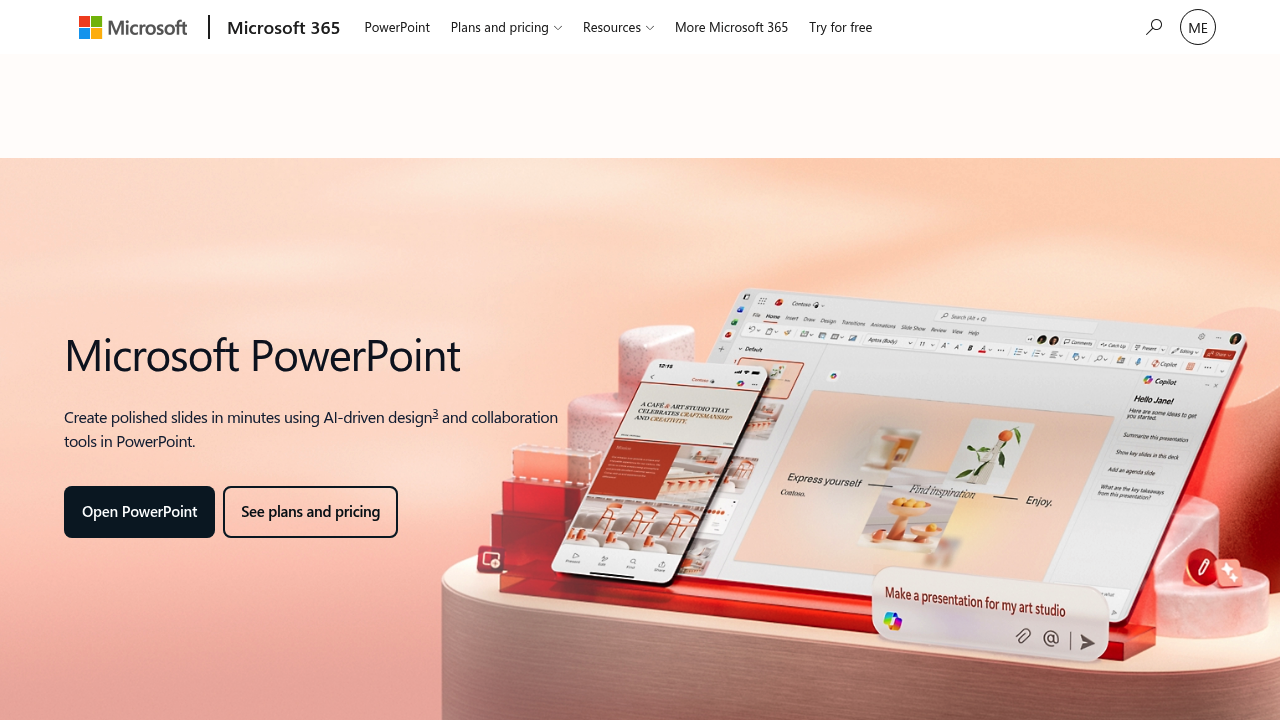
Microsoft PowerPoint screenshot

Microsoft PowerPoint is the presentation application from Microsoft 365 for building slide decks with AI-driven design suggestions and real-time collaboration. Its built-in assistant can rewrite, reorganize and add slides from a plain description, and Speaker Coach reviews pacing and pitch while you rehearse. A free version runs in the web browser with basic templates, fonts, icons and 5 GB of storage. Paid Microsoft 365 plans start at $99.99 per year for Personal, then $129.99 for Family and $199.99 for Premium.

Students preparing class talks, teachers building lessons, and office workers who present weekly reports all use it. Sales teams pitch with polished decks, executives and consultants prepare board material, and nonprofit organizers create event slides. Small groups that co-author a presentation benefit from sharing and live editing, while heavy presenters gain from the desktop apps on Windows and Mac. Families can split a Microsoft 365 Family subscription among up to six people, each with their own storage and device limits.

Common scenarios include starting from a free template and refining the layout with design suggestions, or describing a topic and letting the built-in assistant draft the outline. A manager can present directly from the browser, a team can edit one file together from different cities, and a speaker can rehearse with coaching feedback before a conference talk. Slides can also be created and edited on Android and iOS phones, and files sit in OneDrive with 1 TB for paid plans. Posters and visual handouts can be built with the same design tools.


Microsoft PowerPoint alternatives

See all →

Frequently asked

6 questions
How does PowerPoint help build slides faster?
It offers AI-driven design suggestions and a built-in assistant that rewrites, reorganizes and adds slides from a description. You review the changes and stay in control of the final deck.
Who is PowerPoint for?
Students, teachers, office workers, sales teams and executives who create and deliver presentations. Microsoft 365 Family covers one to six people on a single subscription.
Can I rehearse a talk with PowerPoint?
Speaker Coach gives AI-driven feedback on pacing and pitch while you practice. It is meant for speakers preparing a conference session, a class talk or a client pitch.
Is PowerPoint free?
A free version runs as PowerPoint for the web with basic templates, sharing and 5 GB of storage. Paid Microsoft 365 plans are $99.99 per year for Personal, $129.99 for Family and $199.99 for Premium.
What are the limits of the free version?
Free use is restricted to the web app with basic spelling and grammar and basic templates. Desktop apps, 1 TB of storage and higher AI usage limits come with paid plans.
Which devices run PowerPoint?
Apps exist for Windows, macOS, Android and iOS, and a web version opens in the browser. Personal plans allow use on up to five devices at the same time.

Reviews (0)

Write review

No reviews yet. Be the first to share your experience.