
Beautiful.ai logo

Beautiful.ai

Slides that design themselves as you work

The 14-day trial won't cost you anything. After that, you'll need to pay for continued access to Beautiful.ai's AI presentation features. Beautiful.ai generates entire presentations from text prompts. It handles all the…

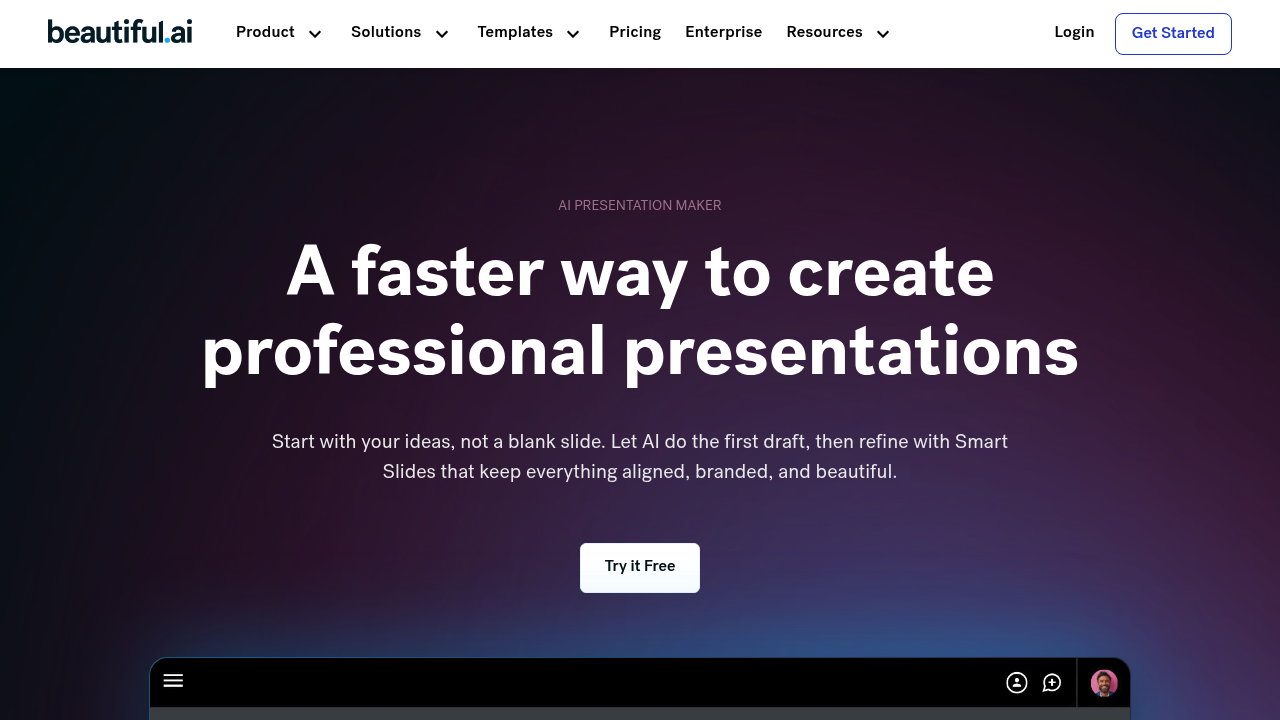
Beautiful.ai screenshot

The 14-day trial won't cost you anything. After that, you'll need to pay for continued access to Beautiful.ai's AI presentation features.

Beautiful.ai generates entire presentations from text prompts. It handles all the design work automatically. Smart Slides adjust layouts and spacing as you add content. No more dragging text boxes around. No more fighting with alignment issues. Beautiful.ai creates professional slides instantly while you focus on your message — not formatting headaches.

Sales directors preparing quarterly reviews will love the data visualization features. Beautiful.ai turns spreadsheet numbers into dynamic charts and graphs without manual chart creation. Brand controls ensure every slide matches company guidelines automatically.

The efficiency gains are significant. CVENT reported 75% time savings compared to traditional presentation tools. Another user found Beautiful.ai 80% more efficient than PowerPoint for their workflow needs.

Business consultants use Beautiful.ai for client presentations. Agency teams use it for training materials. Beautiful.ai scales presentation workflows across larger enterprises too. Marketing teams get consistent brand styling across all slides and decks. You can connect existing tools to make your presentation process smoother, though the specific integrations aren't detailed.

Smart Slides technology separates Beautiful.ai from basic template tools. Content automatically reformats as you edit without breaking layouts. This works well for iterative presentations where you're constantly refining slides based on feedback. Beautiful.ai handles the tedious design adjustments that usually eat up hours of preparation time.


Beautiful.ai alternatives

See all →

Frequently asked

7 questions
How does Beautiful.ai's Smart Slides technology actually work?
Smart Slides automatically tweaks layouts, spacing, and formatting when you're adding or editing stuff. Change some text or toss in new elements? The slide redesigns itself -- no broken layouts. You won't be dragging and resizing things like you do in regular presentation tools.
Can I upload my company's brand guidelines to Beautiful.ai?
Yep! Beautiful.ai has brand controls that'll automatically apply your company's guidelines to every slide. No manual formatting needed. Marketing teams love this when they're cranking out multiple decks.
What types of data can Beautiful.ai turn into charts automatically?
It converts spreadsheet data into dynamic charts and graphs without you having to build them manually. Handles various data visualization formats too. Sales directors find it super useful for quarterly reviews -- no need to mess around with separate chart software.
How much faster is Beautiful.ai compared to PowerPoint?
CVENT reported 75% time savings when they switched from traditional presentation tools to Beautiful.ai. Another user found it 80% more efficient than PowerPoint for their workflow. The time savings come from automated design work and that Smart Slides tech.
Does Beautiful.ai work well for presentations that need frequent updates?
Yeah, it's great for presentations where you're constantly tweaking content based on feedback. Smart Slides handles all the tedious design adjustments automatically as you make changes. Your layouts won't break when you edit text or add new stuff.
What happens after Beautiful.ai's 14-day trial ends?
The trial's completely free for 14 days. After that, you'll need to pay for continued access to the AI presentation features. The trial gives you full access to test Smart Slides and other core functionality before you commit to a paid plan.
Can Beautiful.ai connect with other business tools I'm already using?
Yes, Beautiful.ai can connect with existing tools to streamline your presentation workflow. The specific integrations available aren't detailed publicly though. You'll need to check their current integration options based on your particular software stack.

Traffic

Estimated monthly website visits · last 10 months

797K visits/mo
Monthly visits
797K
↑ 2.4% MoM
Global rank
#44,914
US #26,224
Category rank
#22
AI Presentation Generator
1.4M 1.3M 1.1M 942.1K 778.4K Nov 2025: 1.4M visits Nov 2025 Dec 2025: 1.2M visits Dec 2025 Jan 2026: 1.2M visits Jan 2026 Feb 2026: 1.1M visits Feb 2026 Mar 2026: 1.3M visits Mar 2026 Apr 2026: 1.4M visits Apr 2026 May 2026: 1.1M visits May 2026 Jun 2026: 869K visits Jun 2026 Jul 2026: 778.4K visits Jul 2026 Aug 2026: 797K visits Aug 2026

Reviews (1)

Write review
E
6 months ago
★★★☆☆

Solid templates but AI editing feels limited compared to newer tools

Beautiful.ai has genuinely good automatic layout adjustment — slides reflow as you type and the template quality is high. For someone who just wants clean-looking slides without much fuss, it delivers.

Where it falls short is the depth of AI assistance once you're inside the editor. You can adjust content within the predefined SmartSlide types, but if you want to ask AI to rewrite a section, swap out imagery based on context, or restructure a slide, you're mostly on your own. The AI layer feels more like a layout constraint system than a true editing assistant.

I've been using Havi (havi.ai) alongside it — Havi lets you prompt the AI mid-session to add slides, rewrite copy, change layout, or update images without leaving the editor. That back-and-forth AI editing loop is meaningfully different from what Beautiful.ai offers. Export to PPTX on Beautiful.ai also requires a paid plan, which stings at the free tier.

Overall: Beautiful.ai is polished and the template engine is best-in-class for structured decks. But if you need genuine AI editing control rather than just AI-assisted layout, look at the newer generation of tools.

👍 Excellent auto-layout system, high-quality templates, slides always look professional without manual spacing work
👎 AI editing is shallow — can't prompt AI to rewrite or restructure content mid-session, PPTX export locked behind paid plan, limited flexibility outside predefined SmartSlide types