
Alice - AI Automation App logo

Alice - AI Automation App

Alice turns your desktop into an AI automation hub that responds to keyboard shortcuts

26 views
Alice - AI Automation App screenshot

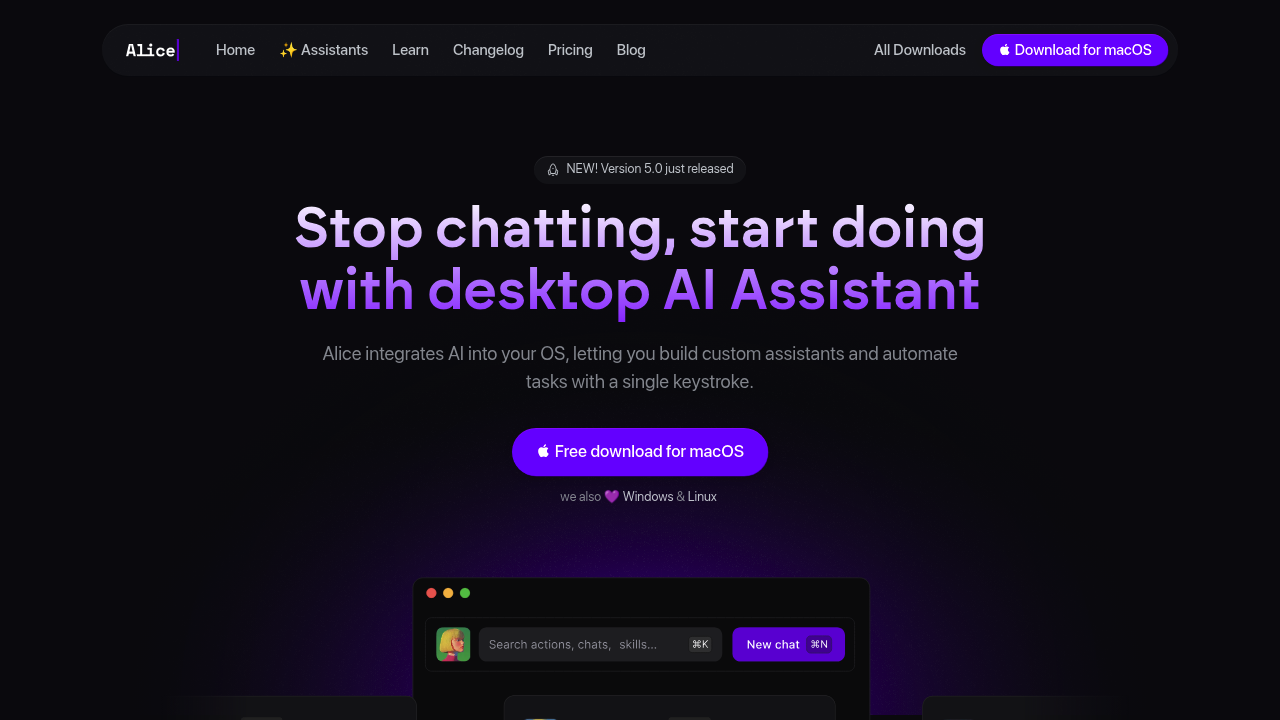
Alice turns your desktop into an AI automation hub that responds to keyboard shortcuts. Instead of opening a chatbot for every task, you build custom AI assistants that execute multi-step workflows with a single keystroke. The app integrates AI models directly into your operating system, connecting them to the applications you already use through MCP Servers support.

The core functionality revolves around assistants and skills. You can create specialized AI helpers for specific workflows or grab from the marketplace where 50-plus ready-to-use assistants live. The SEO Content Writer assistant alone has 45,039 installs. Each assistant can chain together multiple skills from a library of 200-plus options, all triggable by keyboard shortcuts. A sales workflow might summarize daily transactions from a local CSV file, draft personalized follow-up emails based on that data, and automatically add tasks to your to-do list without touching your mouse.

Memory and context retention distinguish Alice from standard chatbots. Assistants remember previous conversations and can reference documents you've shared, building on past interactions instead of starting fresh each time. The app covers voice input and output alongside text, handles file uploads, and generates images. Internet access lets assistants pull current information, while offline model support keeps workflows running without network connectivity.

Integration capabilities extend through MCP Servers to WordPress, Ahrefs, CRM systems, calendars, CSV files, and to-do list applications. You can connect assistants to real business tools rather than copying data between systems manually. The app supports multiple AI models including various frontier and open-source options, letting you switch providers based on task requirements or cost considerations.

The assistant marketplace functions as both a discovery tool and a distribution channel. You can install pre-built assistants for common workflows or share your own creations. Over 8,000 people currently use Alice, building a library of tested automation patterns.

Pricing splits into three tiers with meaningful differences. The Team plan costs $10 monthly plus token usage, includes an administrator account for managing multiple users, and bundles tokens for all supported models. You can bring your own API keys or buy additional tokens when the included amount runs out. Individual subscriptions run $16 monthly with generous token limits and the same bring-your-own-keys flexibility. Both subscription tiers include access to the assistant store, image generation, MCP server support, and a 21-day trial period.

The Lifetime option costs $299 as a one-time purchase but requires bringing your own API keys since no tokens come included. Updates ship to lifetime buyers, but they can't access the assistant store. This tier makes sense for users who already have API accounts with model providers and want to avoid recurring charges.

Token economics matter here. The one-time purchase saves money long-term only if you're comfortable managing your own API relationships. Subscription tiers simplify billing by bundling tokens, though heavy users will hit limits and need to either upgrade or switch to personal keys.

Alice targets creative professionals, sales teams, QA engineers, content creators, and knowledge workers who run repetitive multi-step processes. If you're drafting similar emails, processing data files, or coordinating between several apps regularly, the automation pays off. Single-task queries work better in standard chatbots. Quick app launching suits tools like Raycast. Alice occupies the middle ground where workflows need AI reasoning but also need to touch multiple systems without manual copying.


Frequently asked

6 questions
Does Alice work without an internet connection?
Alice supports offline models that run locally on your machine, letting you execute workflows without network connectivity. This works for basic automation tasks that don't require real-time web data or cloud-based AI models. Most advanced features like internet search, cloud model access, and certain integrations need an active connection since they rely on external APIs and services. The offline capability matters most when you're traveling, dealing with unreliable networks, or working with sensitive data that can't leave your device.
How much does Alice cost per month?
Alice offers two subscription options and one lifetime purchase. The Team plan costs $10 monthly plus token usage, includes tokens for all supported AI models, and lets you manage multiple users through an administrator account. Individual subscriptions run $16 monthly with generous token limits already bundled in. The $299 lifetime option requires a one-time payment but doesn't include any AI tokens, meaning you must bring your own API keys from providers like OpenAI or Anthropic. All plans include a 21-day trial period to test workflows before committing.
What's the difference between Alice and ChatGPT for automation?
Alice integrates AI directly into your desktop operating system and triggers multi-step workflows with keyboard shortcuts, while ChatGPT functions as a web-based conversational interface. Alice connects to your actual applications through MCP Servers, pulling data from CRMs, calendars, CSV files, and WordPress without manual copying. The assistants you build in Alice remember context across sessions and can chain together actions like reading a sales file, drafting emails, and updating your to-do list in one keystroke. ChatGPT excels at research and long-form writing but doesn't automate tasks across your existing software stack the way Alice does.
Can I use Alice with my own OpenAI or Claude API keys?
All Alice pricing tiers let you bring your own API keys from model providers instead of using bundled tokens. The Team and Individual subscriptions include tokens for convenience but allow switching to personal keys if you exceed limits or want direct billing control. The $299 Lifetime plan requires bringing your own keys since it doesn't include any tokens at all. This flexibility matters for heavy users who might burn through included tokens quickly or organizations that already have enterprise agreements with AI providers.
What can't Alice do that might surprise users?
The Lifetime purchase tier blocks access to the assistant marketplace where the 50-plus ready-to-use assistants live, including the popular SEO Content Writer with 45,039 installs. Lifetime buyers get updates but must build all assistants from scratch or find them outside Alice's ecosystem. Token limits vary significantly by subscription tier, and the one-time purchase includes zero tokens, forcing immediate API key setup. Alice doesn't offer a free tier at all, mobile apps, or browser extensions, limiting its use to desktop workflows only.
Is Alice worth it for small teams versus individual users?
The Team plan costs $10 monthly plus tokens compared to the Individual plan's $16 monthly all-in pricing, but the Team tier adds an administrator account for managing multiple users and their permissions. Small teams benefit when several people need to share custom assistants and workflows rather than each person rebuilding identical automations. The Individual plan makes more sense for solo users who want generous token limits without coordination overhead. Teams running shared processes like customer follow-ups, content workflows, or QA testing see faster ROI since one person can build an assistant that everyone uses through the shared marketplace.

Reviews (0)

No reviews yet. Be the first to share your experience.

Similar tools

See all →