Openwork logo

Openwork

Open-source AI agent for Mac automation

124 views
Openwork screenshot

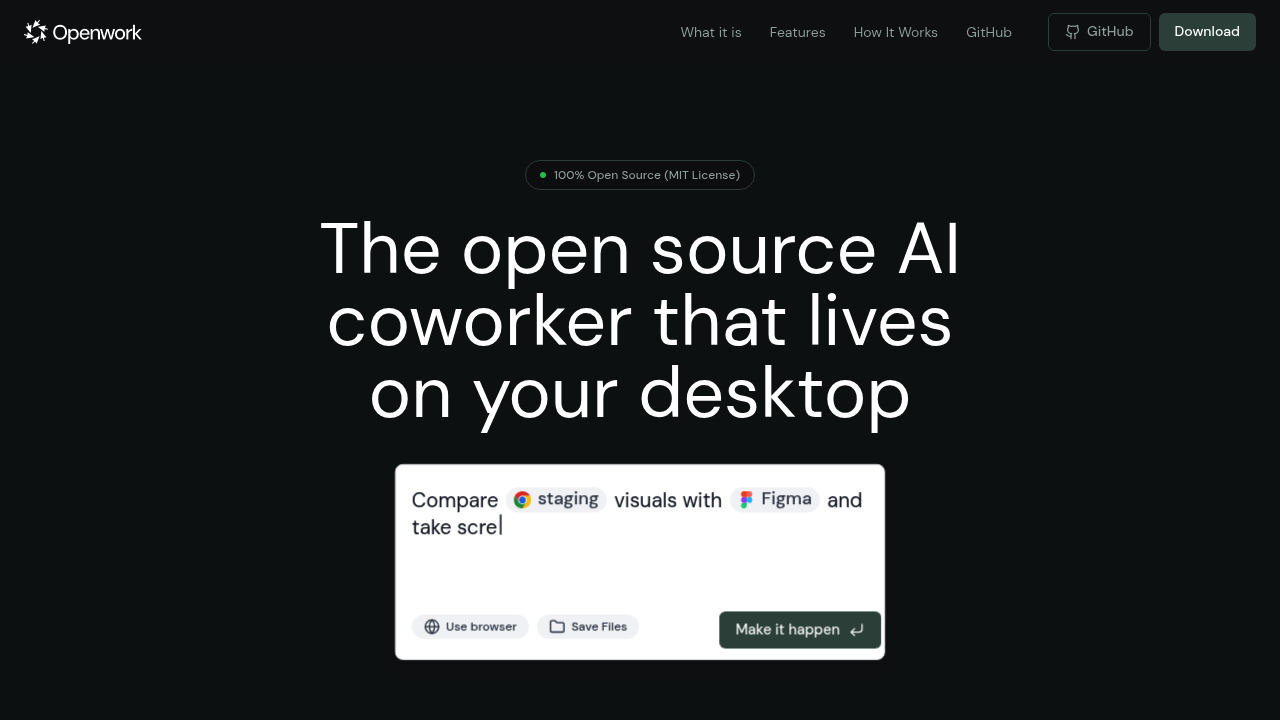
Openwork gives desktop automation a privacy-focused twist. It's an open source AI agent that handles file management and document tasks. No data goes to third parties. Everything runs on your machine while connecting to AI providers through your own API keys.

Sort through messy Downloads folders with simple commands. Rename batches of photos. Organize project files. Document creation works the same way — ask Openwork to draft reports or summarize research papers. It can rewrite content in different tones. Browser automation tackles repetitive web tasks.

Custom skills let you build reusable workflows. A freelance copywriter juggling multiple clients could create a skill that automatically organizes project files by client name. It generates initial drafts from briefs. Opens relevant browser tabs for research.

Openwork supports major AI providers. xAI. OpenAI. Anthropic Claude. Google Gemini. Local Ollama models too. You're not locked into one service.

MIT license means it's completely free — though you'll need your own API keys to actually use it. No built-in AI to test drive before committing to monthly API costs.

Version 0.3.8 suggests active development, but early-stage software comes with rough edges. Privacy-conscious users who already pay for AI services will appreciate keeping their data local while automating mundane desktop tasks. Open source approach means you can modify it if needed.

Frequently asked

7 questions
Which AI services can I use with Openwork?
Openwork works with xAI, OpenAI, Anthropic Claude, Google Gemini, and local Ollama models. You'll need your own API keys though. Pretty flexible -- you can switch between providers or use multiple ones depending on what you need.
Do I need to pay anything to use Openwork itself?
Nope, Openwork's completely free under the MIT license. But you'll still pay for API access to whatever AI service you connect. There's no built-in AI to test things out before committing to monthly costs.
Can I create custom workflows that I can reuse later?
Yes! Openwork lets you build custom skills for repetitive stuff. You could create one that sorts client files, generates drafts from briefs, and opens research tabs -- all at once. These become reusable workflows you can trigger with simple commands.
How stable is Openwork for daily use?
It's at version 0.3.8 right now. That means active development but also early-stage software. Expect some rough edges and potential bugs. Since it's open source, you can fix issues yourself if you're technical.
What types of files can Openwork help me organize?
It handles various file management tasks -- sorting messy Downloads folders, renaming photo batches, organizing project files. Also works with documents for drafting reports, summarizing research papers, and rewriting content in different tones.
Does Openwork work with web browsers for automation?
Yep, it's got browser automation for repetitive web tasks. Works alongside the file management and document stuff. You can automate tasks that involve both desktop files and web interactions.
How does the privacy aspect work if I'm still using external AI services?
Your files stay on your machine -- nothing gets sent to third parties through Openwork. When you use AI features, requests go directly from your computer to your chosen provider using your API keys. Openwork's just a local go-between rather than routing data through their servers.

Reviews (0)

No reviews yet. Be the first to share your experience.

Similar tools

See all →