GitHub Copilot logo

GitHub Copilot

Your AI pair programmer that actually knows the codebase

73 views
Visit github.com
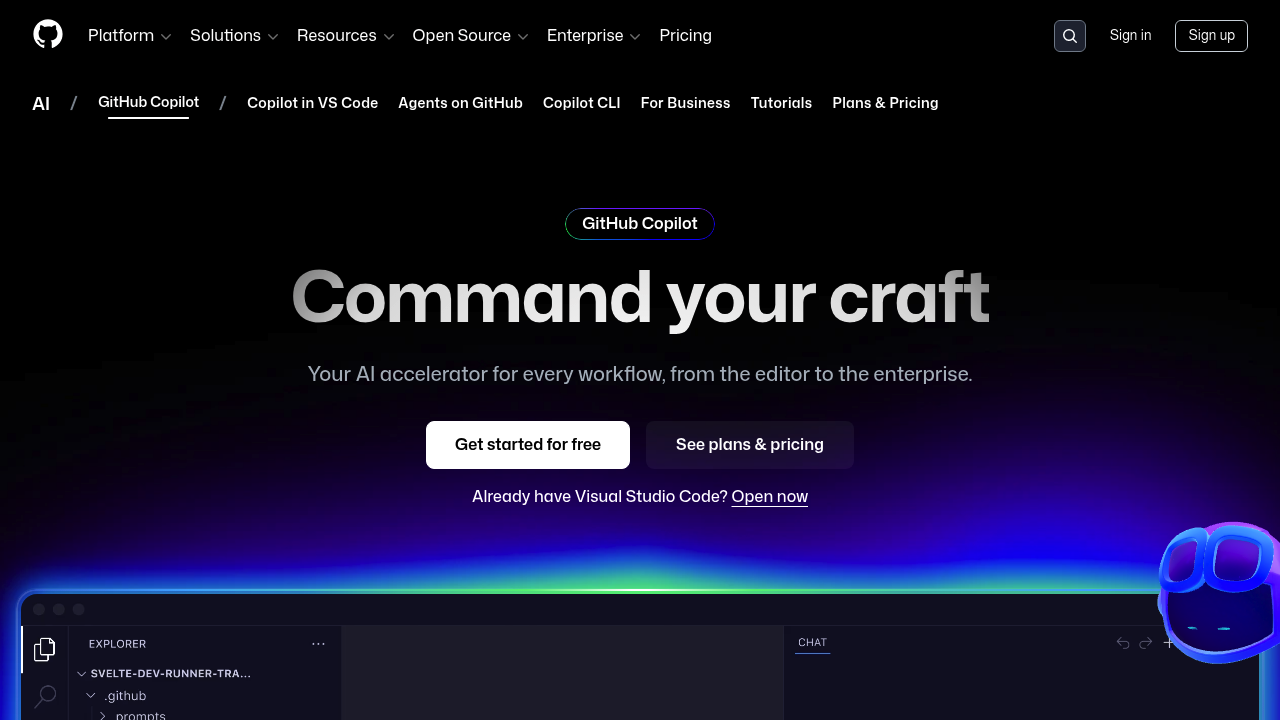
GitHub Copilot screenshot

GitHub Copilot starts free. Full features need paid plans. The pricing gap between free and paid isn't clearly defined.

This AI coding assistant crushes simple autocomplete. GitHub Copilot writes entire code blocks. It explains complex functions. It handles terminal commands through natural language. You'll find it integrated directly into VS Code and other popular IDEs. Copilot can pull from multiple AI models including OpenAI Codex and Claude — letting you pick between speed, accuracy, or cost optimization.

Enterprise development teams get the most value here. Picture a senior software architect managing multiple repositories who needs consistent code quality across different projects. GitHub Copilot can assign coding tasks directly to autonomous agents that write code and create pull requests without constant supervision.

Autonomous agents work in the background. They'll tackle GitHub issues, write the necessary code, and respond to feedback on pull requests. Copilot Spaces creates shared knowledge bases for teams. Custom agent integration extends functionality through third-party options and MCP servers, though you'll need to manage allow lists and access controls.

Grupo Boticário reported a 94% productivity increase using GitHub Copilot. It includes enterprise controls with audit logs and governance features. Agent mode validates files and suggests edits, while the CLI transforms natural language into terminal commands. Unlike single-model competitors, you get flexibility in choosing the right AI model for each task.


Frequently asked

7 questions
Which IDEs work with GitHub Copilot besides VS Code?
GitHub Copilot works with tons of popular IDEs beyond VS Code -- though they don't spell out the exact list in their docs. The setup's pretty straightforward too. You won't need separate plugins or complicated configurations. VS Code's still their main showcase though.
How do GitHub Copilot's autonomous agents actually work?
These agents run behind the scenes and can handle GitHub issues on their own. They'll write code, create pull requests, and even respond to feedback -- all without you babysitting them. Development teams can just assign specific coding tasks and let the agents go to work.
Can I switch between different AI models in GitHub Copilot?
Yep! GitHub Copilot lets you pick between multiple AI models like OpenAI Codex and Claude. You can choose based on what matters most -- speed, accuracy, or keeping costs down. That flexibility's pretty cool compared to competitors that lock you into just one model.
What's the difference between GitHub Copilot's free and paid plans?
GitHub's got a free tier to test things out. But you'll need paid plans for the full feature set. Their docs don't really spell out the exact pricing differences or which features get restricted on free plans -- you'd need to check their current pricing page for specifics.
How does Copilot Spaces help development teams?
Copilot Spaces builds shared knowledge bases that teams can all tap into. This keeps everything consistent across different projects and repositories. It's especially handy for enterprise teams juggling multiple codebases where everyone needs the same info.
What kind of productivity gains can I expect from GitHub Copilot?
Grupo Botícario saw a 94% productivity boost with GitHub Copilot. Pretty impressive! But your results'll depend on your coding tasks, team size, and how well you work the tool into your workflow. Enterprise teams with multiple repositories tend to see the biggest wins.
Does GitHub Copilot work with terminal commands?
Yeah, the CLI feature turns everyday language into terminal commands. Just describe what you want in plain English -- Copilot'll generate the right command-line instructions. Makes complex terminal stuff way easier for developers who aren't command-line wizards.

Reviews (0)

No reviews yet. Be the first to share your experience.

Similar tools

See all →