Gemini CLI logo

Gemini CLI

It can query and edit large codebases, generate new apps from PDFs, images, or sketches using multimodal input, and debug problems when you describe them in plain language.

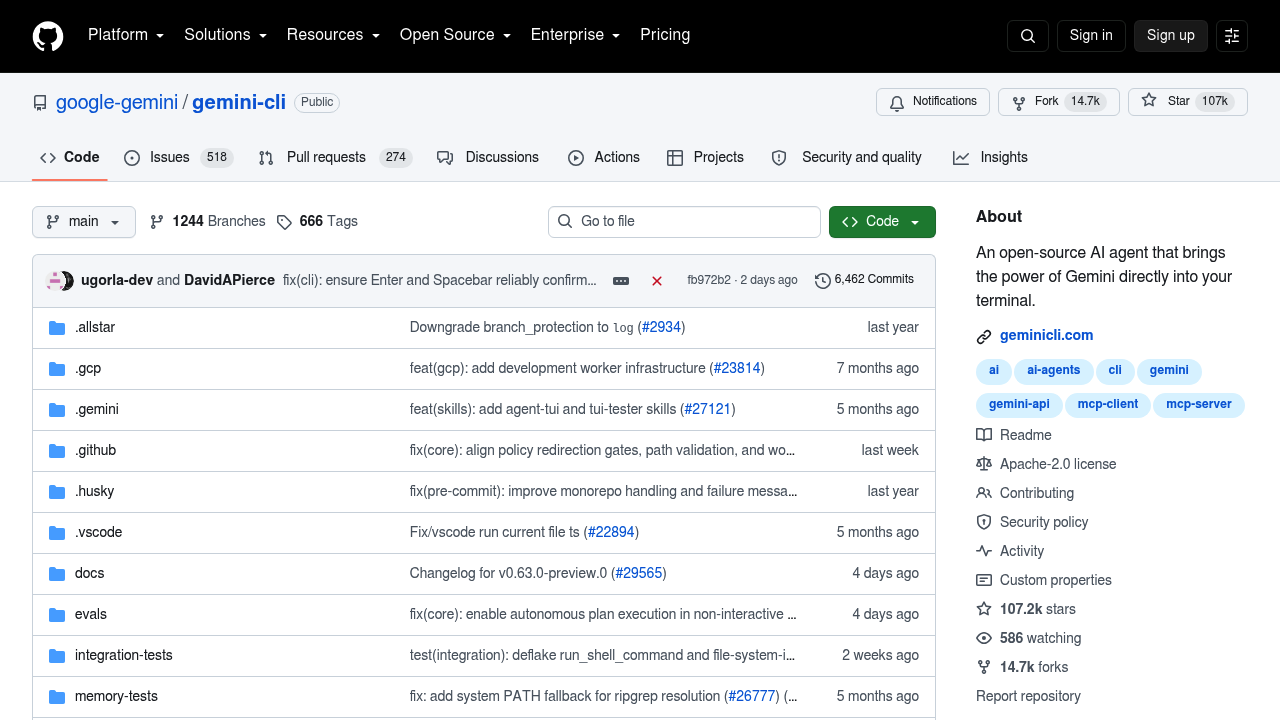
Gemini CLI is a free, open-source AI agent that runs inside your terminal and gives you a direct path from a prompt to Google's models. It can query and edit large codebases, generate new apps from PDFs, images, or…

Gemini CLI screenshot

Gemini CLI is a free, open-source AI agent that runs inside your terminal and gives you a direct path from a prompt to Google's models. It can query and edit large codebases, generate new apps from PDFs, images, or sketches using multimodal input, and debug problems when you describe them in plain language. Built-in tools cover Google Search grounding, file operations, shell commands, and web fetching, and the context window reaches 1M tokens. Signing in with a personal Google account gives you a free tier of 60 requests per minute and 1,000 requests per day, and the code is licensed under Apache 2.0.

Developers who spend their day in a shell are the core audience: backend engineers, DevOps and platform staff, open-source maintainers, and students learning a new codebase. Because everything happens in the command line, it suits people who prefer keyboard-driven workflows over a graphical editor. Teams with stricter requirements can authenticate with an API key or Vertex AI instead of a personal account, and the npm-based install fits restricted environments through Anaconda as well.

Typical jobs include asking questions about an unfamiliar repository, planning a refactor, and tracing a bug through logs and source files. It can automate operational chores such as querying pull requests or handling complex rebases, and it runs non-interactively inside scripts for workflow automation. MCP servers connect extra capabilities, including media generation with Imagen, Veo, or Lyria. You can install it with npx, npm, Homebrew, or MacPorts, and choose preview, stable, or nightly release channels depending on how much risk you accept.

Gemini CLI alternatives

See all →

Frequently asked

6 questions
How does Gemini CLI help with working on a codebase?
It lets you query and edit large codebases from the terminal using natural language. You can also debug issues, ask questions about unfamiliar code, and generate new apps from PDFs, images, or sketches.
Who gets the most out of Gemini CLI?
Developers who already work in the command line benefit most, including backend engineers, DevOps staff, and open-source maintainers. It also fits anyone who wants to script AI steps into automation.
Can Gemini CLI automate tasks such as pull request handling?
Automation is one of its listed strengths, including querying pull requests and handling complex rebases. It also runs non-interactively in scripts, so those steps can sit inside a larger workflow.
What does Gemini CLI cost?
Signing in with a personal Google account gives a free tier of 60 requests per minute and 1,000 requests per day. The software is open source under Apache 2.0, and alternative sign-in options are an API key or Vertex AI.
What are the limits of Gemini CLI?
The free tier is capped at 60 requests per minute and 1,000 requests per day. Preview and nightly releases are not fully vetted and may contain regressions, so stable is the safer channel.
How do I install Gemini CLI?
Run it instantly with npx and no installation, or install globally with npm, Homebrew, or MacPorts. An Anaconda route is documented for restricted environments, and release channels include preview, stable, and nightly.

Reviews (0)

Write review

No reviews yet. Be the first to share your experience.