Zed logo

Zed

Speed meets intelligence

82 views
Visit zed.dev
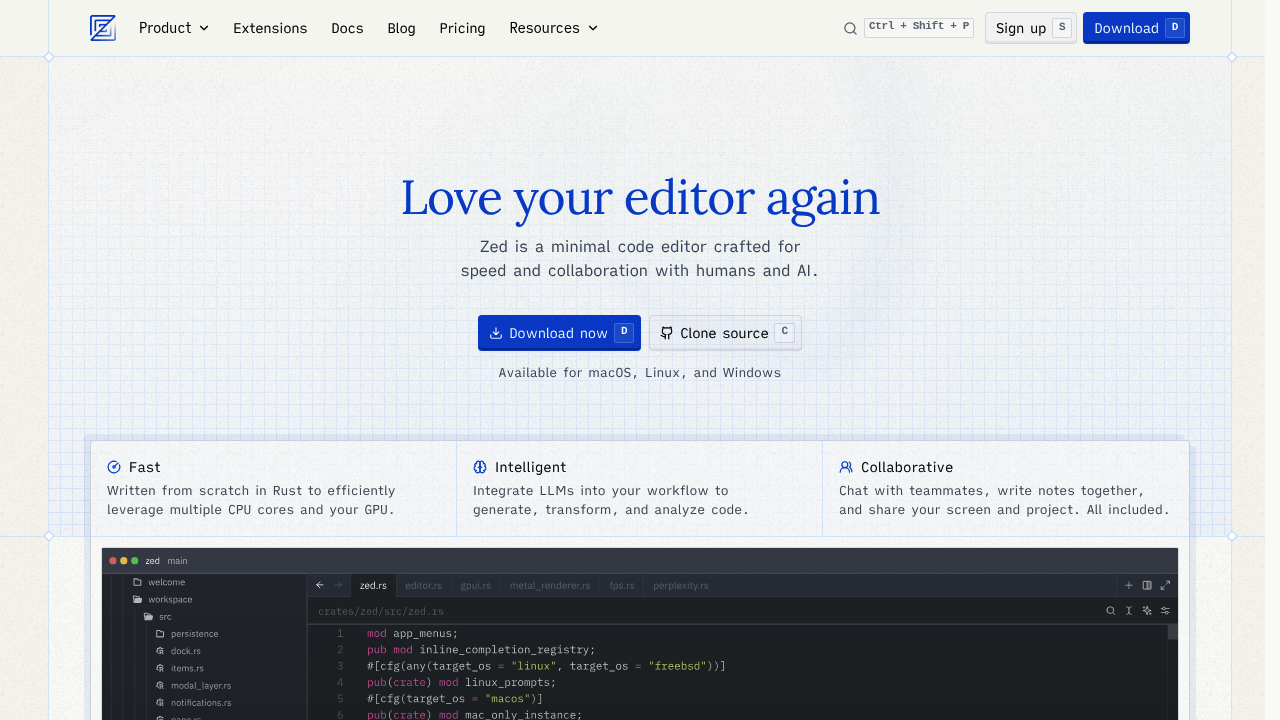
Zed screenshot

Opening Zed hits different from the start. Keystrokes register instantly. No lag when you're jumping between files. Scrolling through massive codebases stays smooth. Built from scratch in Rust, it uses your CPU cores and GPU in ways that make VS Code feel sluggish by comparison.

AI integration goes beyond basic autocomplete. You can chat directly with Claude 3.5 Sonnet or other LLMs without leaving your editor. Need to refactor a function? Ask the AI to transform it. Want to understand complex logic? The AI analyzes your code right there in the sidebar. Zed's Edit Prediction feature uses their open-source Zeta language model to anticipate your next move before you make it.

Real-time collaboration works without friction. You and your teammates can write code together. Share screens. Leave notes in the same project. A senior frontend developer debugging a React component can invite a junior developer to watch the process unfold live — both seeing the same cursor movements and breakpoints.

Debugging covers multiple languages through Debug Adapter Protocol.

Git operations happen natively without switching to terminal. Remote development lets your interface run locally while your codebase lives on a remote server. Multibuffer editing means you can pull code snippets from different files into one view. Vim users won't feel abandoned either. Modal editing support includes text objects and marks. Updates arrive weekly, keeping features fresh but sometimes introducing minor quirks.


Frequently asked

7 questions
Can I use Zed with my existing Vim keybindings?
Yeah, Zed's got full modal editing support -- includes Vim text objects and marks. You won't need to relearn your muscle memory since it covers the core Vim stuff most devs use daily. The transition feels pretty natural for experienced Vim users.
Which AI models can I chat with inside Zed?
You can chat directly with Claude 3.5 Sonnet and other LLMs without switching windows. Ask questions about your code, request refactoring help, or get explanations for complex logic right in the sidebar. Zed also uses their own open-source Zeta model for Edit Prediction features.
How does real-time collaboration work compared to Live Share in VS Code?
Zed's collaboration happens natively -- no plugins or extensions needed. Multiple devs see the same cursor movements, breakpoints, and can leave notes directly in the project. You can also share screens within the editor, making it way smoother than VS Code's Live Share setup.
Does Zed support debugging for languages other than Rust?
Yep, Zed supports debugging across multiple programming languages through the Debug Adapter Protocol. You're not limited to Rust even though the editor itself is built in Rust. The debugging experience works with the same protocol that powers debugging in other popular editors.
Can I work on remote codebases without the lag?
Zed's remote development feature keeps your interface running locally while your actual codebase lives on a remote server. This setup cuts down the network lag you'd normally get with fully remote editors. You get local UI performance with remote development flexibility.
What's multibuffer editing and when would I use it?
Multibuffer editing lets you pull code snippets from different files into a single view for easier comparison or editing. It's useful when you're working on related functions spread across multiple files -- or need to see how different components interact. You can edit all the snippets in one place then apply changes back to their original files.
How stable is Zed with weekly updates?
Weekly updates keep features fresh but sometimes introduce minor quirks. The rapid release cycle means you'll get new functionality quickly, but you might occasionally hit small bugs that get fixed in the next update. Most users find the trade-off worth it for staying current with improvements.

Reviews (0)

No reviews yet. Be the first to share your experience.

Similar tools

See all →