OpenAI Codex CLI logo

OpenAI Codex CLI

OpenAI Codex CLI brings the Codex coding agent to the terminal and to scripts.

Instead of switching to an editor plugin or a browser, a developer runs it from the command line inside a project directory, describes a task in plain language, and lets the agent read the code, propose edits and run…

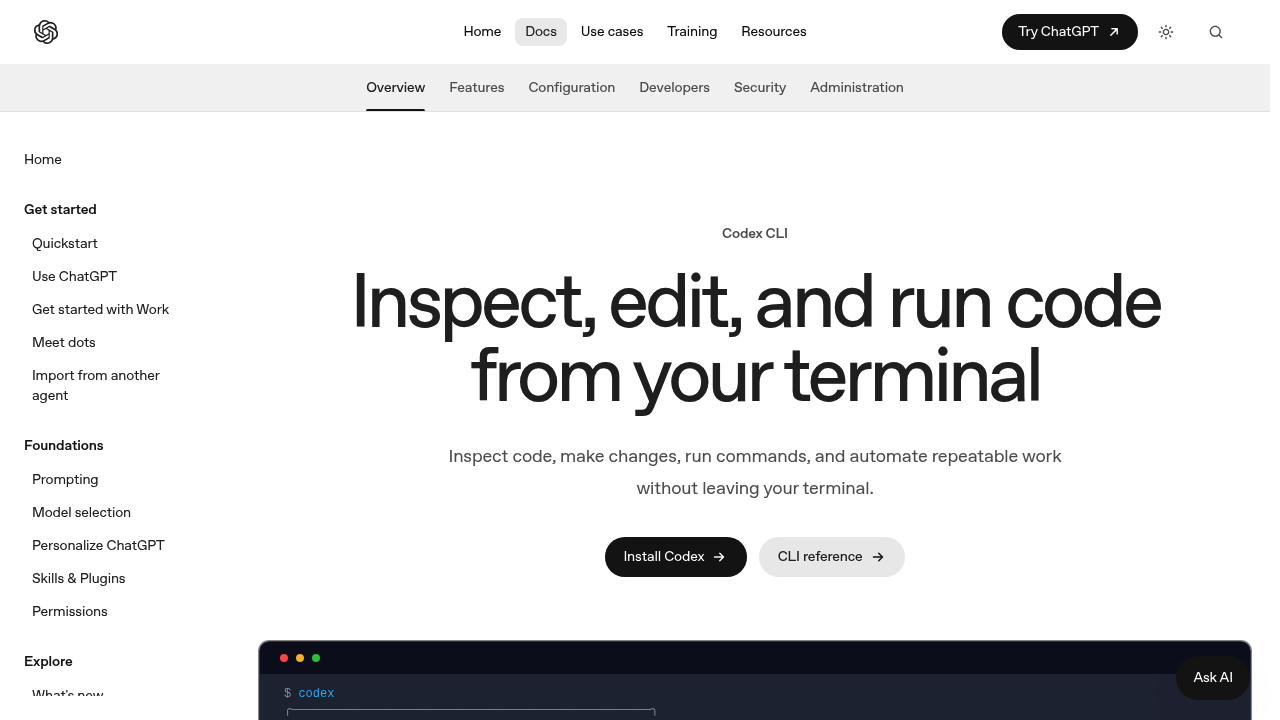
OpenAI Codex CLI screenshot

OpenAI Codex CLI brings the Codex coding agent to the terminal and to scripts. Instead of switching to an editor plugin or a browser, a developer runs it from the command line inside a project directory, describes a task in plain language, and lets the agent read the code, propose edits and run commands. It is part of the OpenAI developer documentation, which also covers SDKs, the Responses API, agents and tools for building with models.

Codex CLI is for software developers who already live in a shell: backend engineers, DevOps and platform staff, and open-source maintainers who prefer keyboard-driven workflows. Because it runs from the terminal, it fits people working over SSH or inside containers, where a graphical editor is awkward. Engineers who automate repetitive repository tasks can also call it from scripts, which suits build pipelines and one-off maintenance jobs. Beginners can use plain-language prompts, though comfort with git and the command line helps.

Typical use cases include asking the agent to explain an unfamiliar codebase, fix a failing test, write a small feature, refactor a module, or generate a migration. Developers run it in a repository, review the proposed changes as diffs, and then accept or adjust them. Scripts can invoke it for batch jobs such as updating configuration files across many projects or drafting documentation. It pairs naturally with version control, so each change can be inspected and reverted. Teams building their own agents can compare it with the SDKs and Agents tools in the same documentation.


OpenAI Codex CLI alternatives

See all →

Frequently asked

6 questions
What does Codex CLI do?
Codex runs from your terminal and from scripts. You describe a coding task in plain language and the agent works on your project from the command line.
Who is Codex CLI for?
Developers comfortable in a shell, including backend, DevOps and open-source engineers. It suits people who work over SSH or in containers.
What is a good first task for Codex CLI?
Ask it to explain an unfamiliar repository, fix a failing test or draft a small feature. You can review its proposed edits as diffs before accepting them.
Can Codex CLI run inside automation?
Scripts can call Codex as well as interactive sessions, according to the documentation. That makes batch maintenance jobs and pipeline steps possible.
What should I know before adopting it?
Access to OpenAI services is required, so an account and network access are needed. Comfort with git and the command line makes reviewing changes safer.
Where do I find the documentation?
Guides live in the OpenAI developer docs under SDKs and CLI. The same docs include quickstarts, the Responses API, agents and tool references.

Reviews (0)

Write review

No reviews yet. Be the first to share your experience.