
opcode logo

opcode

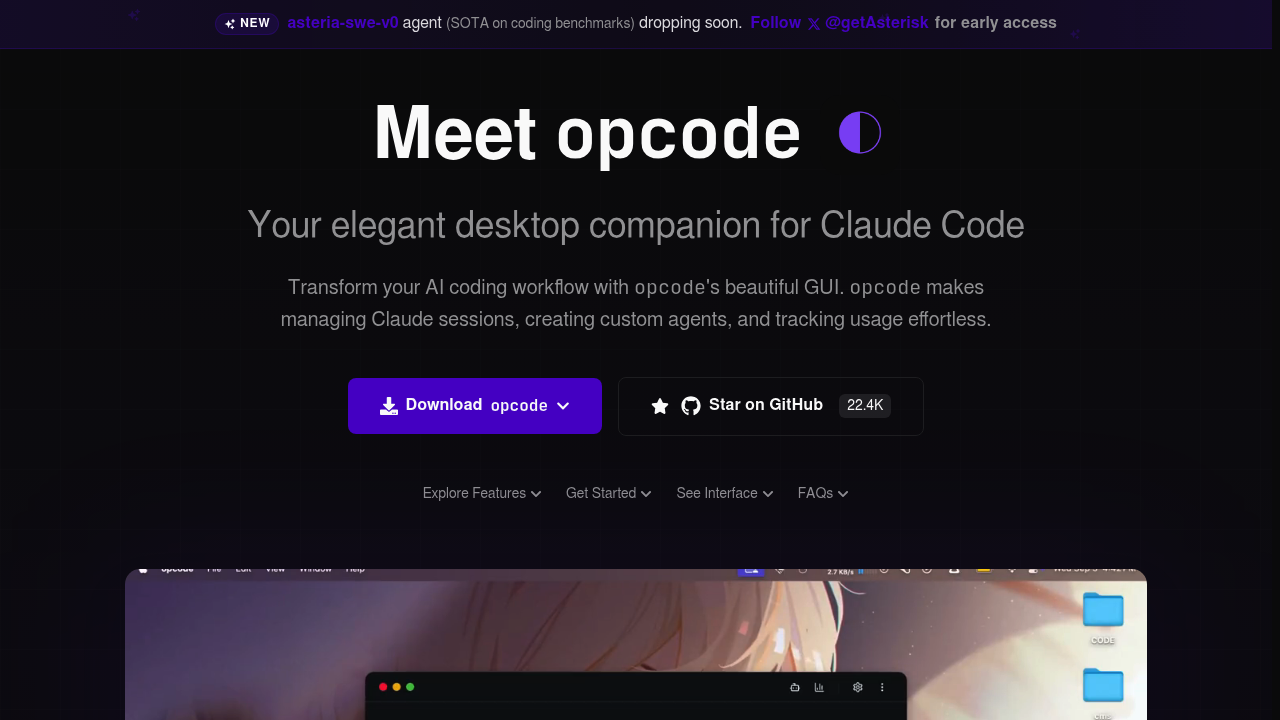
opcode is a free, open-source desktop application that gives Anthropic's command-line coding agent a graphical interface.

It lets developers browse every project and past session in one window, build reusable custom agents with their own prompts and sandboxed execution, and watch token usage and cost through a usage dashboard. A built-in…

opcode screenshot

opcode is a free, open-source desktop application that gives Anthropic's command-line coding agent a graphical interface. It lets developers browse every project and past session in one window, build reusable custom agents with their own prompts and sandboxed execution, and watch token usage and cost through a usage dashboard. A built-in markdown editor with syntax highlighting handles system prompt files, and MCP servers can be configured visually. Builds exist for macOS and Linux, with Windows listed as coming soon, and the source code is hosted on GitHub.

Developers who already live in the terminal with an AI coding agent are the main audience, particularly anyone juggling several projects and losing track of old conversations. Team leads who want to understand how much their AI coding costs will value the spending analytics. Engineers who write many custom prompts or agent definitions get a proper editor instead of switching between windows. Privacy-minded users get data kept locally with no cloud dependency or external tracking. Contributors comfortable with Rust, TypeScript and React can also modify the app, since it is built with Tauri 2.0.

A developer might open the project browser to resume a session from last week, create a checkpoint before a risky refactor, and branch the conversation like a Git history to try another approach. Someone running recurring tasks can define an agent for code review or documentation and rerun it across repositories. Freelancers can track token spend per project to inform client billing. Teams standardizing their setup can manage MCP servers and project instruction files in one place, and the diff view helps review what changed during a session before committing.

opcode alternatives

See all →

Frequently asked

6 questions
What can opcode do beyond the terminal?
A visual layer is added for browsing projects and sessions, creating reusable agents, editing system prompts and monitoring token costs. Session checkpoints let you branch conversations much like Git branches.
Who should use opcode?
Developers who run an AI coding agent from the command line and want a clearer view of their projects, history and spending. It also suits people who manage many prompts, agents and MCP servers.
How can I use opcode for cost tracking?
Token consumption, costs and session analytics appear in the usage dashboard. That helps freelancers and teams see which work consumes the most budget.
Is opcode free?
Completely free and open-source, with native executables to download or source to build. Find the code in the GitHub repository.
Which platforms are supported?
Native builds are available for macOS and Linux, while Windows is marked as coming soon. System requirements list macOS 10.15+, Ubuntu 20.04+ or Windows 10+, plus 4GB of RAM.
What do I need before installing it?
Anthropic's coding agent CLI must already be installed, because opcode detects that installation and works on top of it. After downloading the binary for your system, launch the app to manage sessions visually.

Reviews (0)

Write review

No reviews yet. Be the first to share your experience.