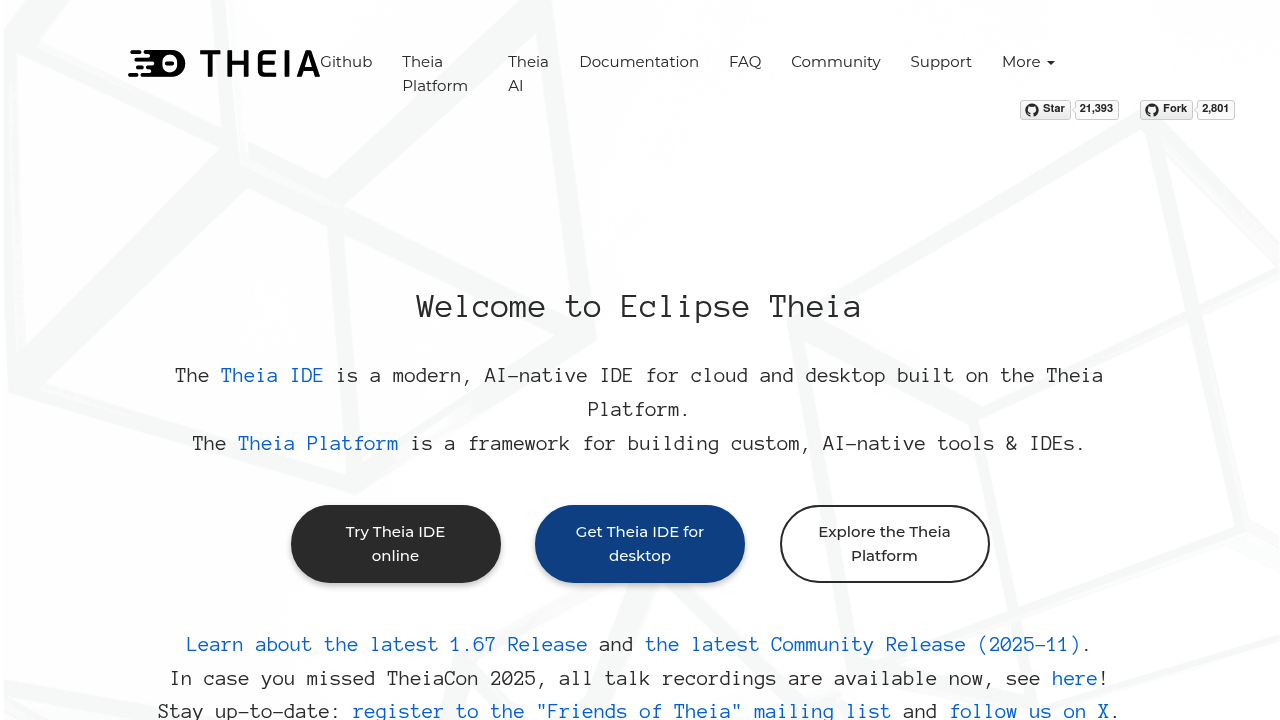
An open-source IDE that puts AI at the center while giving you complete control over how it works. Theia IDE lets you choose your own AI models — cloud-based, self-hosted, or running entirely on your local machine. You can create custom agents to automate your specific workflow, tailor prompts to fit your coding style, and keep full ownership of your data. It's built on the Theia Platform framework and designed as a vendor-neutral alternative to tools like VS Code and Cursor.
The development experience feels familiar if you've used modern code editors. You get Language Server Protocol integration for solid code editing across Python, Java, JavaScript, C++, and other languages. The Monaco editor handles the actual text editing. But here's what sets it apart: full access to over 3000 extensions from the VS Code ecosystem through open-vsx.org. That means GitHub Pull Requests, GitLens, ESLint, Docker, and most other tools you already use just work. The workbench layout is flexible with theming support, detachable views, and a dynamic toolbar that adapts to what you're doing.
The AI transparency matters more than you'd think. Instead of black-box AI suggestions, you see exactly what's happening with your code and can modify how the AI interacts with your projects. Custom agent creation means you can build automation for repetitive tasks specific to your codebase. Not everyone needs that level of control, but if you're working with sensitive code or want to experiment with different AI models, it's there.
Does it actually work? The online test version gives you 30 minutes to try it out, which is enough to get a feel for the interface and basic features. Installation options exist for Windows, Linux, and MacOS. The modular architecture means you can extend it heavily if needed. Latest stable version is 1.67, and the community release from November 2025 suggests active development.
Weak spots show up in a few areas. That 30-minute limit on the online version is pretty restrictive for serious evaluation. Mac x86 users face potential slowness and stability issues on newer ARM systems, which could be frustrating. The documentation does not clarify how easy or difficult it is to actually configure your own AI models — there's a learning curve implied but not spelled out. And while compatibility with VS Code extensions sounds great, not every extension will work perfectly in practice.
It's completely free. Full download with all IDE features available on all platforms. No paid tiers, no feature limitations. The Eclipse Foundation governs the project, which provides some confidence about long-term sustainability without vendor lock-in.
Who benefits most? Developers who want AI coding assistance but don't trust closed-source solutions. Teams working with proprietary code who can't send it to external AI services. Anyone frustrated by lack of control in other AI-native editors. If you're comfortable with VS Code but want to own your AI integration choices, this makes sense. Organizations that need to keep code on their own infrastructure can run everything locally or on their own servers.
Less useful if you just want something that works immediately without configuration. The flexibility comes with setup complexity. Developers happy with existing AI coding tools probably will not find enough reason to switch unless data ownership or model choice specifically matters to their situation.