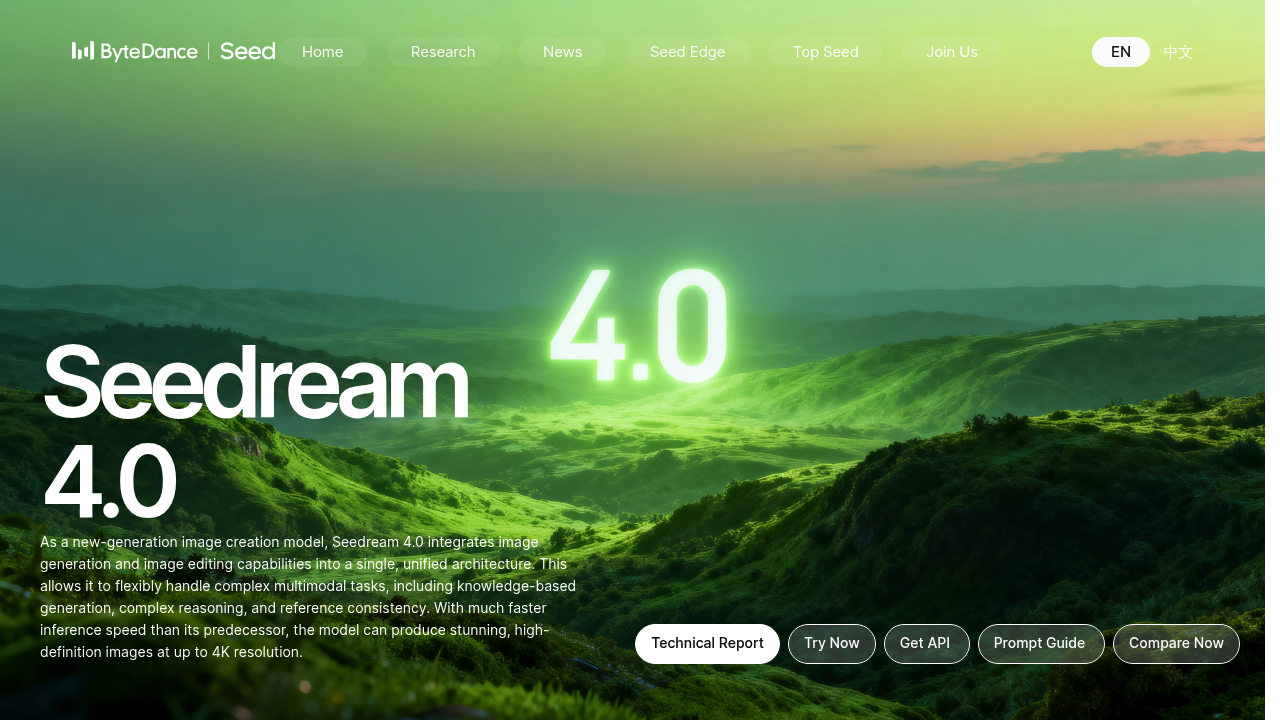
Seedream 4.0 is an image creation model from ByteDance Seed that merges image generation and image editing in one architecture. It handles knowledge-based generation, complex reasoning and reference consistency, and it produces high-definition images up to 4K resolution with much faster inference than the previous version. You can upload several reference images and generate multiple outputs at once, or edit with a single sentence, such as removing a person, changing text on a poster or replacing a dog with a Schnauzer. Styles range from watercolor to cyberpunk. Users can try it on the web, through the Dola app or by API, and a prompt guide is provided.
Graphic designers and marketers use it to produce posters, layouts and campaign visuals, then fix details by describing the change instead of opening an editor. Teachers and content creators generate educational illustrations, timelines and charts, since the model draws on knowledge to render accurate diagrams. Photographers and hobbyists restyle their own pictures or restore and colorize old photographs. Developers and product teams add image generation and editing to applications through the API. Researchers and model evaluators can review its MagicBench scores and Artificial Analysis Image Arena results, bearing in mind that part of the comparison is the developer's own benchmark.
Examples shown include a retro website mockup for an art museum, a blackboard drawing of a system of linear equations with solution steps, a Chinese dynasty timeline with icons, a poster about the harm of staying up late, and a comparison chart of Gothic and Baroque architecture. Editing prompts turn on the lights in a living room while keeping the evening outside, follow a line drawing to build a tennis scene, change event dates on a poster while keeping the font, or colorize and repair a scratched photo. Batch mode lets a team generate a set of consistent variations from several reference images in one pass.