Nano Banana (Gemini Image) logo

Nano Banana (Gemini Image)

Nano Banana is the image generation and photo editing model built into Google's AI assistant app, with the current version called Nano Banana 2.

Users pick the create-images option from its menu of options, choose Fast, Thinking or Pro, then type a prompt or upload a picture to change. It can swap a background, replace an object, or add an element while keeping…

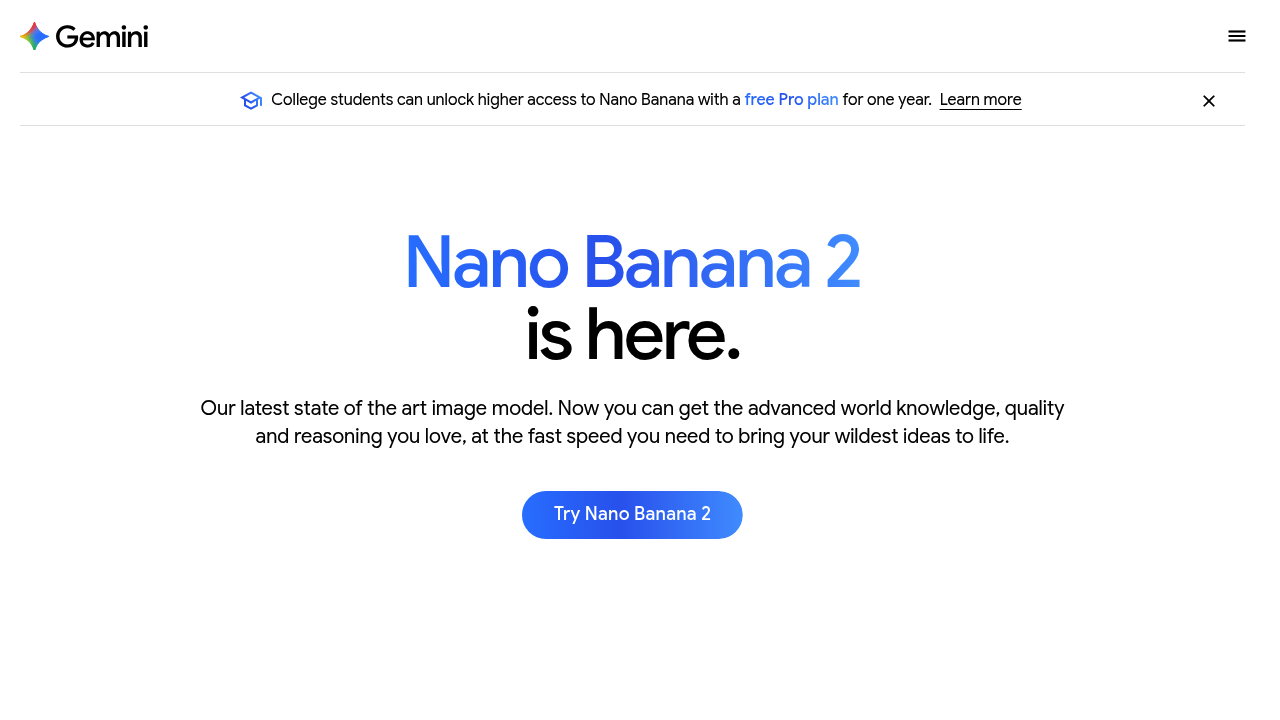
Nano Banana (Gemini Image) screenshot

Nano Banana is the image generation and photo editing model built into Google's AI assistant app, with the current version called Nano Banana 2. Users pick the create-images option from its menu of options, choose Fast, Thinking or Pro, then type a prompt or upload a picture to change. It can swap a background, replace an object, or add an element while keeping the details the user likes, and it can borrow textures, colors and materials from a reference photo.

Social media creators, small business owners and marketers use it to produce visuals without design software, and hobbyists enjoy it for surreal scenes and quick experiments. Designers can draft concepts, test camera angles, lighting and mood, and resize one idea into several aspect ratios. Students and teachers can build illustrated material, while multilingual teams benefit from text rendering that can also translate wording inside an image and fit it into the layout.

Practical examples include logos, invitations, posters and comics where the message appears as readable text in the picture, product mockups in different settings, and mood variations of a single scene shifted from day to night or from playful to mysterious. Photo editing covers changing a backdrop or removing a distraction through a plain-language request, and a follow-up message adjusts the result when the first attempt misses. Every generated image receives a visible watermark and an invisible SynthID watermark so viewers can tell it was made by AI. Users on Google AI Pro, Plus and Ultra can regenerate an image with the Pro model.

Nano Banana (Gemini Image) alternatives

See all →

Frequently asked

6 questions
What can Nano Banana do with an uploaded photo?
It can change the background, replace an object or add an element while keeping the details you want to preserve. A reference image can also pass its textures, colors and materials onto your subject.
Who uses Nano Banana most?
Creators, marketers, small business owners and hobbyists who need visuals quickly without learning design software. Teams producing the same graphic in several sizes also get value from its aspect ratio control.
Can Nano Banana put readable text inside images?
Logos, invitations, posters and comics can carry your message as text in the picture. Wording can also be translated into other languages and placed to fit the design.
How do I start generating images with Nano Banana?
Open Google's AI assistant app, pick the create-images option in its menu of options, and choose Fast, Thinking or Pro. Then enter a prompt or upload a photo to edit, and ask for changes in follow-up messages.
Are Nano Banana images marked as AI-generated?
Each image carries a visible watermark and an invisible SynthID watermark that identifies it as AI-made. This keeps generated pictures distinguishable from original human artwork.
Where is Nano Banana available?
Image generation works in every language and country where Google's AI assistant app is offered. Google AI Pro, Plus and Ultra users also get a Redo with Pro option for regenerating images.

Reviews (0)

Write review

No reviews yet. Be the first to share your experience.