
Genaraera logo

Genaraera

Need professional infographics but can't hire a designer

? Genaraera turns your data and text descriptions into polished visual charts in seconds using AI. No templates. You describe what you need in plain English and upload your data. Two AI models handle different quality…

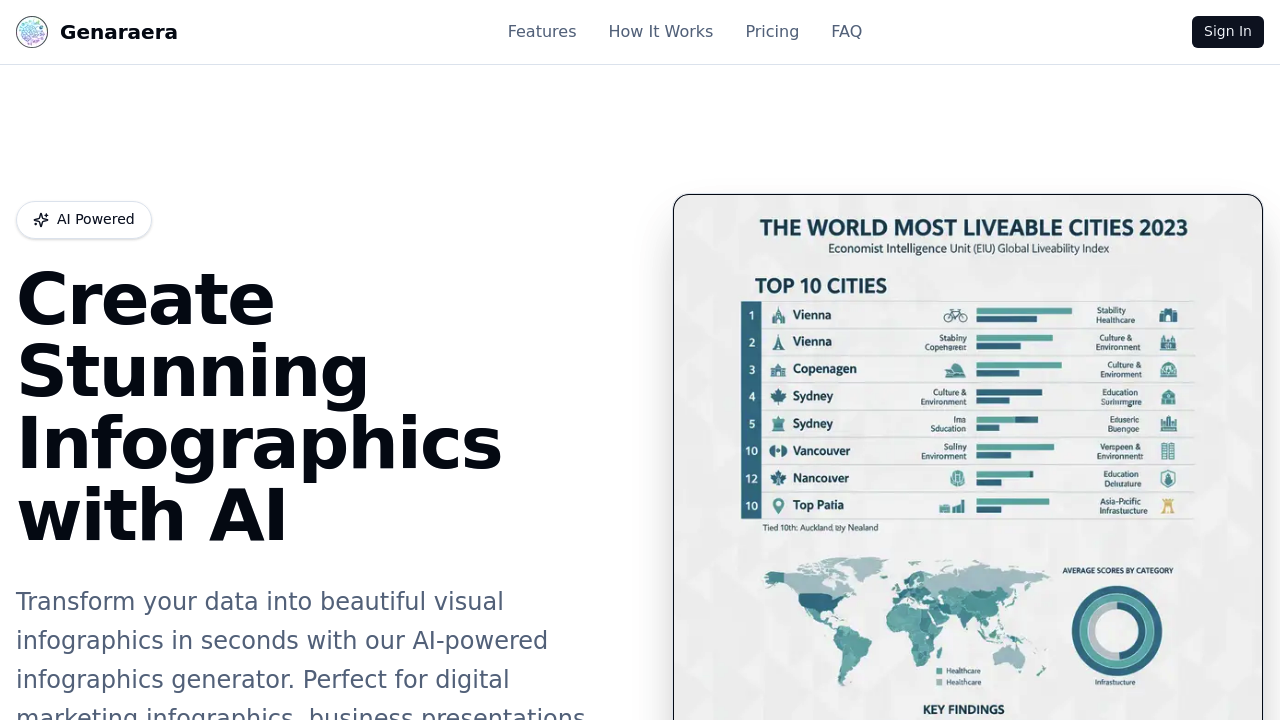
Genaraera screenshot

Need professional infographics but can't hire a designer? Genaraera turns your data and text descriptions into polished visual charts in seconds using AI. No templates. You describe what you need in plain English and upload your data.

Two AI models handle different quality needs. Basic creates 1024x1024px images for one credit each. Pro pushes resolution up to 4K but costs three to five credits depending on output size. You can pick from nine aspect ratios. Standard social media formats like 16:9. And 9:16.

Genaraera works two ways. Method one takes your natural language prompt plus data to generate custom infographics from scratch. Method two lets you upload a reference image — it'll match that visual style with your new data. A marketing manager preparing quarterly reports could describe "clean bar chart showing Q3 sales by region" and get publication-ready graphics without touching design software.

Prompts max out at 5000 characters. That's usually plenty for detailed descriptions but might feel tight for complex multi-chart requests.

Credits mean no monthly subscriptions. But costs add up fast if you're creating dozens of infographics. Still beats paying designers $50 per chart. Content creators and educators who need quick data visualizations will find this faster than learning Canva or wrestling with Excel's chart tools.

Genaraera alternatives

See all →

Frequently asked

6 questions
How much does it cost to create charts with Genaraera's Pro model?
Pro model runs 3-5 credits per chart -- depends on what output size you pick. Basic's way cheaper at just 1 credit for 1024x1024px images. You're buying credits upfront (no monthly fees), so your total cost really depends on how many infographics you end up making.
Can I upload my own reference images to match a specific visual style?
Yep! Genaraera's got two ways to work. You can describe what you want in plain English, or you can upload a reference image that it'll use as a style guide. That second method's perfect when you need charts matching your existing brand or presentation design.
What's the maximum resolution I can get from Genaraera?
Pro model goes up to 4K resolution. Basic model caps at 1024x1024 pixels. Higher resolutions cost more credits with Pro -- that's how they price it. Both models support nine different aspect ratios, including standard social media formats.
How long can my text prompts be when describing charts?
You're capped at 5000 characters max. That's usually plenty for detailed descriptions of single charts or simple multi-chart requests. But if you're planning something really complex with multiple data sets, you might hit that wall and need to split things up.
Does Genaraera work better than Excel or Canva for quick data visualization?
It's definitely faster if you just need decent-looking charts without learning new software. You describe what you want and upload data -- no wrestling with Excel's chart tools or hunting through Canva templates. Trade-off is you'll have less control over fine details compared to manual design tools.
What file formats does Genaraera accept for data uploads?
The tool accepts data uploads to pair with your text descriptions. But they don't spell out the specific supported formats on their site. You'll need to test common formats like CSV or Excel files to see what works -- seems like they're focused on keeping the upload process simple rather than supporting every possible data format.

Traffic

Estimated monthly website visits · last 0 months

319 visits/mo
Monthly visits
319
Global rank
#14,345,525

Not enough historical data for a chart yet.

Reviews (0)

Write review

No reviews yet. Be the first to share your experience.