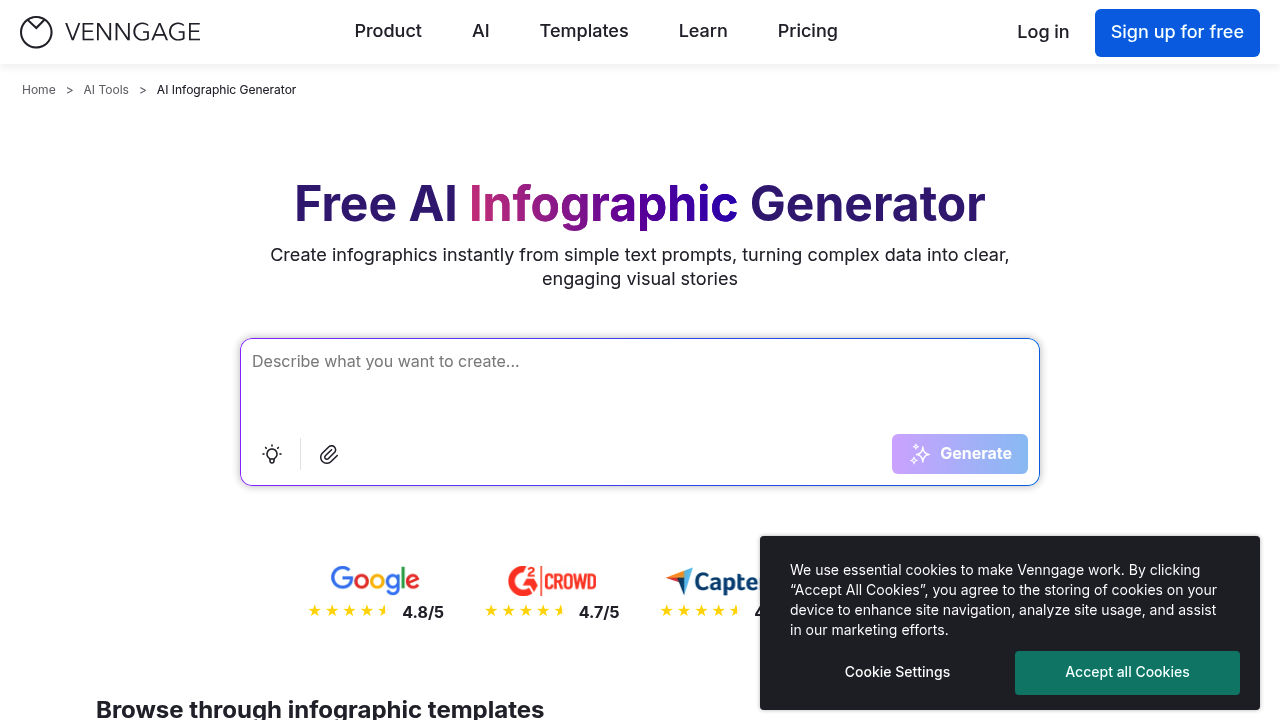
AI Infographic Generator from Venngage turns text, an uploaded document or a CSV file into an infographic in seconds. You name the type, such as a process flow, timeline, comparison, stat block or framework diagram, add the real content, and the AI lays it out in your brand style. Everything remains editable afterward, including data, icons and layout, and you download the result as a PDF or PNG. The company describes the generator as free with no watermark and no design skills required. Related tools cover charts, graphs, data infographics, comparisons, curve graphs and statistics, alongside AI content auto-fill and generated icons and images.
Internal communications and HR teams build rollout maps and training visuals. Marketers produce explainer infographics and content summaries to promote articles and reports. Consultants create framework and lead-capture infographics that show a method at a glance. Educators and nonprofit staff turn statistics and glossaries into clear fact sheets. Small business owners and startup founders explain a launch plan or brand story without hiring a designer. Because the generator accepts a spreadsheet, analysts can convert tabular figures into a visual summary for stakeholders. The sample prompts on the page cover corporate timelines, diversity and inclusion glossaries and refugee statistics fact sheets.
Typical jobs include a company history timeline with key milestones, a four-step startup guide from idea to launch, a playful brand journey, and an educational glossary laid out in a grid with icons. Prompts work best when they name the infographic type, paste the real steps or numbers, and say where it will be used, such as a LinkedIn carousel, a printed report, a sales deck or a board presentation. Teams start from a professionally designed template and either edit it with AI or adjust it manually. Venngage also offers brochure, poster, flyer, timeline, mind map and pitch deck generators for adjacent needs.