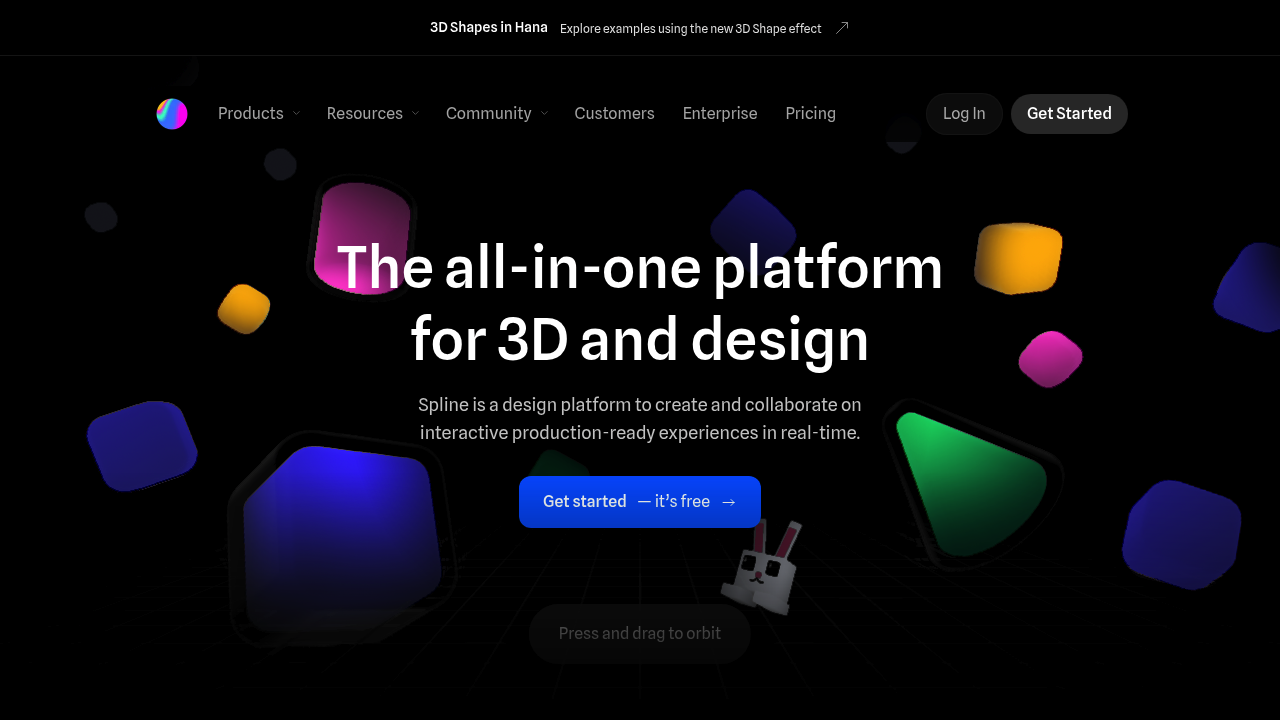
Your 3D scenes in Spline look polished enough for actual products. Real-time rendering keeps everything smooth while you work. The material library gives you professional textures without hunting around for assets. Export options cover web, iOS, and Android so your work actually ships.
Teams get the most value here. Multiple designers can jump into the same project simultaneously — tweaking models and animations without stepping on each other's toes. Solo designers can build impressive interactive experiences too, but you'll miss the collaborative workflow that makes Spline shine.
A product designer at a startup would love this for prototyping AR shopping experiences. They could model products, add physics interactions, then export directly to their React app without bothering the engineering team.
Spline handles both 3D modeling and 2D design work on an infinite canvas. You get primitives for quick shapes. Vector networks for custom graphics. Timeline animation for motion. Variables and webhooks connect your designs to real data sources. Visual effects like shadows and glass projections add polish.
It integrates with Webflow, Framer, and other web platforms you're probably already using. The learning curve isn't trivial though. Expect to spend time figuring out the interface before you're productive.
Free plan gets you started. No word on pricing for teams or advanced features, which makes budgeting tricky for larger organizations.