Wonderchat logo

Wonderchat

Repetitive questions drowning your support team

44 views
Wonderchat screenshot

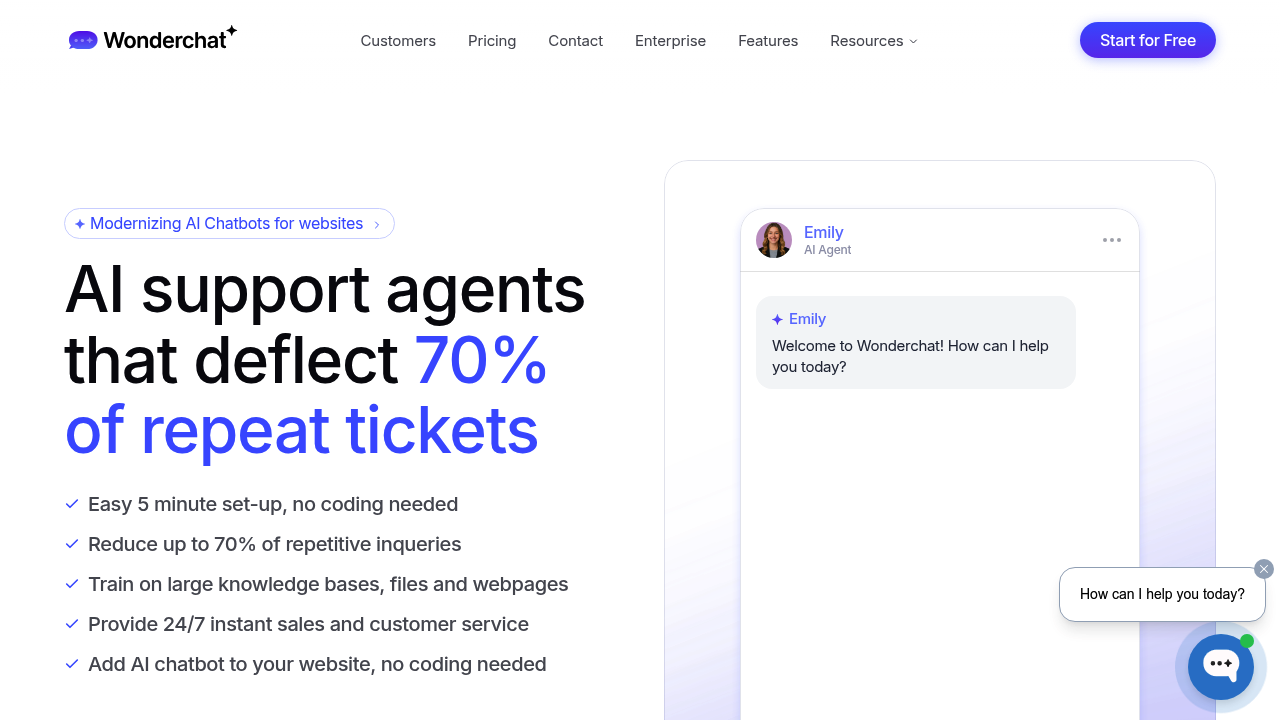
Repetitive questions drowning your support team? Wonderchat might solve that. This no-code chatbot builder takes five minutes to set up (supposedly). Feed it PDFs, website content, Zendesk tickets or documentation—it learns to answer customer questions 24/7.

Training accepts nearly any file format. Unlimited websites can be indexed. Data syncs automatically so your bot stays current without manual work. You can tweak personality, tone and response style. When it makes mistakes, it learns from your corrections.

Larger operations get something interesting with the Turbo plan—voice and phone agent capabilities. Train once, then deploy across web chat, voice calls or phone support. A retail manager could handle text inquiries during business hours and route after-hours calls to the same AI agent. Multiple AI models work here: OpenAI, Claude, Gemini and Llama.

Built-in guardrails keep responses on topic. Complex situations? The system escalates to human agents or pushes tickets into Zendesk or Freshdesk. Analytics show resolution rates. You can build conditional workflows for complicated scenarios.

Annual billing starts at $25 monthly. Free plan includes 20 messages monthly plus storage for 50 webpages. Wonderchat claims it deflects 70% of repeat tickets—can automate up to 92% of support volume. Over 1000 businesses use it (according to them). GDPR compliant and SOC 2 certified if your legal team cares about that stuff.


Frequently asked

7 questions
How much does Wonderchat cost?
Wonderchat starts at $25/month if you pay annually, with plans going up to $83/month (Basic) and $249/month (Turbo). There's a free plan that gives you 20 message credits monthly and storage for up to 50 webpages. Annual plans get a 17% discount compared to monthly billing.
How long does it take to set up Wonderchat?
Setup takes about 5 minutes. You just upload your knowledge base—PDFs, website URLs, or past support tickets—and the AI learns from that content. No coding required, and your chatbot can start answering questions right away.
What are the limitations of the free plan?
The free plan gives you 20 message credits per month and lets you store up to 50 webpages. Once you use up those credits, you'll need to upgrade to keep the chatbot running. It's honestly best for testing things out rather than handling actual customer volume.
Can Wonderchat handle phone calls?
Yes, but only on the Turbo plan ($249/month annually). You train the AI once and can deploy it across web chat, voice calls, and phone support. It's pretty useful if you need 24/7 coverage across different channels without hiring more staff.
Does Wonderchat integrate with Zendesk?
Yep, it integrates with both Zendesk and Freshdesk. You can train the bot on past tickets from these platforms, and when the AI can't handle something, it'll escalate and create tickets directly in your helpdesk system.
How many support tickets can Wonderchat actually automate?
Wonderchat claims it can automate up to 92% of support tickets and deflects about 70% of repeat questions. Your actual results will depend on how well you train it and what kind of questions your customers ask, but it should handle straightforward stuff easily.
What can I use Wonderchat for besides customer support?
It works well for sales assistance too—answering product questions, collecting leads, and qualifying prospects 24/7. Some businesses use it for internal knowledge management, helping employees find information quickly without bugging the IT team.

Reviews (0)

No reviews yet. Be the first to share your experience.

Similar tools

See all →