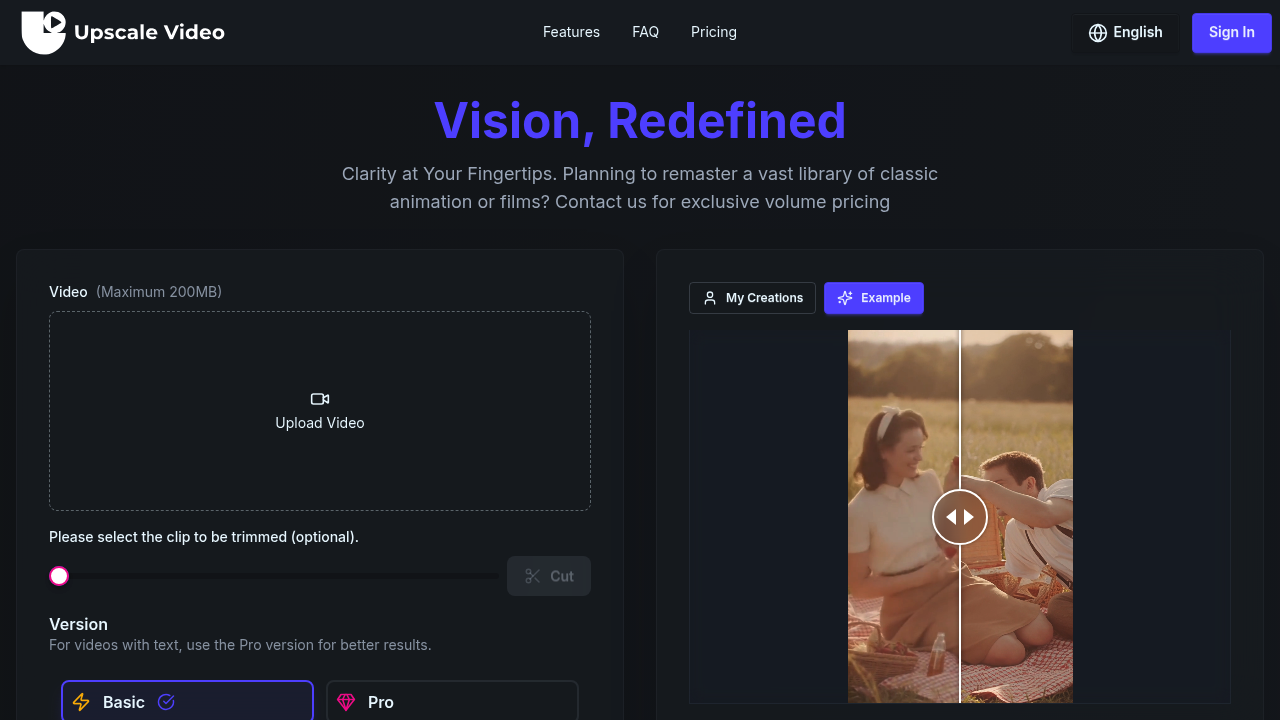
VideoUpscaler.net is an AI video upscaler and enhancer. It takes low-resolution footage and outputs 720p, 1080p, 2K or 4K, with the emphasis on temporal consistency so that detail stays stable from frame to frame instead of flickering. Detail reconstruction, motion-aware processing and artifact cleanup run on each clip, and a Basic or Pro version can be picked depending on the footage. A free plan gives 10 credits a month with a watermark. Paid plans start at $7.45/mo for Basic and $24.95/mo for Pro, shown at 50% off list price, and the credits are shared with its AI image and music generators.
People who work with footage that was shot or exported too small will get the most from it. That includes video editors cleaning up client material, YouTubers and social media creators reusing older clips, small studios finishing projects for larger screens, and marketers who only have a low-resolution version of a brand video. Archivists and animation rights holders are also addressed directly: the pricing area offers volume pricing for anyone remastering a large library of classic animation or films. No editing software is needed, because upload, resolution choice and download all happen in the browser, so beginners can use it as easily as professionals.
Typical jobs include sharpening old family videos, bringing 720p screen recordings or webinars up to 1080p, preparing vintage cartoons or film scans for 4K delivery, and lifting phone clips before they go into a longer edit. Users can trim a clip first so only the needed section is processed and credits are not spent on the rest. Videos containing on-screen text are better sent through the Pro version. Freelancers can use the Basic or Pro plans for client work because they include commercial usage rights, and the priority queues help when several clips are waiting. The same account also covers generating images and songs when a project needs them.