
Topaz Video AI logo
AI Video Enhancer PAID from $59/mo

Topaz Video AI

Topaz Video is video enhancement software that uses temporally aware AI models to upscale, enhance, stabilize and smooth footage.

Models such as Precision Upscale and Creative Upscale raise resolution, Frame Interpolation and Slow Motion create smoother motion, and SDR to HDR conversion widens the tonal range of older material. Cloud rendering…

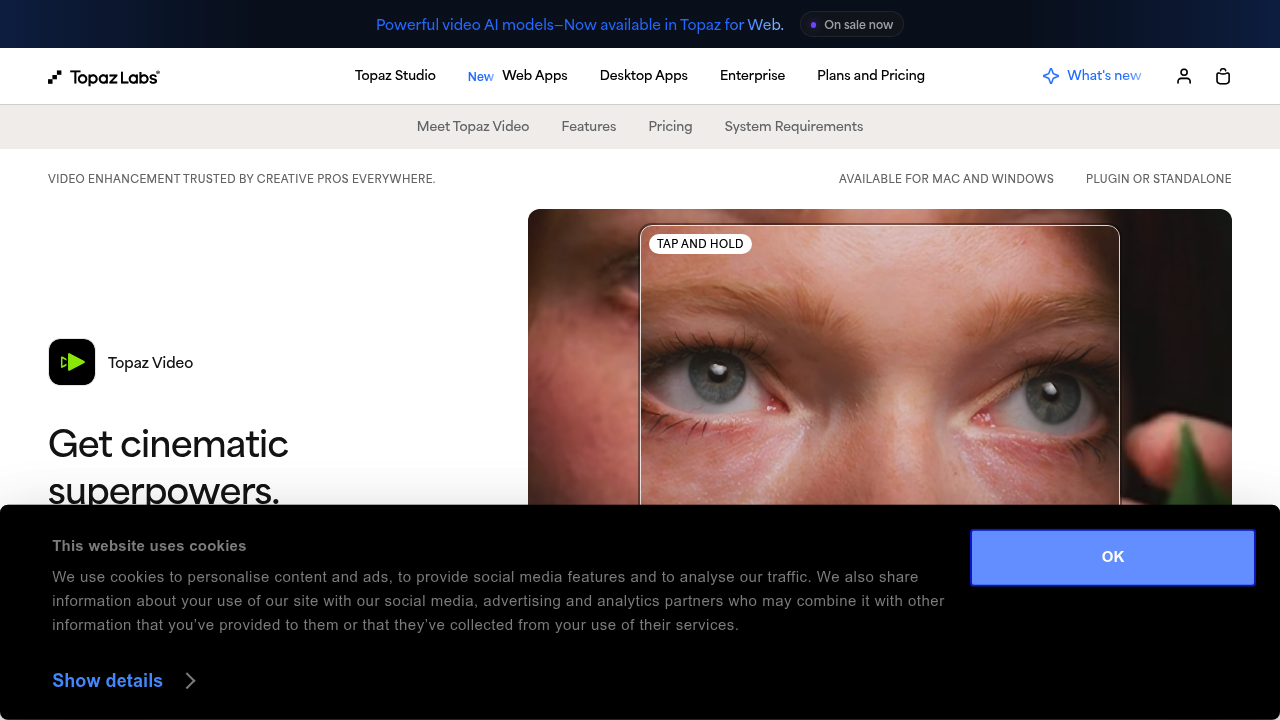
Topaz Video AI screenshot

Topaz Video is video enhancement software that uses temporally aware AI models to upscale, enhance, stabilize and smooth footage. Models such as Precision Upscale and Creative Upscale raise resolution, Frame Interpolation and Slow Motion create smoother motion, and SDR to HDR conversion widens the tonal range of older material. Cloud rendering runs through Topaz for Web, which costs $19 per month with 200 monthly cloud video credits. Topaz Studio bundles every Topaz app with unlimited local rendering and 300 monthly cloud video credits for $34 per month billed as $399 per year.

Filmmakers and video editors use it to rescue low-resolution or shaky footage, and photographers who also shoot video can work from the same family of apps. Archivists restoring older clips, YouTubers upgrading back catalogs and small production houses finishing client work are typical users. The company says over a million photographers and filmmakers rely on its products. Studio Pro, with Pro licenses, full commercial use and seat management, targets teams that need more rendering capacity and licensing coverage.

Common jobs include upscaling standard-definition or HD footage to a higher resolution, turning ordinary clips into slow motion with interpolated frames, stabilizing handheld shots, and bringing SDR material into HDR. Credits cover cloud rendering and expire at the end of each month, with auto refill available at 15% off. Because Topaz Studio includes Video, Photo, Gigapixel, Mobile and Web, one subscription can also handle image upscaling and photo restoration alongside video work.

Topaz Video AI alternatives

See all →

Frequently asked

6 questions
What video enhancements can Topaz Video apply?
Its models handle Precision Upscale, Creative Upscale, Frame Interpolation, Slow Motion and SDR to HDR. They are described as temporally aware, meaning they account for motion across frames. The aim is sharper, steadier and smoother footage.
Who is Topaz Video for?
Filmmakers, video editors and photographers who need to improve footage quality. Over one million photographers and filmmakers are cited as users. Studio Pro adds seat management for teams.
How would I use Topaz Video on old footage?
Run low-resolution clips through an upscale model to increase resolution, then apply stabilization or smoothing if the shots are shaky. Frame interpolation can create slow motion. SDR to HDR conversion can refresh dated color and contrast.
How much does Topaz Video cost?
Pricing starts at $19 per month for Topaz for Web - Video, with 200 monthly cloud video credits. Topaz Studio is $34 per month billed as $399 per year, and includes every Topaz app plus 300 monthly cloud video credits. Topaz Photo is $39 per month.
Do cloud video credits carry over?
Monthly credits expire at the end of each month and do not roll over. Credit auto refill is available at 15% off. Standard plans also have a concurrency limit of 2.
Can I render locally instead of in the cloud?
Local rendering is unlimited in Topaz Studio across all of its apps. Cloud rendering uses monthly video credits. Studio Pro expands local capabilities and adds 600 monthly cloud video credits.

Reviews (0)

Write review

No reviews yet. Be the first to share your experience.