HitPaw VikPea logo
AI Video Enhancer FREE TRIAL from $8/mo

HitPaw VikPea

HitPaw VikPea, also called HitPaw Video Enhancer, is an AI video enhancement program that raises low-resolution footage to 4K or 8K.

It removes noise, sharpens blur, restores faded colors in old or dark clips, stabilizes shaky footage and boosts frame rates up to 60FPS. Several scene-specific models cover general sharpening, portraits, video quality…

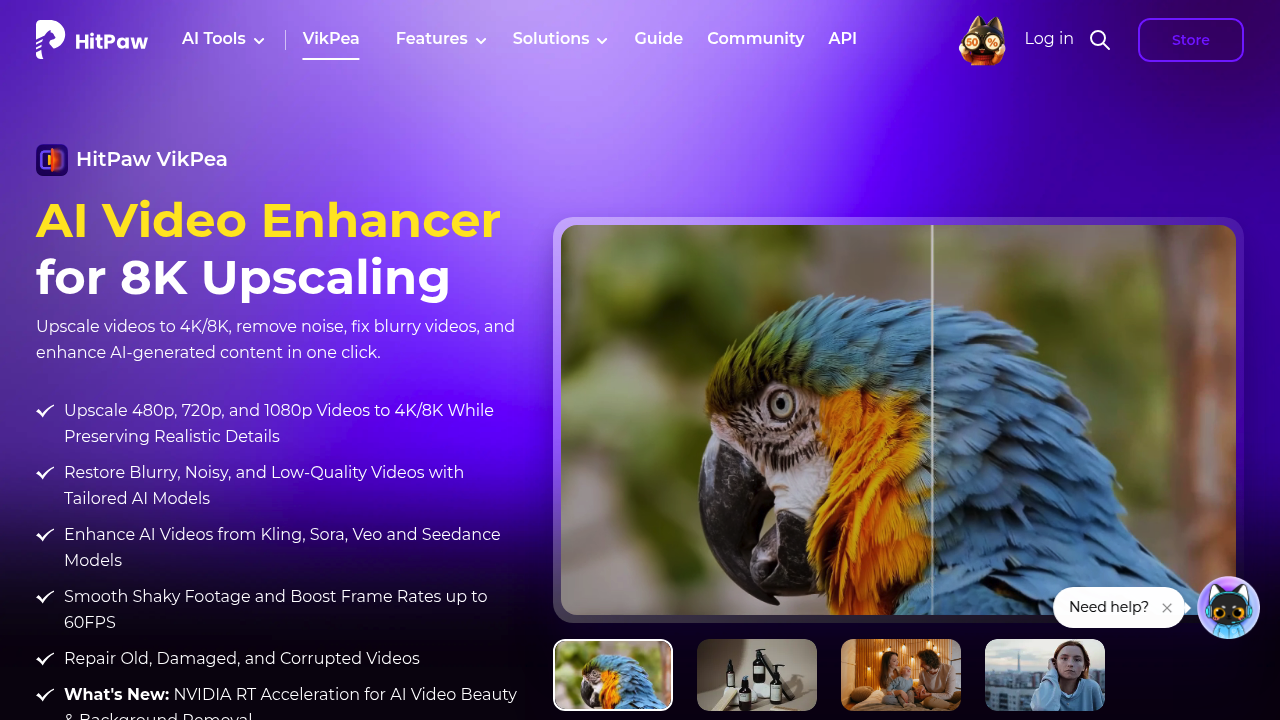
HitPaw VikPea screenshot

HitPaw VikPea, also called HitPaw Video Enhancer, is an AI video enhancement program that raises low-resolution footage to 4K or 8K. It removes noise, sharpens blur, restores faded colors in old or dark clips, stabilizes shaky footage and boosts frame rates up to 60FPS. Several scene-specific models cover general sharpening, portraits, video quality repair and ultra-HD restoration. It also repairs damaged files, removes backgrounds, and cleans up output from AI video generators such as Kling, Sora, Veo and Seedance.

The program suits videographers, wedding and travel shooters, portrait photographers, e-commerce sellers, documentary makers, anime and game content creators, and families digitizing old movies. Editors who receive compressed or low-quality source files use it to rescue footage before delivery, and creators working with AI-generated clips use it to raise resolution. It runs on Windows and Mac, online in a browser, and on iPhone, iPad and Android, so it fits desktop and mobile workflows.

Examples include upscaling a 720p wedding recording to 4K, restoring a damaged family film, fixing a sunset portrait shoot where faces came out dark, and unblurring a drone clip. Sellers can sharpen product videos, while football fans and cat-video owners can improve phone footage. The workflow takes three steps: launch and upload the video, select an AI model, then preview and export. Cloud accelerated rendering and NVIDIA RT acceleration help with long files, and universal format support reduces conversion work. An API is offered for developers who want enhancement in their own apps.


HitPaw VikPea alternatives

See all →

Frequently asked

6 questions
What does HitPaw VikPea do to a video?
It upscales footage to 4K or 8K while rebuilding detail, and it can also denoise, unblur, stabilize, colorize and repair clips. Frame rates can be raised up to 60FPS.
Who should use VikPea?
Videographers, creators, e-commerce sellers and people restoring old family videos are the typical audience. Editors working with compressed or AI-generated clips also benefit.
How do I upscale a video to 4K?
Launch the app and upload your video, pick an AI model, then preview the result and export. Different models target general sharpening, portraits, quality repair or ultra-HD restoration.
Which platforms does it run on?
Windows and Mac desktop versions are available, as well as an online version. Mobile versions exist for iPhone, iPad and Android.
Can it improve videos from AI generators?
Footage made with Kling, Sora, Veo and Seedance models can be enhanced, upscaled to 4K and smoothed. Dedicated upscaler pages exist for several of these models.
Is VikPea the same as HitPaw Video Enhancer?
VikPea is the newer name for HitPaw Video Enhancer, and both names refer to the same software. A Try It Free option lets you test before buying.

Reviews (0)

Write review

No reviews yet. Be the first to share your experience.