Video2X logo

Video2X

Video2X is a free, open-source framework for video super resolution and frame interpolation.

Version 6.0.0 is a complete rewrite in C/C++ that runs on Windows and Linux. It supports two modes: filtering, which upscales footage, and frame interpolation, which raises the frame rate. Under the hood it can apply…

Video2X screenshot

Video2X is a free, open-source framework for video super resolution and frame interpolation. Version 6.0.0 is a complete rewrite in C/C++ that runs on Windows and Linux. It supports two modes: filtering, which upscales footage, and frame interpolation, which raises the frame rate. Under the hood it can apply Anime4K v4 or any custom MPV-compatible GLSL shader, and it runs Real-ESRGAN, Real-CUGAN and RIFE models through ncnn and Vulkan. Processing needs no extra disk space beyond the final output, and there is no paid plan.

The software suits hobbyists restoring old anime, archivists improving low-resolution footage, video editors who want a free upscaler, and developers who like command-line tools and container deployment. A Windows GUI with an installer covers basic use in English, Chinese, Japanese, Portuguese, French and German, while Linux users can install AUR packages or a universal AppImage. Users should have a CPU with AVX2 support, meaning Intel Haswell or AMD Excavator and newer, and a Vulkan-capable GPU from NVIDIA, AMD or Intel.

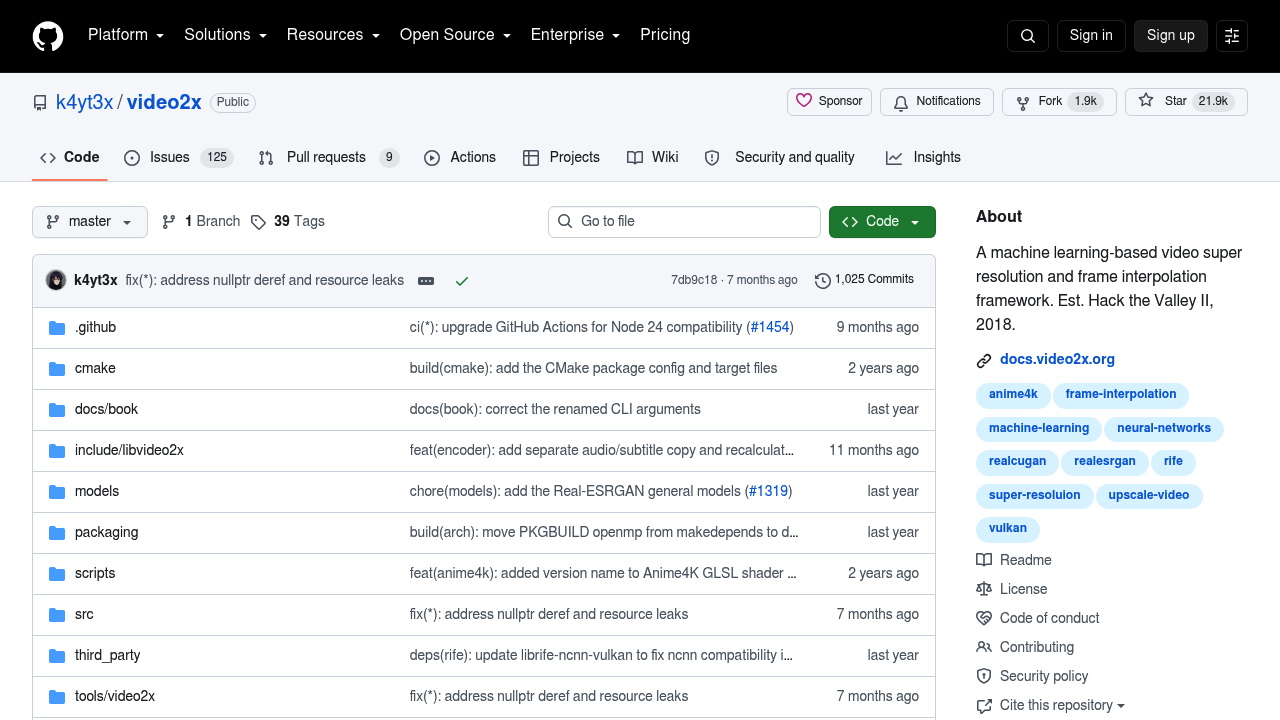
Typical projects include upscaling a standard-definition cartoon series to a higher resolution, smoothing a 24 fps clip with RIFE interpolation, and batch processing files on a Linux server through the published Docker or Podman image. People without a strong graphics card can run it on Google Colab, which lends an NVIDIA T4, L4 or A100 GPU for free for up to 12 hours per session. A documentation book, a Telegram discussion group and an active repository with more than 1,000 commits support troubleshooting.

Video2X alternatives

See all →

Frequently asked

6 questions
What does Video2X do to a video?
It upscales footage to a higher resolution and can interpolate extra frames to raise smoothness. Anime4K v4, Real-ESRGAN, Real-CUGAN and RIFE models do the work.
Who uses Video2X?
Anime fans, archivists, editors and developers who want a free upscaler they control. Comfort with installing software and a capable GPU help.
How can I upscale an old anime episode with Video2X?
Install the Windows GUI or Linux package, load the video, choose a filter such as Real-CUGAN or Anime4K, and pick the output resolution. Frame interpolation can be added for smoother motion.
Is Video2X free to use?
The software is free and open source with no paid tier. Running it on Google Colab is also free, within a 12-hour session cap.
What hardware does Video2X need?
A CPU with AVX2 support and a GPU that supports Vulkan are required. That means Intel Haswell or newer, AMD Excavator or newer, and GPUs from roughly 2012 onward.
Which platforms can run Video2X?
Windows and Linux are supported, with a GUI installer for Windows and AUR packages or an AppImage on Linux. A container image for Docker and Podman covers Linux and macOS.

Reviews (0)

Write review

No reviews yet. Be the first to share your experience.