
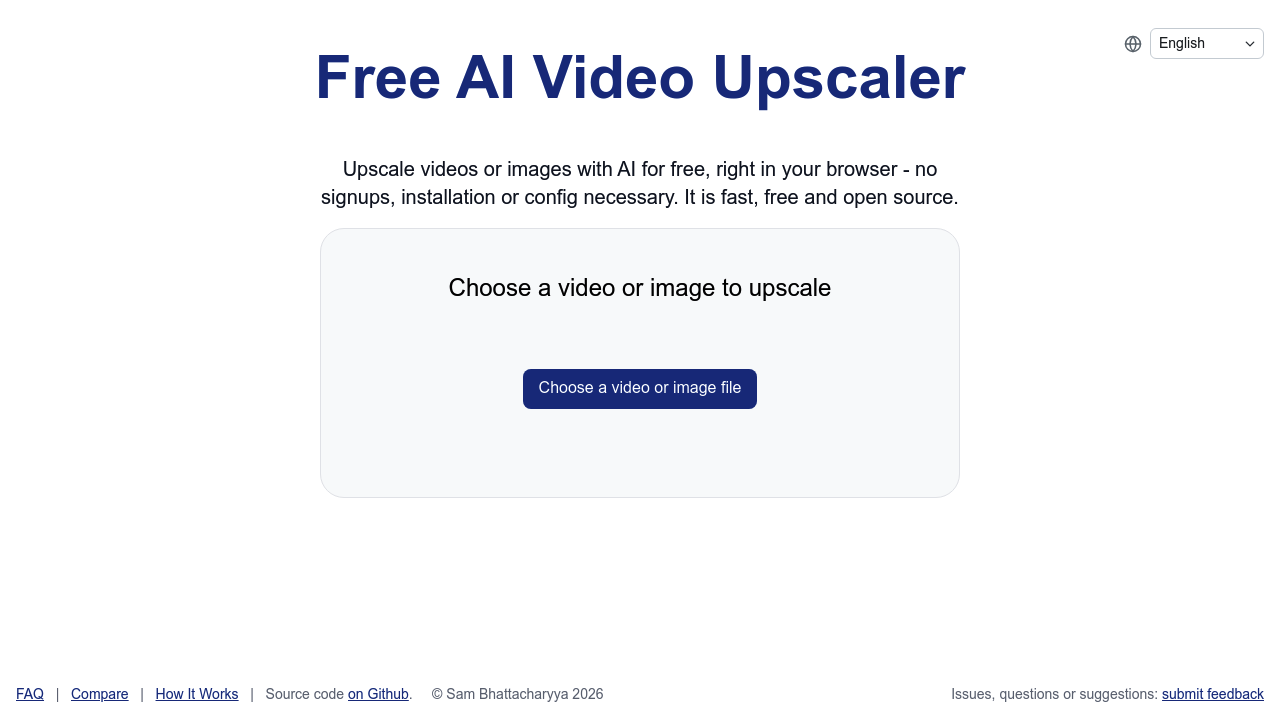
Free AI Video Upscaler processes your videos through browser-based upscaling. No downloads. No installations. You upload a video file and artificial intelligence algorithms bump up the resolution.
Anyone with low-resolution footage can use this. Wedding videographers dealing with older ceremony recordings find it useful. Social media managers working with compressed clips can boost quality before posting.
Everything happens online. No software clutters your computer.
Since Free AI Video Upscaler runs through web browsers, your internet connection speed matters. File upload restrictions apply too. Large video files take longer to process and might hit size limits — though these aren't clearly defined upfront. Quality improvements depend heavily on your source material. Heavily compressed or extremely pixelated videos won't transform into crystal-clear footage.
Don't expect professional-grade results from severely degraded content. The AI works best with moderately low-resolution videos that have decent source quality to begin with. Think smartphone recordings from a few years back rather than security camera footage from 2010.
Content creators who need quick resolution bumps for social platforms will appreciate the simplicity. YouTubers can enhance older videos without learning complex software. The browser-based approach means you can upscale videos from any device with internet access. Mobile uploads might frustrate you with larger files though.