
AI Upscaler logo

AI Upscaler

AI Upscaler is a tool that utilizes advanced AI technology to enhance the quality of both images and

56 views
AI Upscaler screenshot

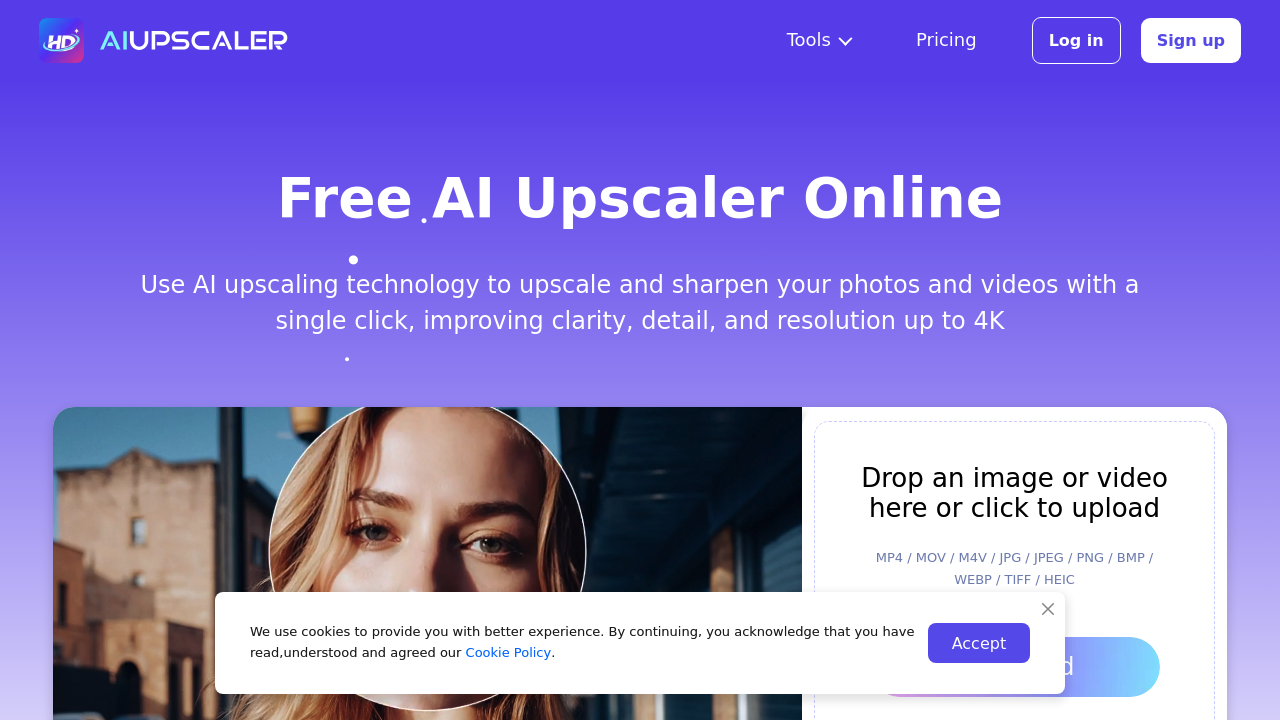
Most upscaling tools make you choose. Images or videos. Pick one. AI Upscaler handles both without platform switching — JPG photos and MP4 videos in the same place.

One-click processing cuts out the tedious stuff. No masking. No cropping. No manual selections. Upload and let the AI work frame-by-frame for videos or instantly for photos. Results hit 4K resolution while keeping original colors intact.

You're a travel photographer who shot video footage on your phone. It looks terrible on larger screens. Upload the MP4 file and AI Upscaler processes each frame individually to boost clarity and detail. Same workflow works for blurry still photos.

Free upscaling exists though upload limits apply. The exact restrictions aren't clear upfront — might catch you off guard if you're planning to process large batches.

Browser-based means no software downloads. Convenient but you're dependent on your internet connection for processing. Format support covers the basics including HEIC and WEBP alongside standard options.

Users rate it 4.9 out of 5. Results restore texture without adding artificial noise. Content creators who need quick fixes for both photo and video content will find the dual functionality useful, especially when deadlines don't allow for learning separate tools.


Frequently asked

7 questions
Does AI Upscaler work with HEIC photos from my iPhone?
Yep, it handles HEIC files just fine -- plus WEBP and the usual JPG/PNG stuff. You don't need to convert your iPhone photos first. The browser does all that conversion work automatically.
How long does it take to upscale a 5-minute MP4 video?
It really depends on your internet speed since the tool goes frame-by-frame through every second. Everything happens in the cloud, so longer videos = more waiting time. You'll want a solid connection that won't drop out during the whole upload and processing thing.
What's the maximum file size I can upload on the free plan?
Here's the annoying part -- they don't tell you upfront what the limits are. You might hit a wall with bigger video files or if you're trying to batch upload stuff. Only way to find out is by actually trying to upload.
Can AI Upscaler handle 1080p videos shot in low light conditions?
Yeah, it works on each frame separately to boost clarity and detail. That's exactly what you need for grainy phone footage that looks terrible on big screens. The AI tries to bring back texture without making your dark scenes look artificially noisy.
Do I need to install software to use AI Upscaler?
Nope -- it's all browser-based. Works on any device with internet access. But that also means you're stuck waiting on your connection speed for uploads and processing.
Will AI Upscaler change the colors in my original photos?
No, it keeps your original colors exactly as they are. The focus is just on bumping resolution up to 4K while maintaining color accuracy. Super important if you're a photographer who can't afford to have colors shift around.
Can I upscale both photos and videos in the same session?
That's actually one of the best things about this tool -- you're not stuck picking between images or videos like other platforms make you do. Handle JPG photos and MP4 videos with the same simple workflow. One-click process for both.

Reviews (0)

No reviews yet. Be the first to share your experience.

Similar tools

See all →