Upscale.media logo

Upscale.media

Upscale.media is an AI image upscaler that enlarges low-resolution photos in seconds and brings back lost detail.

You drop in an image or paste a URL, choose a scale of 1x, 2x, 4x or 8x, and download the result. Logged-in users can process inputs up to 10,000 by 10,000 pixels at 2x, while guests get half those limits. A video…

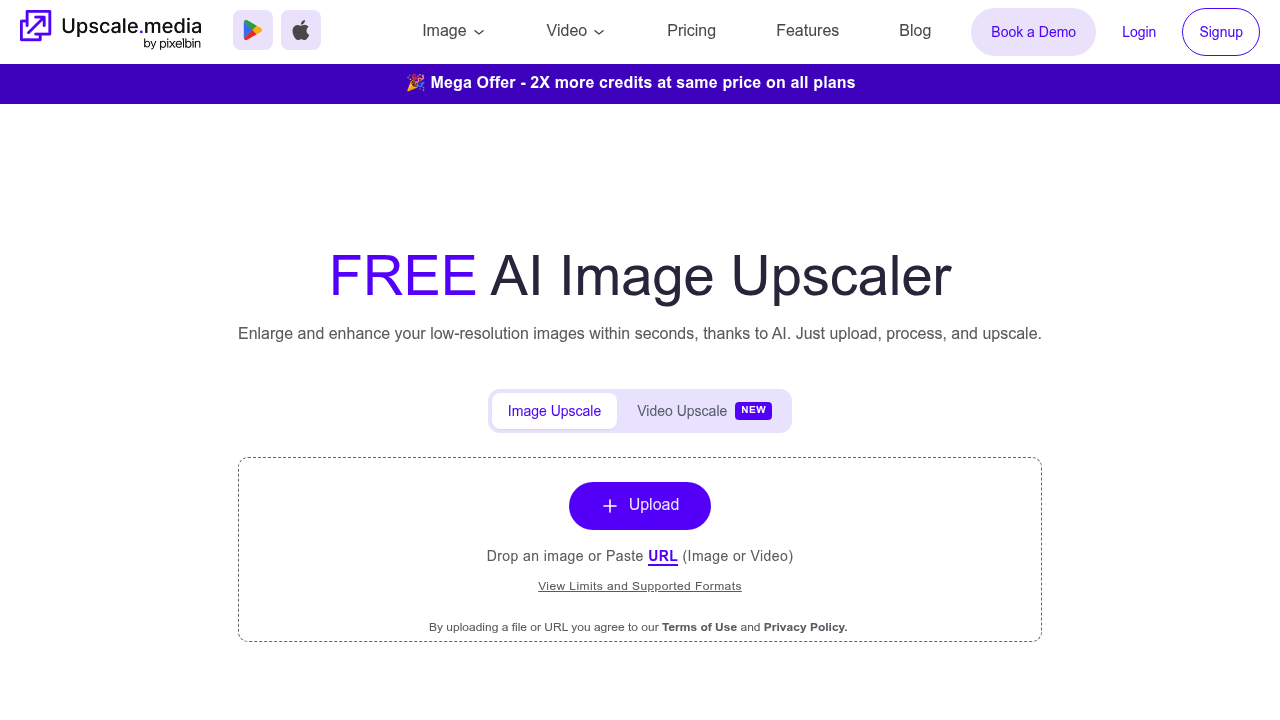
Upscale.media screenshot

Upscale.media is an AI image upscaler that enlarges low-resolution photos in seconds and brings back lost detail. You drop in an image or paste a URL, choose a scale of 1x, 2x, 4x or 8x, and download the result. Logged-in users can process inputs up to 10,000 by 10,000 pixels at 2x, while guests get half those limits. A video upscaler handles clips up to one minute, and PNG, JPEG, WEBP and HEIC images are accepted. Personal use is free.

Casual users fixing old family photos, photographers preparing prints, designers working with small source files and online sellers who need sharper product shots all fit here. Agencies and e-commerce teams can switch to bulk processing, and developers can connect the API to automate enhancement inside their own systems.

Beyond enlarging, a set of companion tools covers sharpening, deblurring, dehazing, removing motion blur and polishing textures. Face enhancement and face restoration rebuild portraits, the restore tool repairs aged or damaged pictures, and colourise adds color to black-and-white images. Typical jobs include scaling a social media avatar for print, rescuing a blurry screenshot, enlarging marketplace listing photos to meet minimum size rules, and cleaning up scanned archives. Reviewers rate it 4.7 out of 5 across 100 ratings, and testimonials describe preparing print-ready images, polishing artwork and getting sharper results than manual editing in Adobe Photoshop. Settings such as scale and file format are chosen before upload, results arrive in seconds, and the output can be saved straight to your device for web, print or marketplace use.


Upscale.media alternatives

See all →

Frequently asked

6 questions
What does Upscale.media do to an image?
It uses AI to enlarge a low-resolution picture at 2x, 4x or 8x while keeping textures and detail intact. You upload a file or paste a link and download the upscaled version.
Who should use Upscale.media?
Photographers, designers, e-commerce sellers and everyday users who need larger or sharper images. Businesses can add bulk processing or API integration.
Can Upscale.media fix blurry or damaged photos?
Companion tools deblur images, remove motion blur, dehaze, restore aged or damaged photos and rebuild faces. A colourise tool adds color to black-and-white pictures.
What are the file and size limits?
PNG, JPEG, JPG, WEBP and HEIC images are supported, and video can be MP4, MOV or WEBM up to one minute. At 2x, logged-in users can upload up to 10,000 by 10,000 pixels and guests up to 5,000 by 5,000.
Is there a cost for personal use?
Personal use is free of charge. Paid plans exist for heavier or business needs, though upscaling with a free account already covers common tasks.
How do I process many images at once?
A bulk transformation feature enhances multiple images within a single platform. Developers can alternatively integrate the API to automate the same work.

Reviews (0)

Write review

No reviews yet. Be the first to share your experience.