
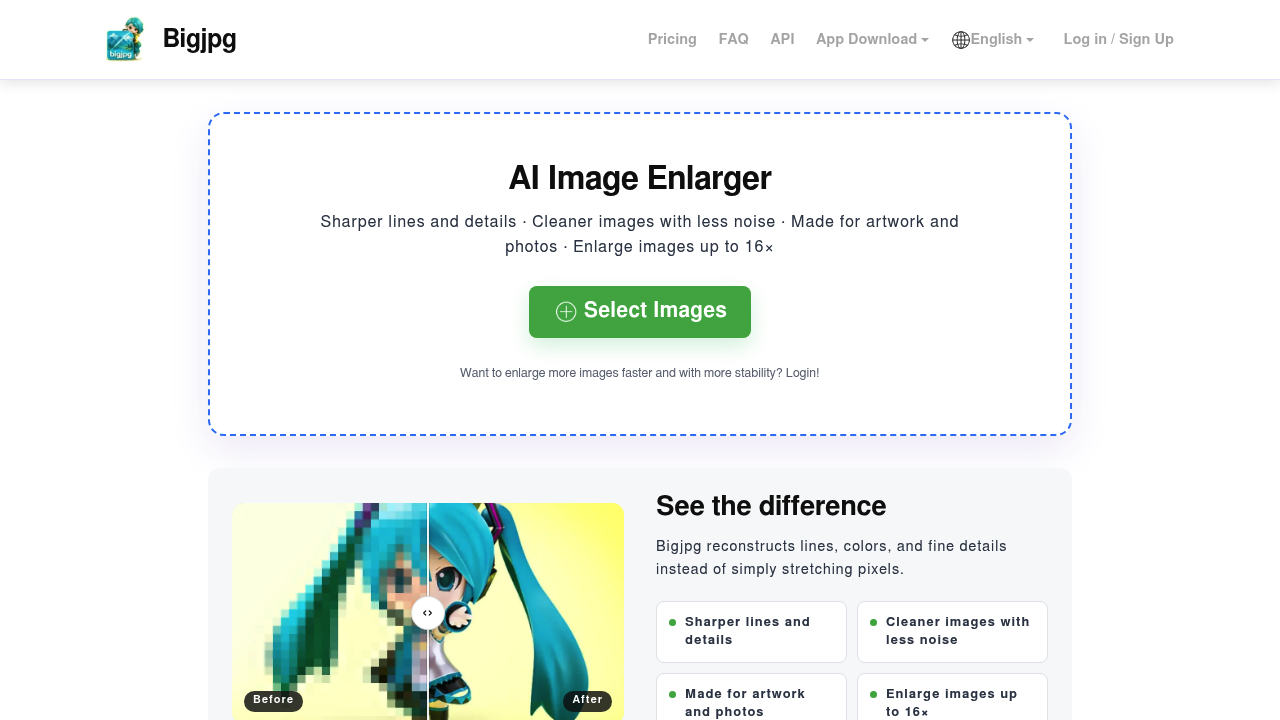
Bigjpg is an online AI image enlarger that upscales pictures up to 16 times their original size. It uses deep convolutional neural networks to rebuild lines, colors and fine detail rather than simply stretching pixels, and it removes noise and jagged edges in the process. The model is tuned for anime-style artwork and illustrations, and ordinary photos are supported too. A free plan accepts images up to 3000x3000 pixels and 5 MB. Paid plans are listed at $6 for Basic, $12 for Standard and $22 for Premium, with larger uploads of up to 50 MB and faster, more stable 8x and 16x enlarging.
People who use it include digital artists and illustrators preparing large prints, anime and manga fans enlarging wallpapers, designers rescuing small assets, and sellers who need bigger product images. The workflow is easy for beginners: select images, choose the scale and noise level, press Start and download. Logged-in users keep an enlarging history for the last day, can batch download results, and get access to an API for automating jobs. Anyone who is not logged in must leave the browser open until the job finishes, or the result is lost.
Typical scenarios include turning a low-resolution anime illustration into a wallpaper, preparing fan art or posters for print, upscaling old photographs for a frame, and enlarging game or website graphics that were exported too small. Compared with resizing in a general photo editor, the neural approach keeps colors faithful and avoids blur, glitter and doubled edges, according to its own comparisons. Developers can plug the API into a pipeline, and teams with many files can pay for a plan to process them quickly. A mobile app is also available through a QR code on the page.