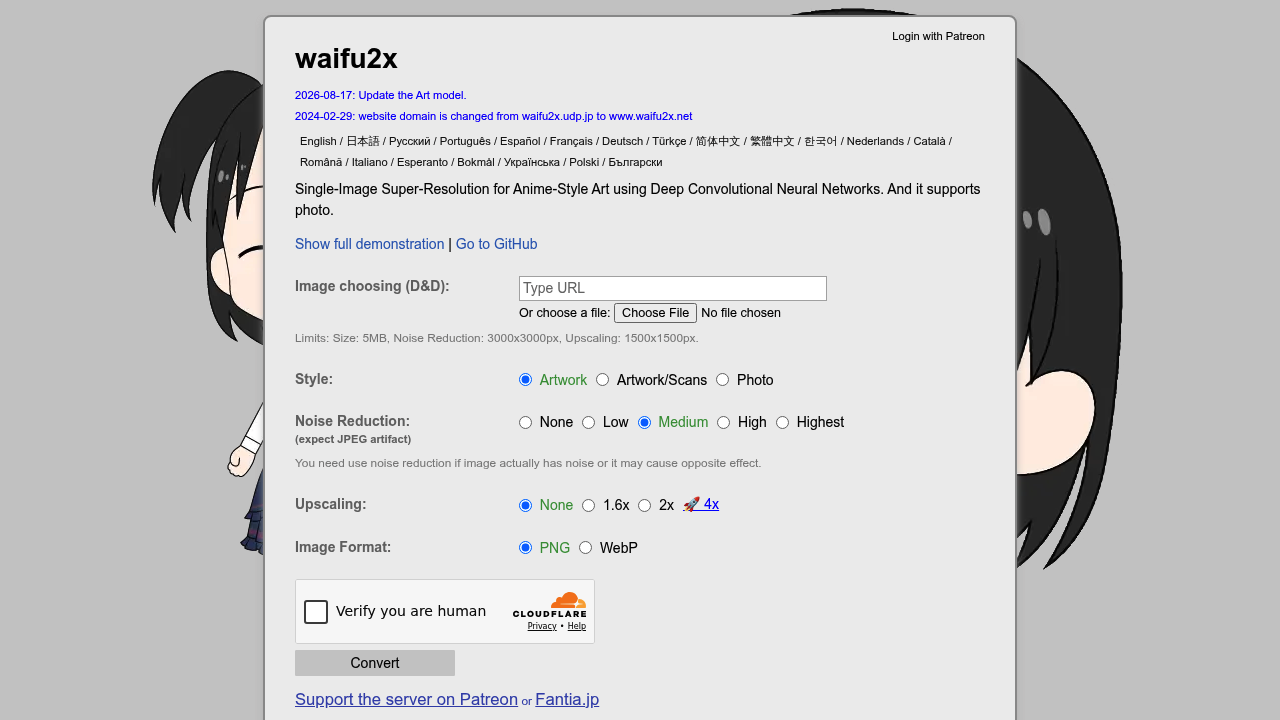
waifu2x is a single-image super-resolution tool for anime-style art that uses deep convolutional neural networks, and it also supports photographs. Upload an image through the web page and choose a style (Artwork, Artwork/Scans or Photo), a noise reduction level from None to Highest, and an upscale factor of none, 1.6x, 2x or 4x. Results download as PNG or WebP. The service is free to use, and the server is supported by donations through Patreon and Fantia. The underlying code is open source on GitHub, and the interface is available in about twenty languages.
waifu2x suits illustrators, digital artists, fan artists and anime fans who need larger versions of low-resolution pictures. Wallpaper collectors, manga readers working from scans, and hobbyists restoring compressed JPEGs get clean results without installing software. Photographers can use the photo style for modest enlargements. Because the web version enforces limits, with a 5MB file size, noise reduction up to 3000x3000 pixels and upscaling up to 1500x1500 pixels, heavy or professional batch work calls for running the open-source project locally.
Typical uses include enlarging an anime screenshot or fan art for a wallpaper or print, cleaning JPEG artifacts from an older image by applying low or medium noise reduction, and doubling the resolution of scanned artwork before editing. Game modders upscale low-resolution textures, and designers enlarge small icons or avatars. Users should apply noise reduction only when the image actually has noise, because otherwise it can have the opposite effect. Choosing the 4x option produces the largest enlargement for small sources, while 1.6x gives a gentler increase that preserves line detail.