HitPaw FotorPea logo
AI Image Enhancer FREE TRIAL from $8/mo

HitPaw FotorPea

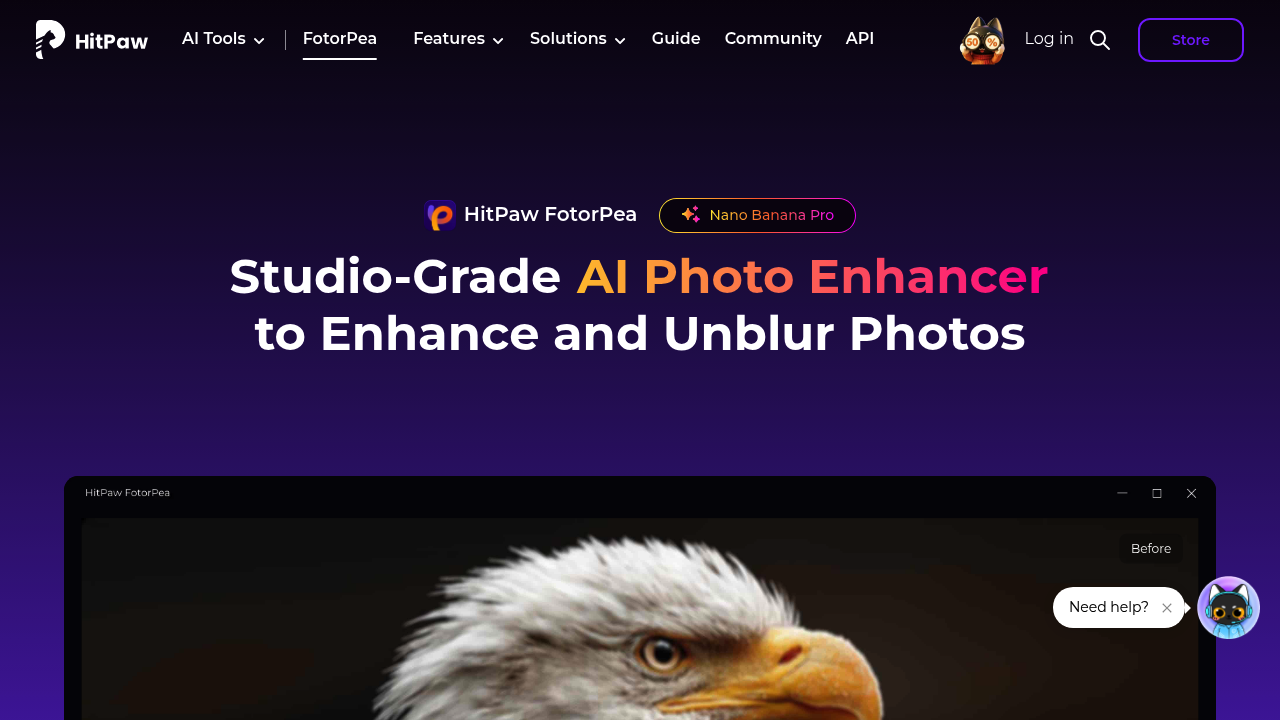
HitPaw FotorPea is an AI photo enhancer that repairs blurry, noisy and low-resolution images.

Its face model rebuilds facial details, while the upscale model enlarges photos to 4K, 8K and beyond. Further tools cover colorizing, denoising, sharpening, background removal, object removal and old photo restoration.…

HitPaw FotorPea screenshot

HitPaw FotorPea is an AI photo enhancer that repairs blurry, noisy and low-resolution images. Its face model rebuilds facial details, while the upscale model enlarges photos to 4K, 8K and beyond. Further tools cover colorizing, denoising, sharpening, background removal, object removal and old photo restoration. It runs as a desktop app on Windows and Mac, online in a browser, on iPhone, iPad and Android, and as a plugin for Photoshop. Processing follows three steps: upload, pick an enhancement model, then preview and export.

Photographers who need to rescue soft or shaky frames are a natural fit, including street, portrait, wedding, nature and animal photographers shooting in low light. Families digitizing old prints use the restoration and colorization features to bring faded portraits back, and one customer describes recovering the medals on a blurry military portrait. Students, interior designers and cartoon illustrators can also sharpen their material without learning an editing suite, since each model works with a single click.

Common jobs include turning a smartphone selfie into a studio-quality portrait, upscaling a small web image for print, and removing grain from a night shot. Wedding photographers can fix a handful of out-of-focus frames before delivering an album, and archivists can restore damaged scans for a family gathering. Because it supports batch-style workflows through the desktop app and a Photoshop plugin, it fits both casual users and working professionals. Related features such as an AI image generator, ID photo maker and portrait generator sit in the same product family.


HitPaw FotorPea alternatives

See all →

Frequently asked

6 questions
What kinds of photo problems does FotorPea fix?
It corrects motion blur and soft focus, removes grain and noise, restores faded or damaged photos and upscales low-resolution images. A face model rebuilds portrait details.
Who gets the most from FotorPea?
Photographers, families restoring heirloom prints and students or designers with low-quality source images are the main audience. Operation is one click per model, so no editing skills are required.
Can FotorPea help restore an old family photo?
Old photo restoration and a colorizer bring back detail and color in aged portraits. One customer recovered the medals and stitching in a blurry military portrait.
How large can FotorPea upscale an image?
Upscaling reaches 4K and 8K, and the page mentions 32K output as well. An upscale model handles general images while a face model targets portraits.
Which operating systems and devices does FotorPea support?
Windows and Mac desktop apps, an online version, iPhone and iPad, Android and a Photoshop plugin are available.
What other tools are inside FotorPea?
A background remover, object remover, AI image generator, ID photo maker, face enhancer and portrait generator sit alongside the enhancer. Pricing appears at checkout, where discounts of up to 35% are advertised.

Reviews (0)

Write review

No reviews yet. Be the first to share your experience.