
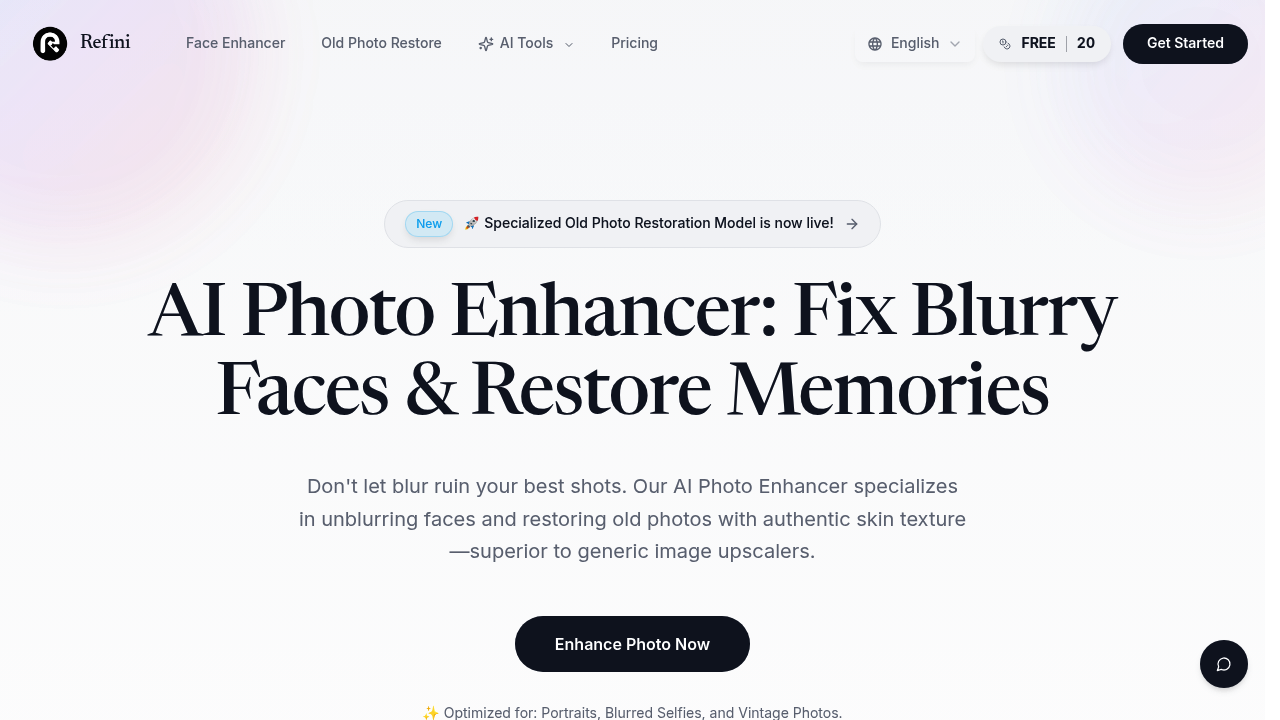
Ever looked at an old family photo where grandma's face is just a blur of pixels? Refini tackles that exact problem with AI that reconstructs facial details from surprisingly little information.
This service specializes in photo enhancement with a strong focus on human faces. You can fix blurry selfies, sharpen group photos where someone moved, or upscale images up to 4x without turning everything into a pixelated mess. The face unblur feature works by reconstructing features rather than just sharpening edges, which makes a real difference when you're working with heavily degraded images.
What sets this apart from generic upscalers? The skin texture preservation. Most AI enhancement tools make people look like plastic dolls or add that weird waxy finish. Refini claims to maintain realistic skin pores and natural texture instead. For old photo restoration, it combines face recovery with scratch removal and damage repair, then offers AI colorization to bring black and white images into the present.
Beyond faces, you get standard editing tools. Background removal, object removal, and an image extender for when you need more space around the edges. There's also an AI image generator thrown in, though that seems outside the core mission.
Does it actually work? The real skin texture claim is the make-or-break feature here. If it delivers on that promise without the waxy appearance, it's valuable for portraits and vintage photos. The 4x upscaling is solid for most needs. But here's what's unclear: how well does facial reconstruction perform when the original is extremely degraded? There's a limit to what any AI can conjure from truly minimal pixels.
You get 20 free credits to test the service. That's enough to process several images and see if the results match your expectations. Paid plans aren't specified beyond that free tier, so you will need to evaluate whether those credits stretch far enough for your projects.
The limitations section is empty in the documentation, which either means smooth sailing or undiscovered friction points. No integrations listed either, so this appears to be a standalone web tool rather than something that plugs into your existing workflow.
Best fit for people restoring family archives, content creators improving social media photos, or anyone with a collection of blurry smartphone portraits they want to salvage. If you're working primarily with scenery or architecture, this isn't built for you. The emphasis on human details means other subjects won't get the same specialized treatment.