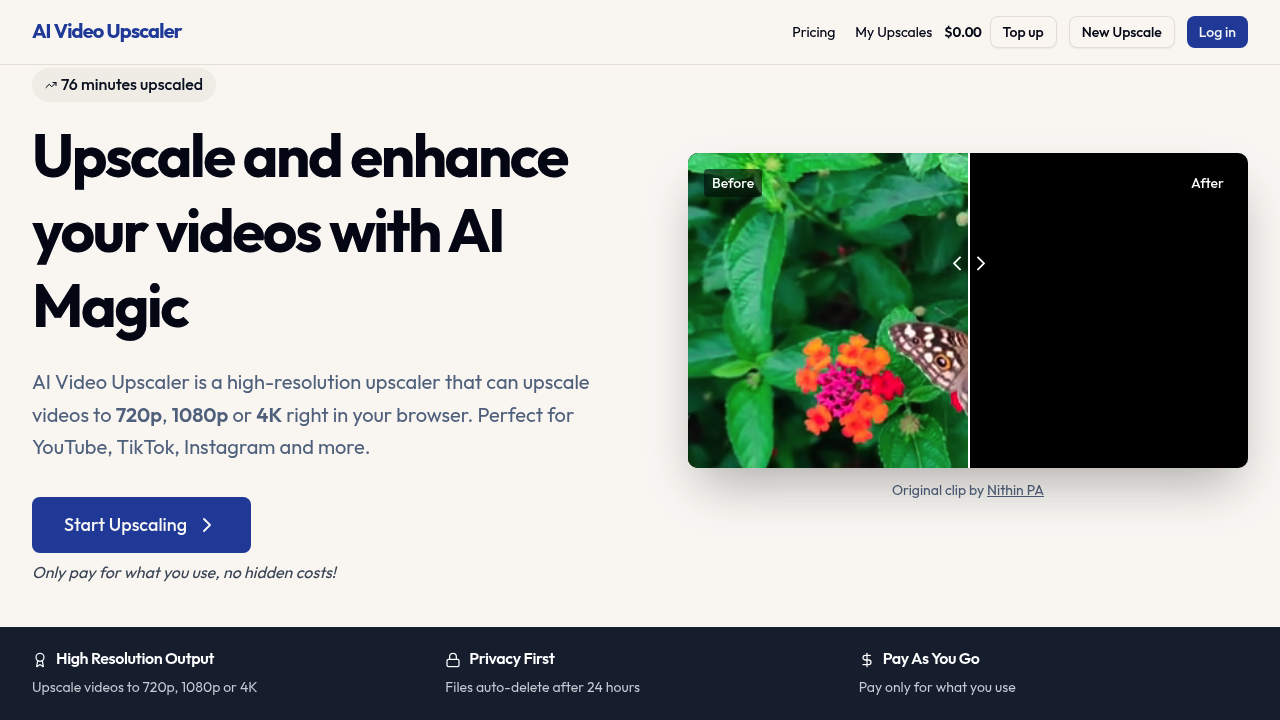
Video upscaling tools typically require downloads or subscriptions, but this one runs entirely in your browser. AI Video Upscaler transforms low-resolution videos into 720p, 1080p, or 4K quality without installing software. This service has processed 76 minutes of footage so far, handling everything from old family videos to content destined for social media platforms.
The upscaling happens through browser-based processing that maintains your original video's aspect ratio and format. You upload a video, select your target resolution, and the system enhances it while preserving natural details and creating sharp edges. The technology works particularly well with vertical video formats, which matters for TikTok creators and YouTube shorts producers who need their content to look professional on mobile screens.
Resolution options span from 720p for basic quality improvements up to 4K for maximum detail. The system accepts multiple video formats, though the specific supported types aren't detailed in available information. Processing happens automatically once you've selected your parameters. Your files do not sit on servers indefinitely. Everything auto-deletes after 24 hours for privacy protection.
The pricing model charges per use rather than monthly subscriptions. Costs vary based on three factors: your target resolution ranging from 360p to 1440p, frame rate between 24fps and 60fps, and video duration. A one-minute video upscaled to 1280×720 source material enhanced to 1440p costs $1.08. You pay only for completed upscales. No hidden fees exist. No recurring charges appear on your card.
This structure works differently than typical SaaS pricing, and you're not locked into tiers or monthly commitments. Someone upscaling a single video pays once. Someone processing dozens of videos pays for each individually. The variability means costs scale directly with usage, which benefits occasional users but might add up for heavy production schedules.
Content creators shooting on older equipment or working with client-provided footage get the most value here. A YouTube creator receiving 480p B-roll from a collaborator can upscale it to match their 1080p A-roll. Instagram Reels producers working with archive footage can enhance it to current standards. TikTok creators repurposing older content can bring it up to quality expectations without re-shooting.
The vertical video optimization specifically addresses mobile-first platforms. Standard upscalers often prioritize horizontal footage, leaving portrait videos with suboptimal results. This tool treats 9:16 content as a primary use case rather than an afterthought.
Processing time varies but specific durations aren't stated. This service has maximum video size limits but exact numbers aren't published. These gaps matter for planning. You can't know upfront whether your 45-minute documentary will process or hit size restrictions. You can't schedule workflows without processing time estimates.
The 24-hour file deletion serves privacy but creates urgency. Download your upscaled video promptly or lose it. No cloud storage exists for reviewing results later. No team features allow collaborators to access shared files. No API enables automation for production pipelines.
The browser requirement means you need stable internet throughout processing. Large files uploading and downloading consume bandwidth. Mobile devices might struggle with browser-based processing of lengthy videos. Desktop computers with strong connections get the best experience.
This tool fills a specific gap: quick, commitment-free video enhancement without software installation. It won't replace professional suites for studios, but it handles exactly what casual creators and occasional users need.