
Kapwing logo

Kapwing

Online video editor for internet content

75 views
Visit kapwing.com
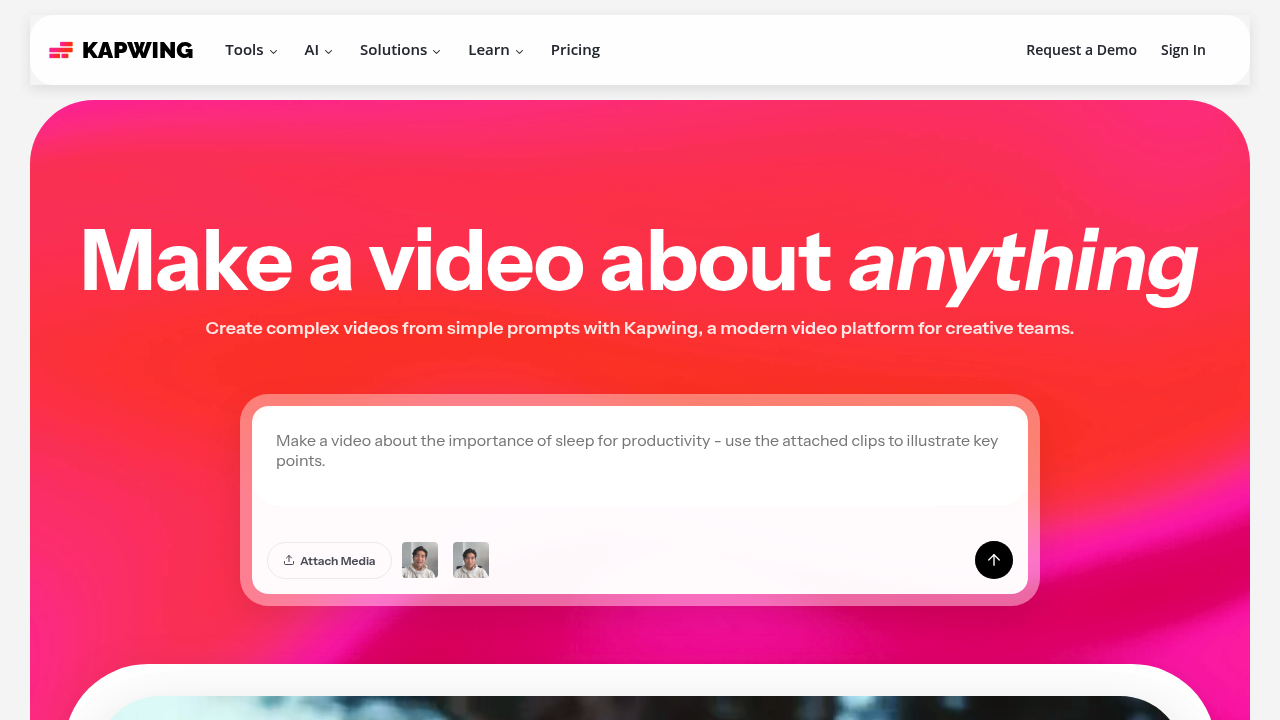
Kapwing screenshot

You'll get finished videos with voiceovers, subtitles, and background music from nothing more than a text description. Kapwing generates complete video projects that would normally take hours to assemble manually. Over 30 million creators use it to skip the tedious parts of video production.

Type "create a product demo for our new app" and Kapwing builds the entire timeline. Relevant B-roll footage. Synced audio. Proper pacing. No recording required.

Marketing managers launching quarterly campaigns will appreciate the Repurpose Studio. Turn one long presentation into dozens of social media clips automatically. Smart Cut removes all the dead air and awkward pauses — the stuff that kills engagement on platforms like TikTok.

Kapwing's interface won't intimidate newcomers but there's depth for experienced editors. The drag-and-drop timeline handles complex projects while features like Trim with Transcript let you edit videos by simply deleting text. Clean Audio polishes recordings that sound like they came from a phone call.

Translation into 40+ languages happens with realistic text-to-speech voices that don't sound robotic. You can't fine-tune every aspect of the AI generation. But the auto-subtitle accuracy beats most competitors. Teams can collaborate in real-time without version control nightmares that plague other video platforms.

Frequently asked

7 questions
How accurate are Kapwing's auto-generated subtitles compared to other tools?
Kapwing's auto-subtitles actually beat most competitors out there. The AI handles multiple speakers pretty well - even with background noise that trips up other tools. You'll still want to double-check technical terms or weird names, but honestly? The base accuracy saves you tons of editing time.
Can I edit videos in Kapwing by just changing the text transcript?
Yep! The Trim with Transcript thing is pretty cool - you just delete text from the transcript and it automatically cuts those parts from your video. Way faster than scrubbing through footage trying to find the exact moment you want to trim.
What's the Repurpose Studio and how does it work for social media content?
It takes one long video and creates dozens of shorter clips automatically. The AI finds the good moments and sizes them for different platforms. Super useful if you've got webinars or podcasts that need to become TikTok content (without you doing all that manual editing).
Does Kapwing's Smart Cut feature work well for removing dead air from recordings?
Smart Cut kills those awkward pauses and dead air automatically. Works great on Zoom calls or interviews where people naturally pause mid-sentence. It keeps the conversation flowing while getting rid of those engagement-killing gaps that hurt your social media performance.
How many languages can Kapwing translate videos into with realistic voices?
Over 40 languages with voices that don't sound like robots. The AI handles pronunciation and tone pretty well across different languages. You can't mess with pitch or speed settings, but the defaults work fine for most professional stuff.
What are the main limitations of Kapwing's AI video generation?
You can't fine-tune everything like manual editing would let you. The tool picks smart defaults for pacing and music - but doesn't give you granular control over those choices. For most people though, the time you save beats having fewer customization options.
Can teams collaborate on Kapwing projects without file version problems?
Yeah, real-time collaboration without those version control headaches. Multiple people can edit the same project at once and see changes instantly. Comments happen right in the timeline - no more endless file sharing back-and-forth.

Traffic

Estimated monthly website visits · last 4 months

5.5M visits/mo
Monthly visits
5.5M
↓ 6.7% MoM
Global rank
#7,430
US #8,495
Category rank
#18
Writing & Content
6.4M 6.2M 5.9M 5.7M 5.5M Nov 2025: 5.8M visits Nov 2025 Dec 2025: 6.4M visits Dec 2025 Jan 2026: 5.9M visits Jan 2026 Feb 2026: 5.5M visits Feb 2026

Data from SimilarWeb · Updated monthly.

Reviews (0)

Write review

No reviews yet. Be the first to share your experience.

Similar tools

See all →