
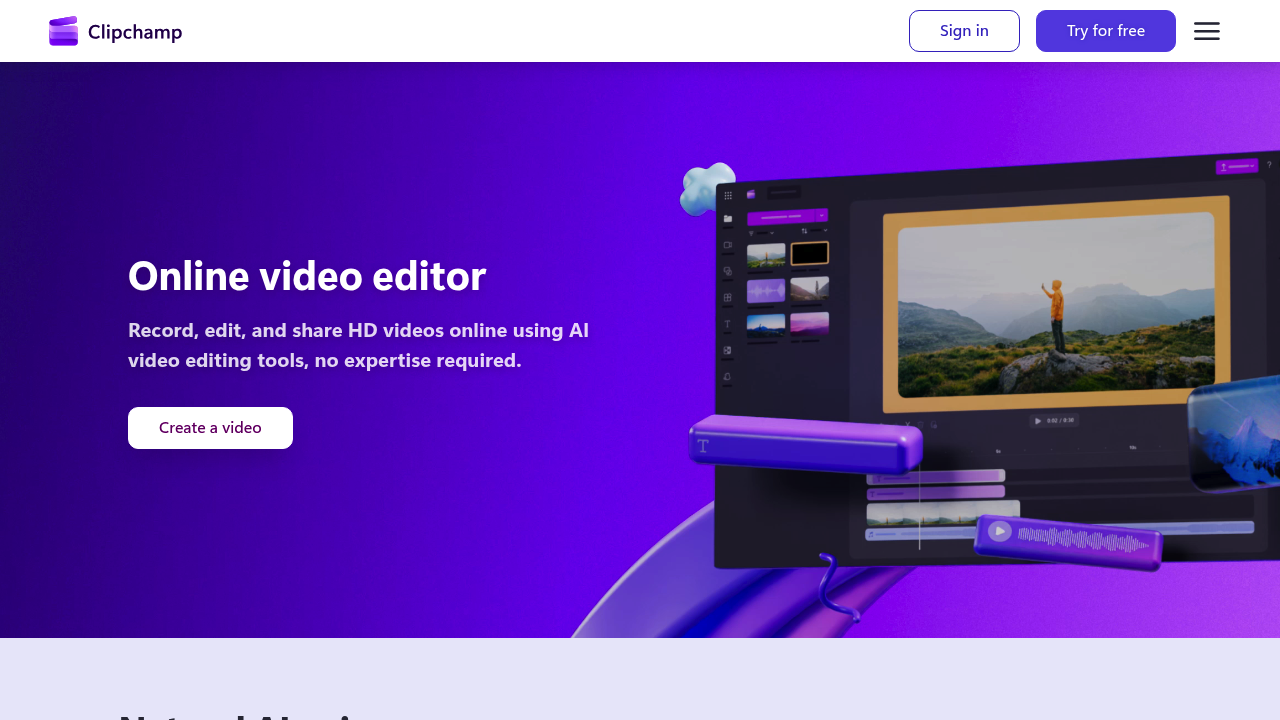
Microsoft Clipchamp is an online video editor that lets anyone record, edit and share HD videos without expertise. It runs in the browser or as a Windows app found in the Start menu on Windows 11. Built-in AI handles text-to-speech voiceovers in many languages, automatic subtitles in more than 80 languages, and audio cleanup that removes background noise, pauses and filler words. The free version exports an unlimited number of videos in HD without watermarks, and Premium features come with a Microsoft 365 subscription.
Clipchamp suits beginners and everyday creators: YouTubers and social media managers, students making class projects, and office workers putting together meeting recordings or presentations. Because it needs no download in the browser, it works for people on shared or locked-down computers, and templates reduce the work of starting from scratch. Export goes up to 4K, and reviewers highlight that the free tier is full-featured.
Typical projects include a vlog polished with noise removal and captions, a narrated explainer where a script is turned into a voiceover with adjustable pitch and pace, and a screen-and-webcam recording for training or a tutorial with unlimited retakes. The stock library of royalty-free videos, images, music, stickers, GIFs and sound effects gives work, school and social projects extra material. Subtitles can be restyled with custom fonts and colors, which helps accessibility and viewers watching without sound. Finished clips can be shared securely or saved at full quality. Premium editing features arrive through Microsoft 365, so teams already on that subscription get extra tools without a separate sign-up, and recorded footage can be improved with AI tools before export.