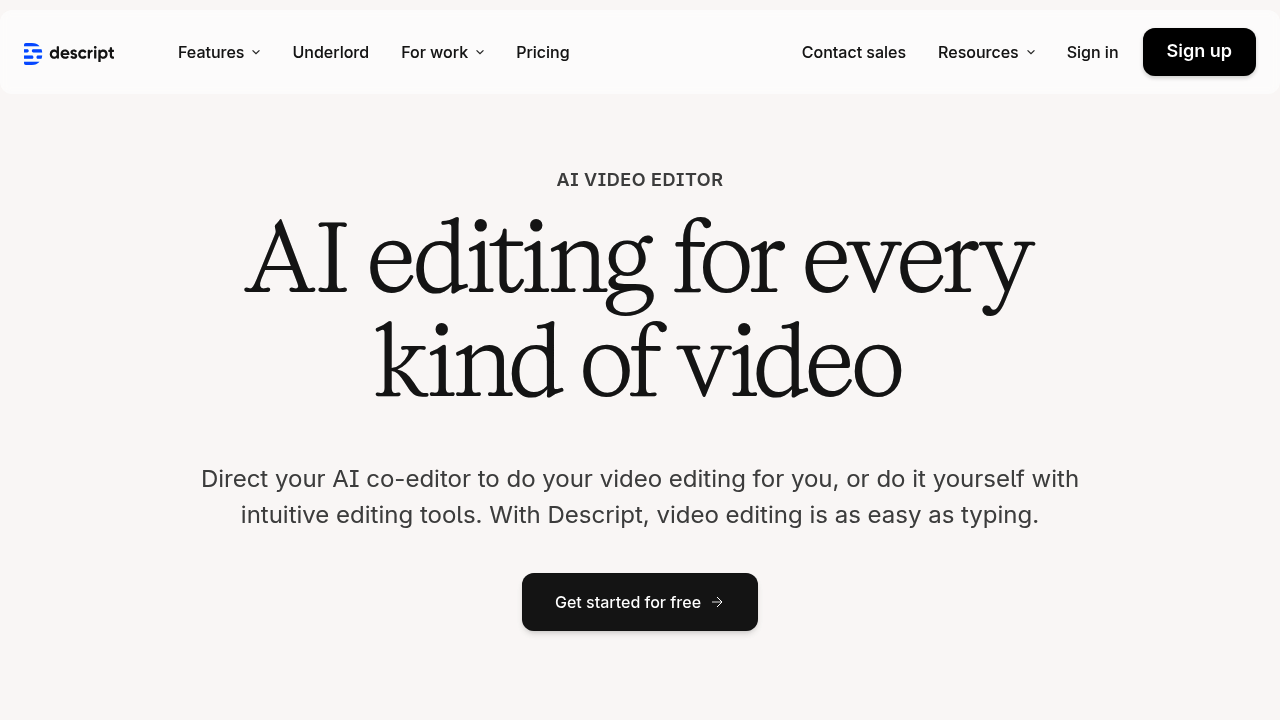
Text-based video editing sounds backwards until you try it. Descript turns video editing into document editing — you cut clips by deleting words from the transcript. Delete a sentence. Remove that section. Move paragraphs around and your footage rearranges too. It's oddly intuitive once you get past the mental shift.
AI features pile on from there. Underlord writes scripts and designs entire videos for you. Eye Contact AI makes you look directly at the camera even when you're reading from a teleprompter. Studio Sound cleans up audio without touching an EQ. Remove Filler Words automatically cuts every um and uh you didn't catch.
YouTube creators struggling with hour-long podcast episodes find the filler word removal useful. Instead of scrubbing through timeline after timeline hunting for verbal stumbles, just toggle a button and watch Descript strip them all out automatically.
The learning curve isn't steep if you can think in text rather than timelines. Traditional video editors might find the transcript-first approach confusing at first. Content creators who live in Google Docs and Notion usually pick it up fast.
Descript handles captions and translations. It even generates custom B-roll footage. AI avatars can speak your scripts if you don't want to appear on camera. Quick Design formats everything and adds visual elements automatically. There's a free plan to test the waters. It earned a 4.6-star rating on G2 for good reason.