Vmaker logo

Vmaker

Screen recording with AI editing

64 views
Visit vmaker.com
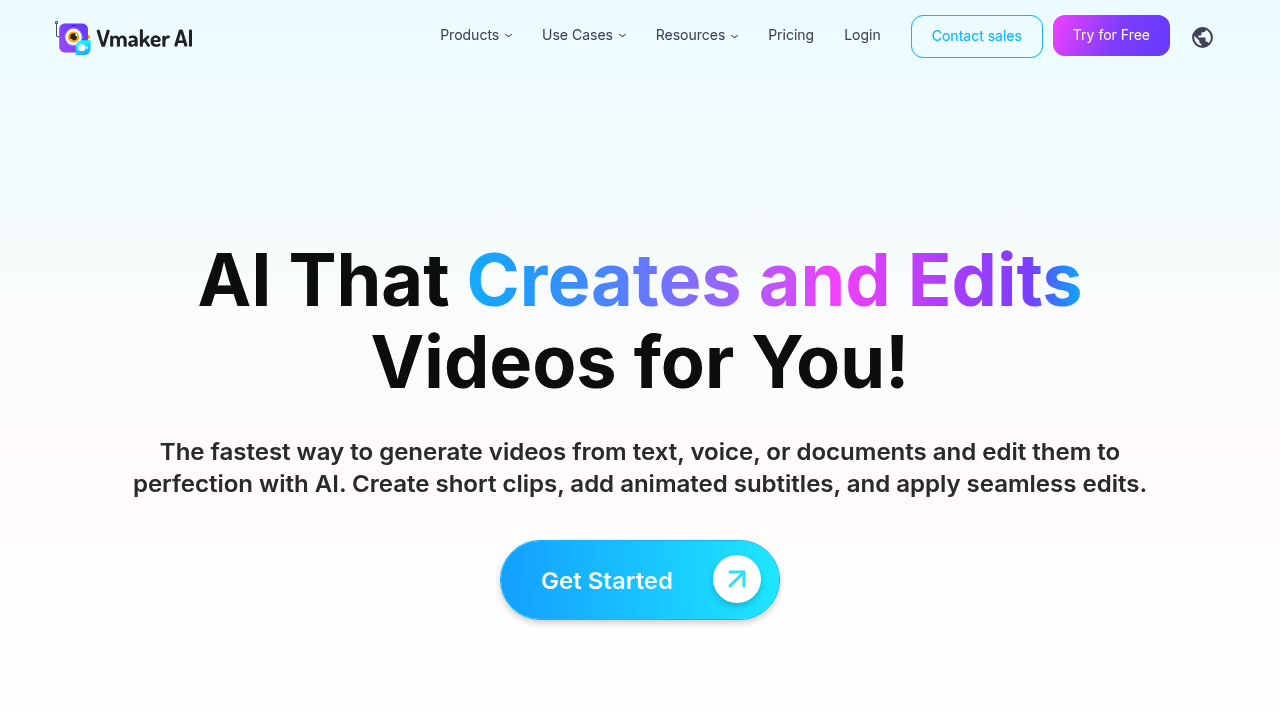
Vmaker screenshot

YouTubers and marketers pumping out video content regularly need Vmaker. L&D teams building training materials will find it useful too.

Content creators type a text prompt. Vmaker generates a video with one of its 100+ AI avatars. The lip sync accuracy hits 99% — beating most competitors in this space. You can also feed it documents. PDFs. PowerPoint files. Videos come back automatically. Screen recording works in 4K resolution.

The subtitle game is strong here.

Vmaker auto-generates captions in 35+ languages with animation styles that don't look completely robotic. Translation covers 100+ languages, so global reach isn't a problem.

Say you're a marketing manager who just finished a product demo presentation. Drop that PowerPoint into Vmaker and you'll get a video version with an AI avatar delivering your content. No studio time needed. No wrangling colleagues for recording sessions.

Vmaker handles the usual video editing tasks too. Background removal works through AI. Long videos get chopped into shorter clips automatically. You can pull highlights without scrubbing through hours of footage yourself.

With 25 million users, Vmaker isn't going anywhere soon. The company recently won an AI Startup of the Year Award, suggesting active development continues. YouTube integration makes publishing straightforward, though the editing interface feels cluttered when you're working with multiple video elements simultaneously.


Frequently asked

7 questions
How accurate is Vmaker's lip sync technology compared to other AI avatar tools?
Vmaker hits 99% lip sync accuracy -- that's way better than most AI avatar tools out there. The avatar's mouth movements sync almost perfectly with your audio, so you get way more believable videos than other platforms deliver.
Can I upload my existing PowerPoint presentations to create videos automatically?
Yep! Just drag your PowerPoint files into Vmaker and it'll create a video with an AI avatar presenting your slides. It also takes PDFs and other docs, turning boring static content into actual video presentations. No manual recording needed.
What's the maximum resolution for screen recordings in Vmaker?
You can record in 4K resolution with Vmaker. That means super crisp details whether you're doing software tutorials, recording gameplay, or capturing desktop presentations.
How many languages can Vmaker translate videos into?
Vmaker translates into 100+ languages -- pretty solid for reaching global audiences. The auto captions work in 35+ languages too, and they've got animated styles that don't look as robotic as typical subtitles.
Does Vmaker automatically create short clips from longer videos?
Yes! Vmaker's AI automatically cuts long videos into shorter clips and pulls out the best highlights. You don't have to scrub through hours of footage yourself -- saves a ton of time when you need multiple pieces of content from one recording.
Is the Vmaker editing interface easy to navigate for beginners?
The interface gets pretty cluttered when you're juggling multiple video elements. Core features are accessible enough, but complex projects with lots of moving parts can overwhelm newcomers who aren't used to video editing workflows.
How many AI avatars does Vmaker offer to choose from?
There are 100+ AI avatars available in Vmaker. That's plenty of variety to match different content styles, target audiences, or brand personalities. You won't get stuck with just a handful of generic options.

Traffic

Estimated monthly website visits · last 4 months

473.6K visits/mo
Monthly visits
473.6K
↓ 22.2% MoM
Global rank
#82,064
IN #19,871
Category rank
#44
Video Creation
608.6K 574.8K 541.1K 507.4K 473.6K Nov 2025: 510.4K visits Nov 2025 Dec 2025: 562.1K visits Dec 2025 Jan 2026: 608.6K visits Jan 2026 Feb 2026: 473.6K visits Feb 2026

Data from SimilarWeb · Updated monthly.

Reviews (0)

Write review

No reviews yet. Be the first to share your experience.

Similar tools

See all →