Wondershare Filmora logo
AI Video Editor FREEMIUM from $10/mo

Wondershare Filmora

Video editing that does not require training

Wondershare Filmora starts free. No upfront payment needed for video editing. It runs on Windows, Mac, and mobile devices as a multimedia application. Filmora targets users wanting professional-level video editing…

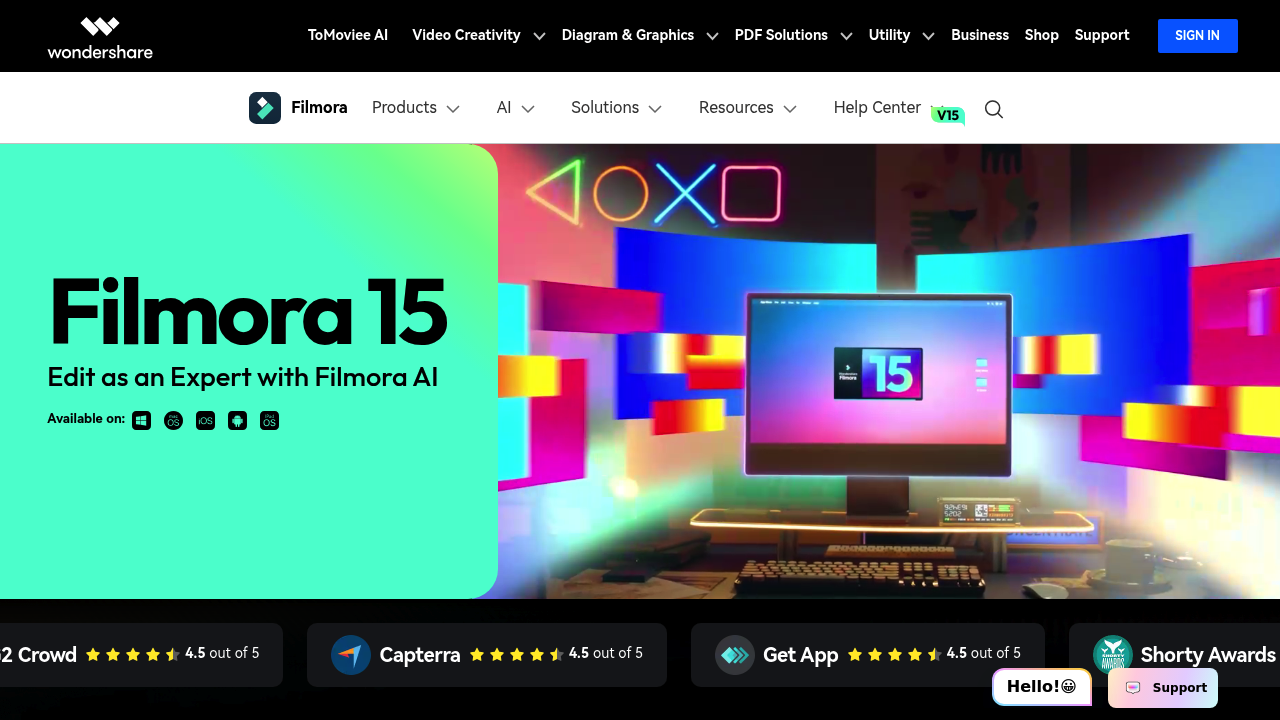
Wondershare Filmora screenshot

Wondershare Filmora starts free. No upfront payment needed for video editing. It runs on Windows, Mac, and mobile devices as a multimedia application.

Filmora targets users wanting professional-level video editing capabilities. The interface feels familiar if you've used other editing software. Over 15,000 users gave it a 4.7 rating after testing its editing tools.

Content creators juggling multiple platforms will love the cross-device flexibility. Picture this — you're a social media manager editing on your laptop during lunch breaks. Then you switch to mobile for quick tweaks while commuting home.

Filmora doesn't specify integration options with other services. This might limit workflow efficiency for teams already using specific content management systems or cloud storage solutions.

Multi-platform editing works well. Mobile editing keeps pace with desktop features. That 4.7 rating suggests most users find the editing experience satisfactory, though some might hit limitations depending on their workflow needs.

You can test Filmora's capabilities without financial commitment thanks to the free tier. Projects stay accessible whether you're working from a desktop setup or editing on the go with mobile devices.

Bottom line? Free tier removes barriers to entry.

Wondershare Filmora alternatives

See all →

Frequently asked

6 questions
What limitations does the free version of Wondershare Filmora have?
The description doesn't spell out exact limitations for the free tier. Most free video editing tools usually slap on watermarks or restrict exports -- but you'll need to test Filmora's free version yourself. The upside? You can explore what it does without paying anything upfront.
Can I start a project on my phone and finish it on my computer with Filmora?
Yep, Filmora works across Windows, Mac, and mobile. Your projects stay accessible no matter which device you're using. Pretty handy if you need to edit on the go, then polish everything up on a bigger screen later.
How does Wondershare Filmora compare to other video editors in terms of user satisfaction?
Filmora got a 4.7 rating from over 15,000 users. That's pretty solid -- suggests most people like the editing experience. Some users might run into workflow limits though, depending on what they need.
Does Filmora integrate with cloud storage or content management systems?
The description doesn't mention integration options with other services. This could be a pain if your team already uses specific cloud storage or content management systems. You'll want to dig into what file sharing and collaboration features are actually available.
Is Wondershare Filmora suitable for professional video editing work?
Filmora aims at users who want professional-level editing with a familiar interface. The 4.7 rating suggests it handles most tasks well enough. Whether it works for your professional needs depends on your workflow and any integrations you need with existing tools.
How easy is it to switch between devices when editing with Filmora?
The mobile features keep up with desktop functionality -- makes switching between devices pretty smooth. Content creators often edit on laptops during breaks, then make quick tweaks on mobile while commuting. The interface feels familiar across platforms (especially if you've used other editing software).

Traffic

Estimated monthly website visits · last 0 months

1.6M visits/mo
Monthly visits
1.6M

Not enough historical data for a chart yet.

Reviews (0)

Write review

No reviews yet. Be the first to share your experience.