
PowerDirector logo
AI Video Editor FREE TRIAL from $5/mo

PowerDirector

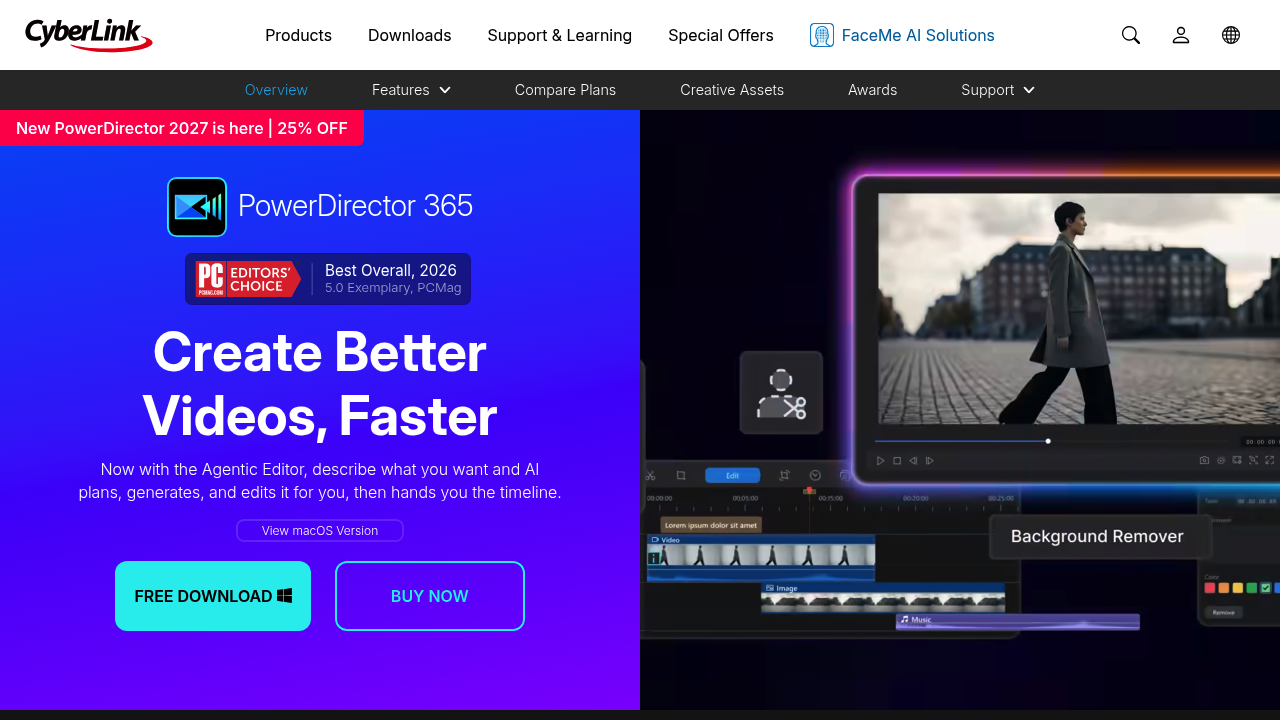
PowerDirector is CyberLink's video editing software that pairs a traditional multi-track timeline with AI.

Its Agentic Editor takes a plain-language description, plans the cut, picks the best clips, writes narration and syncs music, then hands the project back on the timeline. Generative tools create footage from text or…

PowerDirector screenshot

PowerDirector is CyberLink's video editing software that pairs a traditional multi-track timeline with AI. Its Agentic Editor takes a plain-language description, plans the cut, picks the best clips, writes narration and syncs music, then hands the project back on the timeline. Generative tools create footage from text or images, build characters and make music, while editing aids remove objects and backgrounds, enhance shaky or dark footage and clean up audio. A library of more than 130 million assets with 700+ transitions and effects is included, and a free download is available for Windows and macOS.

PowerDirector fits beginners, intermediate editors, YouTubers, social media creators, small business marketers and hobbyists who want strong results without a steep learning curve. Prosumers can fine-tune with frame-accurate trimming, keyframes, masks, multi-cam sync and color matching. Marketers repurposing content benefit from AI Auto Reframe, which resizes a whole project for YouTube, TikTok and Instagram at once. Users who prefer to start from a prompt can let the agent draft the edit and refine it themselves, while experienced editors can ignore the AI and work directly on the timeline.

A creator can describe a video, let the agent assemble it from raw clips, then add auto captions and AI voice profiles for narration. A small business can cut backgrounds from product shots without a green screen and drop them into new scenes. Travel or event filmmakers can stabilize shaky footage, brighten dark clips and remove passers-by in motion. Teams producing multilingual content can generate captions and build translated versions inside the editor. Wedding and interview editors use multi-camera sync and color matching, and anyone needing background tracks can generate music or pull tracks from the included stock library.

PowerDirector alternatives

See all →

Frequently asked

6 questions
What does PowerDirector's Agentic Editor do?
Describe a video in plain language and AI plans the cut, picks clips, writes narration and syncs music. The project then lands on the timeline for manual refinement.
Who is PowerDirector for?
Beginners, intermediate editors and prosumer creators, including social media and small business users. Experienced editors get keyframes, masks and multi-cam tools.
How can PowerDirector fix problem footage?
Video Quick Actions scan clips for stabilization, exposure, noise and audio issues and fix them in one guided step. AI object removal and video enhancement handle unwanted elements and dark or shaky shots.
Can PowerDirector reformat videos for social platforms?
AI Auto Reframe centers the subject and reformats an entire project for YouTube, TikTok, Instagram and similar platforms. This avoids re-editing for each aspect ratio.
What does PowerDirector include for assets?
Stock content includes 130M+ assets from Getty Images and the Meta Sound Collection, plus 700+ transitions and effects and animated titles. Items can be previewed and dropped onto the timeline.
How do I start with PowerDirector?
Download the free version first, and a macOS version is available. Special offers on PowerDirector 365 and PowerDirector 2027 appear on the CyberLink site.

Reviews (0)

Write review

No reviews yet. Be the first to share your experience.