
Adobe Premiere Elements logo

Adobe Premiere Elements

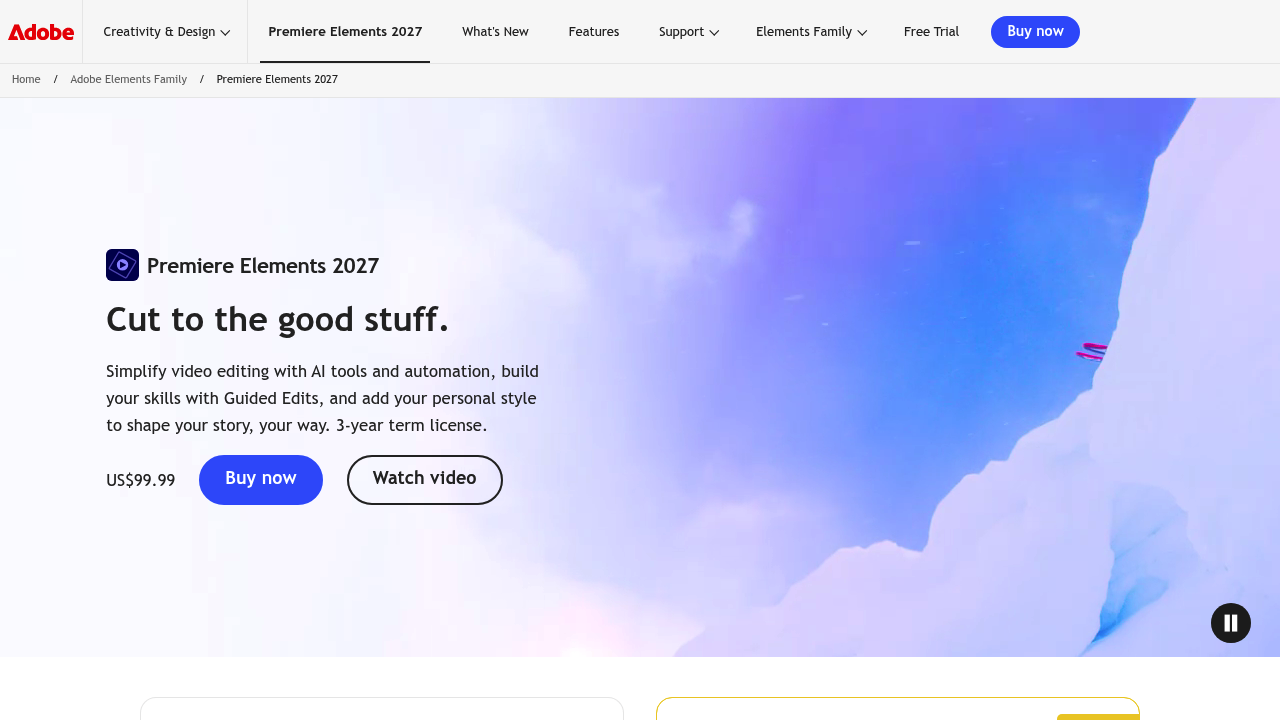
Adobe Premiere Elements 2027 is consumer video editing software that guides newcomers through making movies from their clips.

It offers Quick, Guided and Advanced modes, so users can start with automated edits and grow into manual control. AI tools trim and resize clips, generate images and title art, and remix music to match a video's length.…

Adobe Premiere Elements screenshot

Adobe Premiere Elements 2027 is consumer video editing software that guides newcomers through making movies from their clips. It offers Quick, Guided and Advanced modes, so users can start with automated edits and grow into manual control. AI tools trim and resize clips, generate images and title art, and remix music to match a video's length. It is sold as a 3-year term license, and users can test-drive features with sample media.

Hobbyists and families use it to turn holiday footage, birthday videos and school events into finished movies. Beginners with no editing background benefit from Guided Edits, which walk through tasks such as adding a musical score, fixing action camera footage or building double exposure effects. Social media users can dress up clips with motion titles, collages, slideshows and Highlight Reels. People with large personal libraries can import from popular cloud services, sort and back up automatically, and find footage by typing a description in an English-only beta.

Premiere Elements also lets users improve grainy videos and organize everything in one place. Typical projects include a wedding highlight reel, a travel slideshow set to music, a stop-motion film made with the built-in tools, and a cleaned-up clip of grainy footage with adjusted shadows and highlights. Creators can generate custom images or stylized title art to open a video, and use contextual toolbars to make routine edits faster. As confidence builds, the same project can move from Quick mode to Advanced mode without switching software. Visual tooltips explain controls along the way, so learning happens while you edit instead of in a separate tutorial.


Adobe Premiere Elements alternatives

See all →

Frequently asked

6 questions
What kind of editing does Premiere Elements handle?
It covers trimming, resizing, color and lighting fixes, titles, music remixing, stop-motion and template-based videos. Quick, Guided and Advanced modes match different skill levels.
Who is Premiere Elements aimed at?
Beginners, hobbyists and families who want polished videos without professional editing experience. Guided Edits teach techniques as you work.
What are Guided Edits?
They are step-by-step walkthroughs for specific tasks, such as adding a musical score, fixing action cam footage or creating double exposure videos. Each one leads you through the process inside the editor.
What AI features are included?
Users can generate images and creative title art, trim or resize clips with AI, and remix music to fit a video's length. Photos and videos can also be found by typing a description in an English-only beta.
How is the software licensed?
Premiere Elements 2027 is offered as a 3-year term license through Adobe's purchase flow.
How do I organize my media?
Footage can be imported from popular cloud services, then sorted and backed up automatically. A description-based search helps locate clips quickly.

Reviews (0)

Write review

No reviews yet. Be the first to share your experience.