
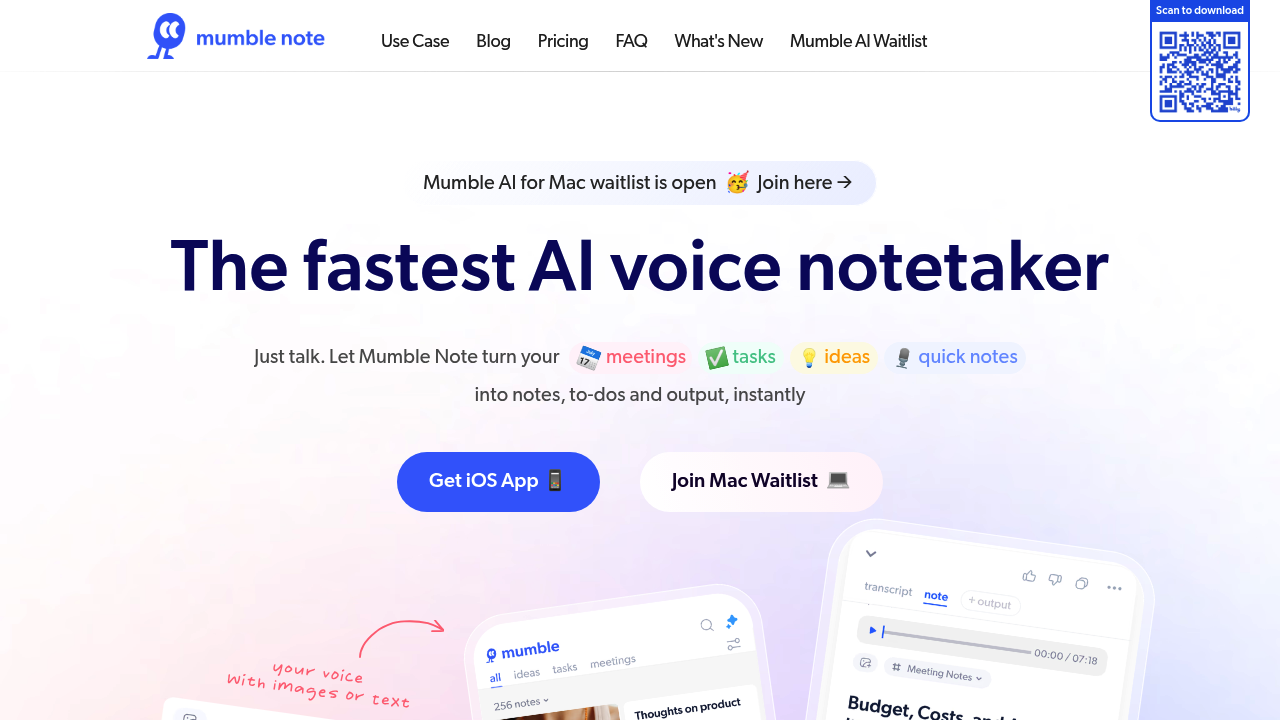
Mumble Note turns rambling voice recordings into organized notes you can actually use. You talk, it transcribes, then structures everything into summaries, action items, and to-dos without you lifting a finger. Works with voice, text, and images (snap a photo of a whiteboard and it'll extract the text too).
The transcription engine handles 40 languages and learns your personal vocabulary over time. Record up to two hours in a single session, which is plenty for most meetings or brainstorming marathons. The Apple Watch integration means you can capture thoughts mid-jog or during your commute. Widgets let you start recording with one tap.
Agent Mode is where things get interesting. It automatically files your notes into the right collections based on content, so you're not manually sorting everything later. Meeting notes come out with full transcripts plus extracted decisions and follow-ups. The AI chat feature lets you ask questions about your notes and even pull in web results if you need context.
Privacy matters here. Names and sensitive info get encrypted automatically during transcription. That's unusual for voice note apps.
Does it actually deliver? The multimodal approach works well — switching between voice, typing, and image capture in the same workflow feels natural. Translation quality is solid across the 40-plus languages. The automatic organization saves real time if you're drowning in meeting notes or scattered ideas.
Where does it stumble? The free plan caps you at 60 minutes of voice notes monthly with a two-minute limit per recording. That's tight if you're testing it for work meetings. The Starter tier bumps you to 3,000 minutes but restricts AI tools to 30 uses per month. What counts as one AI tool use is not specified on their site, which makes planning tricky.
No team features show up anywhere. This is built for individual use. Browser extension does not exist either — you're working through mobile or whatever app syncing they offer. The integrations list stays vague beyond Apple Watch and iOS widgets.
Pricing sits at three dollars monthly for Starter or ten dollars for Pro, both on annual billing. Free plan gives unlimited text notes but those voice limits bite fast. Starter works if you're occasional about voice recording. Pro gives you unlimited voice notes and AI tools plus early beta access.
Who should grab this? Content creators juggling ideas across podcasts, blogs, and social posts. Product managers in back-to-back meetings who need fast summaries. University students recording lectures then converting them to study guides. Consultants capturing client calls. Really anyone who thinks out loud more than they type.
The privacy-first angle appeals to professionals handling confidential stuff. UIUX designers can voice-record user interviews then auto-extract themes. Influencers can brain-dump content ideas while traveling.
Skip it if you need collaborative features or desktop-first workflows. The mobile focus won't fit everyone. And those free tier limits mean you'll hit the paywall quickly if this becomes your main note system.
Mumble Note does one thing uncommonly well — turns messy verbal thoughts into actionable structure. The encryption piece and Agent Mode differentiate it from basic transcription tools. Just know the free version is more trial than tool.